23 | Page
V4.1
Startup Delay
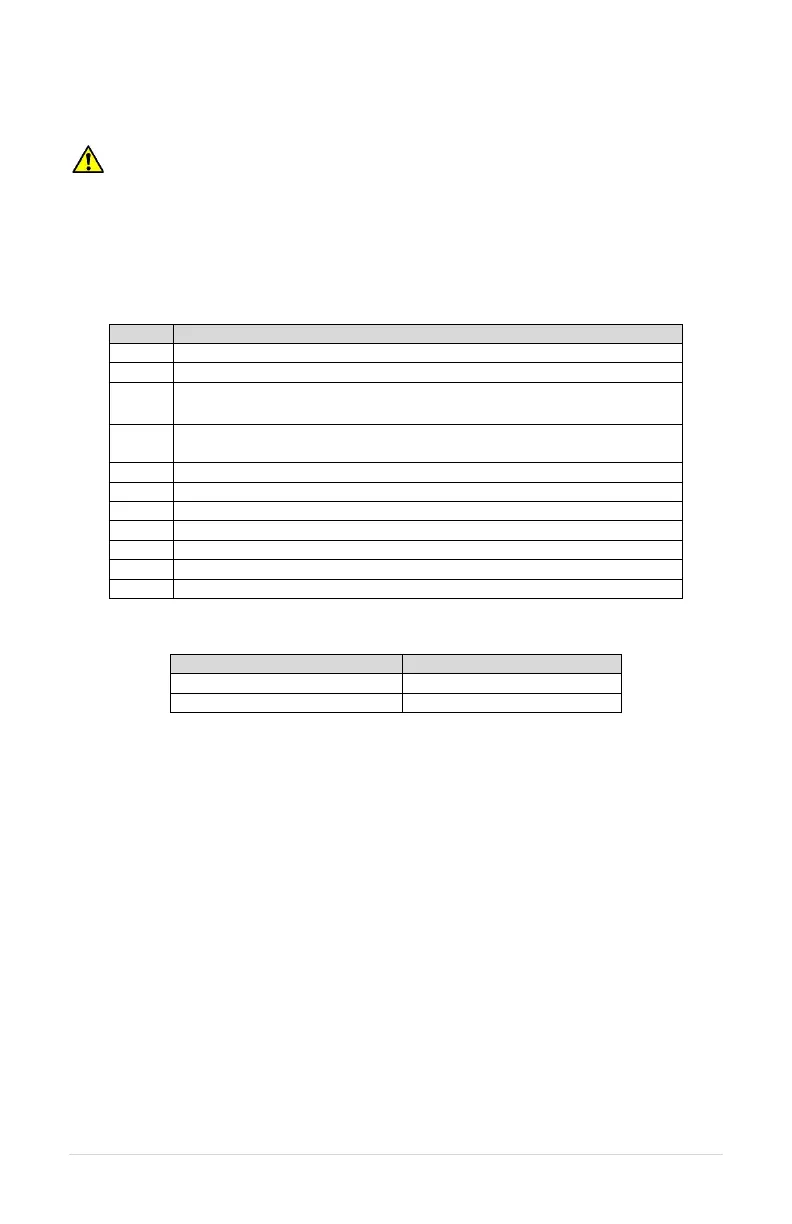
WARNING! Risk of electric shock. De-energize the unit by disconnecting all incoming
sources of power, then wait 30 minutes for internal charges to dissipate before servicing
the equipment.
Startup Delay will force the converter to wait for a set time period before starting up. This
procedure will require wiring two ON/OFF switches to the converter. Standard light
switches will work. See Figure 24 for wiring diagram. To add a startup delay, follow the
steps below:
Remove jumper wire between AUX1 and COM
3 Wire dry contact switch between AUX3 and COM (now called SW3)
4
Wire dry contact switch between AUX4 and COM (now called SW4)
Toggle SW4 until you see STARTUP DLY 4/5 on screen
Toggle SW3 to select between YES or NO
Wait several seconds to allow this programming to be saved
SW3 ON to access STARTUP DLY
SW4 ON to access DLY TIME
Switches now act as toggle to select the STARTUP DELAY TIME.
Wait several seconds until “Programmed Successfully” is shown on the display, and then
return switches to the OFF position. Turn power to converter OFF, re-install jumper wire
between AUX1 and COM, then reapply power to converter.


 To Next Page