EasyManua.ls Logo

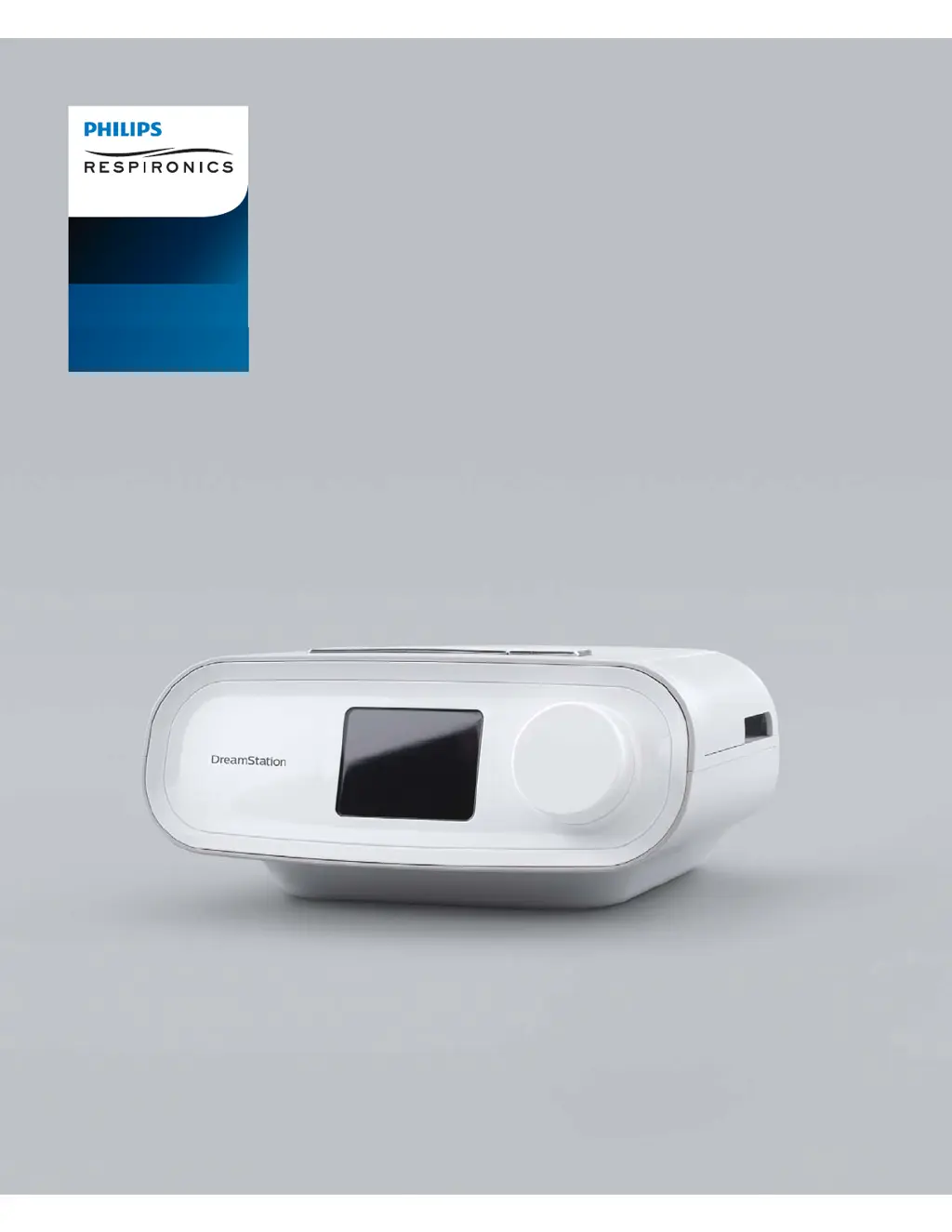
PHILIPS Respironics DreamStation BiPAP Pro - User Manual

PHILIPS Respironics DreamStation BiPAP Pro
32 pages
Print Icon
To Next Page IconTo Next Page
Loading...
User manual
DreamStation
BiPAP Pro
Auto BiPAP

Questions and Answers

  • B
    Brittany DeckerAug 14, 2025
    Why am I having difficulty adjusting the heated humidifier setting on my PHILIPS Respironics Medical Equipment?
    • S
      sgambleAug 14, 2025
      If you are having difficulty adjusting the heated humidifier or heated tube temperature settings, it may be because the blower isn't on, or the humidifier or heated tube isn't fully connected. These settings can only be adjusted from the Therapy 21 display screen. Ensure the blower is on and settings are visible on the right side of the screen, then adjust for comfort. If settings aren't visible, unplug the device and check for obstructions or damage to the humidifier and/or heated tube electrical contacts. Reconnect everything and the power supply. If the settings are still not visible after turning the blower on, contact your provider.
  • J
    Jenna BenjaminAug 17, 2025
    Why does the airflow pressure feel too high or too low on my PHILIPS Respironics DreamStation BiPAP Pro Medical Equipment?
    • E
      Elizabeth BarrAug 18, 2025
      If the airflow feels too high or too low, the Tubing type setting may be incorrect. Ensure the Tubing type setting matches the tubing you're using: Philips Respironics (15 or 14 mm tubing). If using Heated Tubing, this setting will be 14+ and unchangeable.
  • G
    Gary MortonAug 21, 2025
    Why is the airflow much warmer than usual with my PHILIPS Respironics Medical Equipment?
    • C
      Christopher WigginsAug 21, 2025
      If the airflow is much warmer than usual, the air filters may be dirty, or the device may be in direct sunlight or near a heater. Clean or replace the air filters. The air temperature may vary based on your room temperature. Ensure proper ventilation and keep the device away from bedding or curtains. Keep it away from direct sunlight and heating equipment. If you're using a humidifier, check its settings, and refer to its instructions to ensure it's working correctly. If the problem continues, contact your home care provider.
  • C
    Christopher AndersonAug 25, 2025
    Why does the Ramp feature not work on my PHILIPS Respironics DreamStation BiPAP Pro Medical Equipment?
    • D
      dominiquequinnAug 25, 2025
      If the Ramp feature isn't working when you press the Ramp button, it could be that your home care provider didn't prescribe it, or your therapy pressure is already at the minimum. If Ramp hasn't been prescribed, discuss it with your provider. If it has been enabled but still doesn't work, check the current pressure setting on the Therapy screen. If the therapy pressure is at the minimum, the Ramp starting pressure is the same, so the feature won't work. Also, ensure the ramp time setting is >0.
  • L
    Lori HughesAug 27, 2025
    What to do if my PHILIPS Respironics DreamStation BiPAP Pro Medical Equipment's display is erratic?
    • D
      devin88Aug 27, 2025
      If the device's display is erratic, it may have been dropped or mishandled, or it's in an area with high electromagnetic interference (EMI). Unplug the device and reapply power. If the problem continues, move the device to an area with lower EMI, away from electronics like cell phones, cordless phones, computers, TVs, electronic games, and hair dryers. If the problem persists, contact your home care provider.
  • S
    steven95Aug 31, 2025
    Why does the water in the water chamber run out before morning with my PHILIPS Respironics DreamStation BiPAP Pro?
    • C
      Christopher WilkinsonAug 31, 2025
      If the water in the water chamber runs out before morning, ensure the chamber was full at the start of the session. A full chamber should last a typical sleep session, but factors like ambient temperature and humidity, humidifier settings, mask leak, and sleep duration affect water consumption. Fill the chamber to the maximum line before starting. Check and adjust your mask for proper fit to reduce leaks. Confirm the device, humidifier, seals, and tube are connected properly and not leaking. You might also lower humidifier and heated tube settings or change the humidifier calibration mode from Fixed to Adaptive to extend water usage.
  • C
    Catherine BaxterSep 3, 2025
    What to do if the airflow does not turn on with my PHILIPS Respironics Medical Equipment?
    • R
      Ryan DaySep 4, 2025
      If the airflow doesn't turn on, there may be a problem with the blower. Ensure the device is powered correctly and the home screen appears. Press the Therapy button on top of the device to start airflow. If it still doesn't turn on, there may be a device problem. Contact your home care provider for assistance.
  • T
    Tracy BlackSep 7, 2025
    Why is the heated tubing not warm on my PHILIPS Respironics DreamStation BiPAP Pro?
    • J
      joseph94Sep 7, 2025
      If the Tube Temperature is turned on in the Setup screen, but the Heated Tubing isn't warm, it may be due to using an incorrect power supply. Make sure the appropriate power supply is being used, or a compatible battery or DC cable.
  • D
    Dana Phillips PhDSep 10, 2025
    How to fix blinking and no backlights on my PHILIPS Respironics DreamStation BiPAP Pro?
    • J
      Joseph MurphySep 10, 2025
      If blinking happens when you apply power and the button backlights don't light, it could be due to several reasons. If using AC power, check the outlet and ensure the device is properly plugged in. Verify power is available at the outlet and that the AC power cord is correctly connected to both the power supply and the device's power inlet. If the issue continues, contact your home care provider. Alternatively, return both the device and power supply to your provider for assessment. If using DC power, ensure your DC power cord and battery adapter cable connections are secure. Check your battery; it may need recharging or replacement. If the problem persists, check the DC cord's fuse following its instructions, and replace if needed.

Summary

Important Safety Guidelines

Oxygen and Flammable Environment Safety

Critical precautions for using supplemental oxygen and avoiding hazardous environments.

Environmental and Device Care Warnings

Guidelines on operating temperature, device handling, and power cord safety.

Device Cautions and Contraindications

Medical Contraindications

Patient conditions that may render positive airway pressure therapy unsuitable or require caution.

Air Filter Management

Filter Replacement Procedure

Step-by-step guide for cleaning and replacing the device's air filters.

Device Placement and Power Connection

AC Power Connection Steps

Detailed instructions for connecting the device to an AC power source.

Connecting the Breathing Circuit

Tubing Connection Procedure

Step-by-step guide for connecting the flexible tubing to the device and mask.

Device Navigation and Operation

Initial Setup and Therapy Start

Procedure for powering on, initial setup, and commencing therapy sessions.

Therapy Session Adjustments

System Settings and Configuration

Bluetooth Wireless Technology

Pairing Device to Mobile

Step-by-step instructions for pairing the therapy device with a mobile device via Bluetooth.

Mask Fit and Sleep Progress Tracking

Initiating and Interpreting Mask Fit Test

How to perform and understand the results of the mask fit assessment.

Device Alerts Overview

Alert Classification and Types

Categorization and description of the different alert notifications provided by the device.

Alerts: Data and System Issues

Alerts: Hardware and Power Issues

Device Operational Troubleshooting

Solutions for common problems with power, airflow, display, ramp, and temperature settings.

Troubleshooting: Airway and Mask Issues

Blocked Airway and Filter Issues

Troubleshooting steps for blocked inlets and filter-related problems.

Mask and Tube Leak Issues

Guidance for identifying and resolving mask and tubing leaks.

Troubleshooting: Humidifier and Leak Issues

Heated Tube and Humidifier Settings

Solutions for problems related to heated tube warmth and humidifier settings.

Water Chamber and Leak Problems

Troubleshooting for water chamber depletion, leaks, and accidental spills.

System Setup and Options

SD Card and Software Updates

Procedure for using the SD card to update device software.

Supplemental Oxygen Integration

Oxygen Use Precautions

Critical safety warnings and precautions when using supplemental oxygen with the device.

Device Power and Maintenance

Supplying DC Power to the Device

Instructions for operating the device using a DC power source.

Pressure Accuracy Data

Limited Warranty Information

PHILIPS Respironics DreamStation BiPAP Pro Specifications

General IconGeneral
Device TypeBiPAP
BrandPHILIPS Respironics
ModelDreamStation BiPAP Pro
Pressure Range4-25 cm H2O
Altitude CompensationAutomatic
ManufacturerPHILIPS Respironics
HumidifierOptional heated humidifier
DisplayColor LCD
Data StorageSD card
ConnectivityBluetooth
Therapy ModesBiPAP, CPAP
Ramp Time0-45 minutes
AC Voltage100-240V, 50/60Hz
Advanced FeaturesSmart Ramp

Related product manuals