18
Trouble Shooting
The following table lists possible Image problems, and the recommended resolutions.
Image Problems
Having this problem?Check these items
Display position is incorrect
· Press the AUTO button
· Adjust the image position using the Horizontal Position
and/or Vertical Position in OSD Main Controls.
Image vibrates on the screen
· Check that the signal cable is properly connected to the
graphics board or PC.
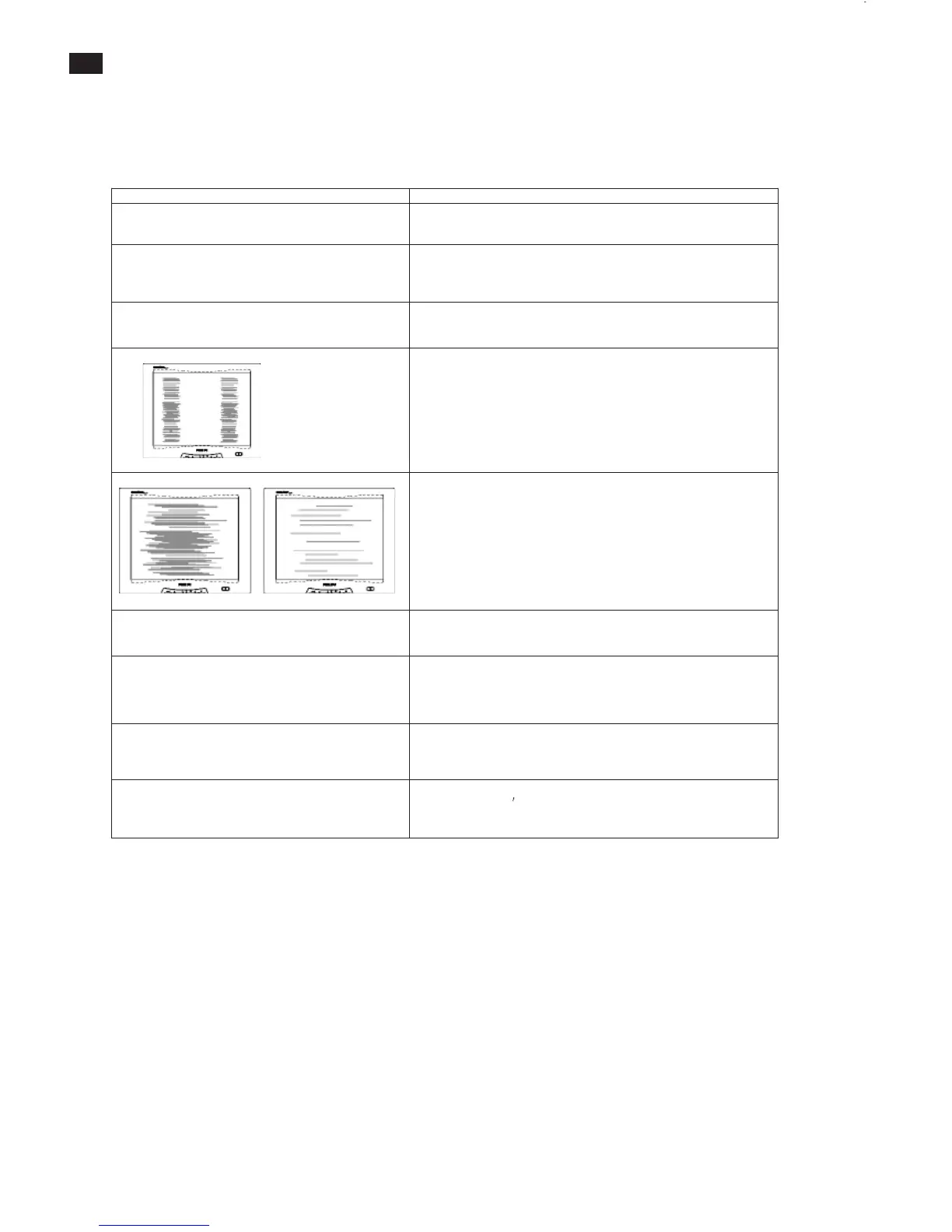
Vertical flicker appears
· Press the AUTO button
· Eliminate the vertical bars using the ClockAdjustment of
VIDEO NOISE in OSD Main Controls.
Horizontal flicker appears
· Press the AUTO button
· Eliminate the horizontal bars using the Phase
Adjustment of VIDEO NOISE in OSD Main Controls.
The screen is too bright or too dark
· Adjust the contrast and brightness on OSD Main Controls.
Anafter-image appears
· If an image remains on the screen for an extended period of time,
it may be imprinted in the screen and leaveanafter-image. This
usually disappears after a few hours.
Anafter-image remains after the power has
been turned off.
· This is characteristic of liquid crystal and is not caused by a
malfunction or deterioration of the liquid crystal. The after-image
will disappear after a period of time.
Green, red, blue, and white dots remains
· The remaining dots are normal characteristic of the liquid crystal
used in today
s technology.



 To Next Page