17
Trouble Shooting
Common Problems
Having this problem? Check these items
No Picture
(power LED not lit)
· Make sure the power cord is plugged into the power outlet
and into the back of the monitor.
· First, ensure that the power button on the front of the monitor is in
the OFF position, then press it to the ON position
No Picture
(Power LED is amber or yellow)
· Make sure the computer is turned on.
· Make sure the signal cable is properly connected to your computer.
· Check to see if the monitor cable has bent pins.
· The Energy Saving feature may be activated
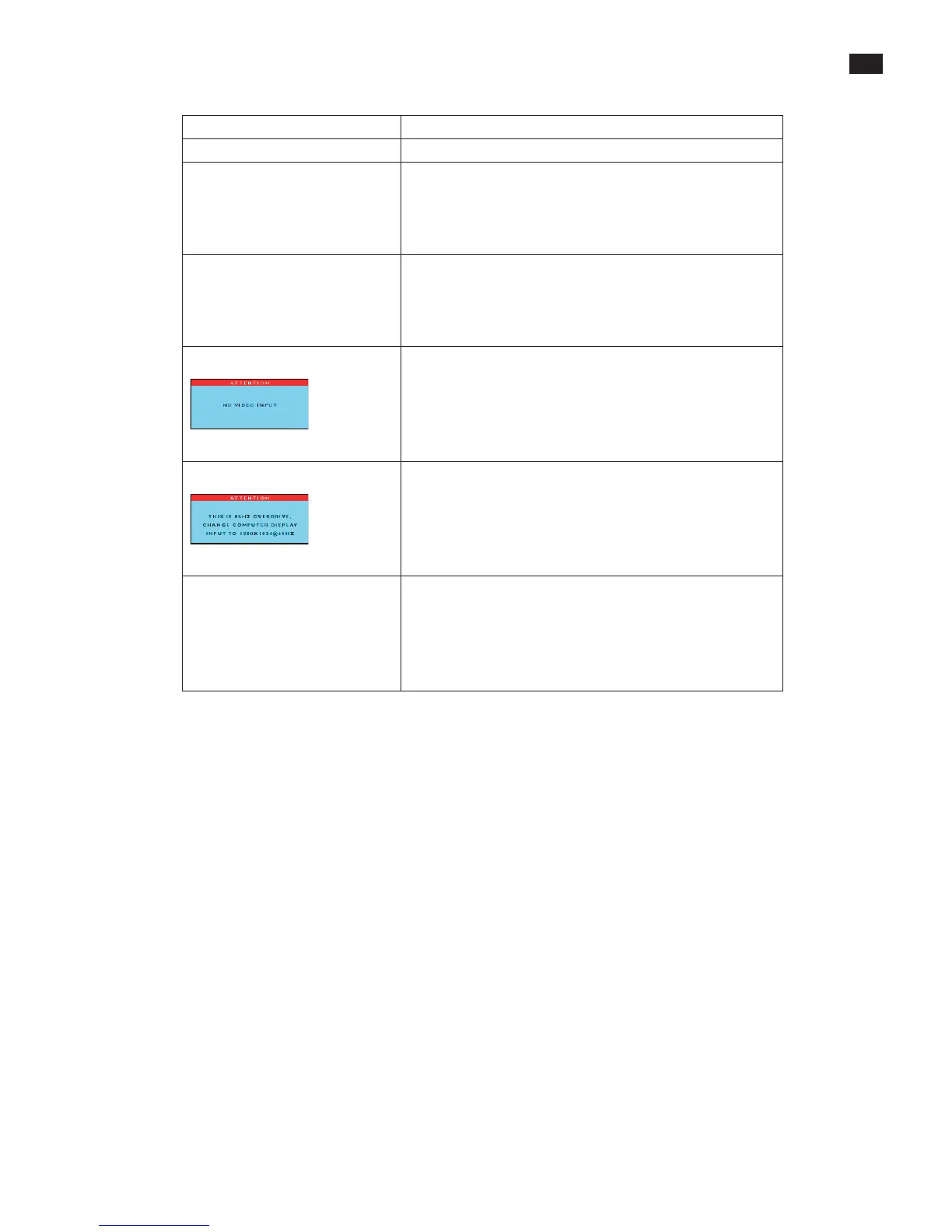
Screen says
· Make sure the monitor cable properly connected to your computer.
(Also refer to the Quick Set-Up Guide).
· Check to see if the monitor cable has bent pins,
· Make sure the computer is turned on.
Screen says
· Make sure the vertical sync of input signal is within the range of
56--75Hz.
· Change the refresh rate to 56--75Hz within 10 minutes.
· Re-power on monitor to start over again if you failed to change the
refreshratewithin10minutes.
AUTO button not working properly
· The Auto Function is designed for use on standard Macintosh or
IBM-compatible PCs running Microsoft Windows.
· It may not work properly if using nonstandard PC or video card.
· The AUTO adjustment does not function when digital input is used
for display



 To Next Page