EasyManua.ls Logo

Philips 170B2M - Connecting to Your PC

Philips 170B2M
90 pages
Print Icon
To Next Page IconTo Next Page
To Previous Page IconTo Previous Page
Loading...
Connecting to Your PC
Your LCD Monitor : Front View Product DescriptionAccessory PackConnecting to Your
PCRemove and re-install the baseGetting Started Optimizing Performance
Accessories (optional)
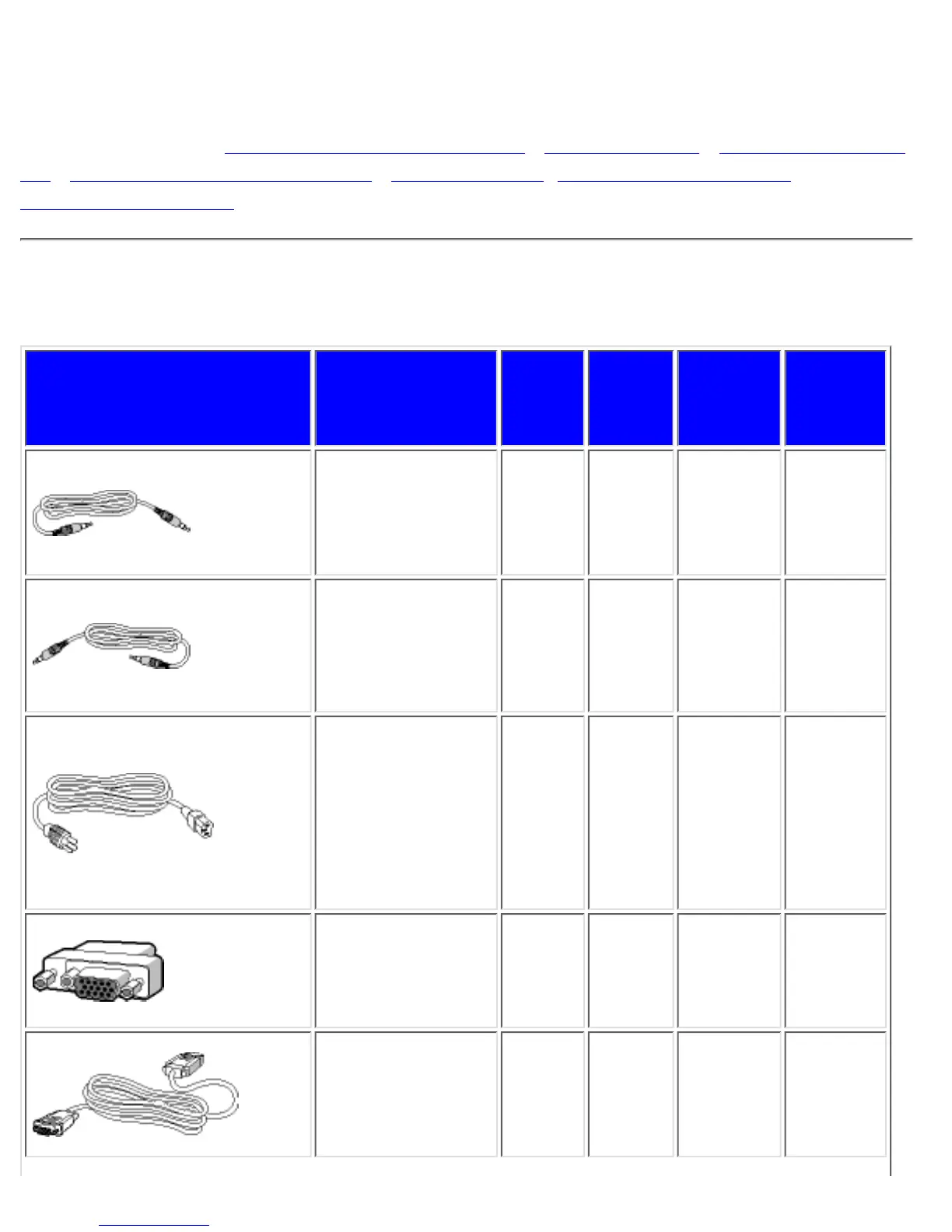
Accessory Pack
Unpack all the parts.
Item Description
170B2B
170B2T
170B2Y
170S2B
170B2M
180P2M
180P2G
180P2B
1) Audio in Cable
(Option only
available for Audio
version)(color lime)
v v
2) Microphone out
Cable (Option only
available for Audio
version)(color pink)
v v
3) Power Cord
(socket may differ
for different
countries)
v v v v
4) Macintosh
Adapter (optional)
v v v v
5) VGA Signal
Cable
v v v v
Connecting to Your PC
file:///D|/Grace/K1/english/170b2m/install/connect.htm (1 of 4) [11/22/2001 1:38:06 PM]

Related product manuals