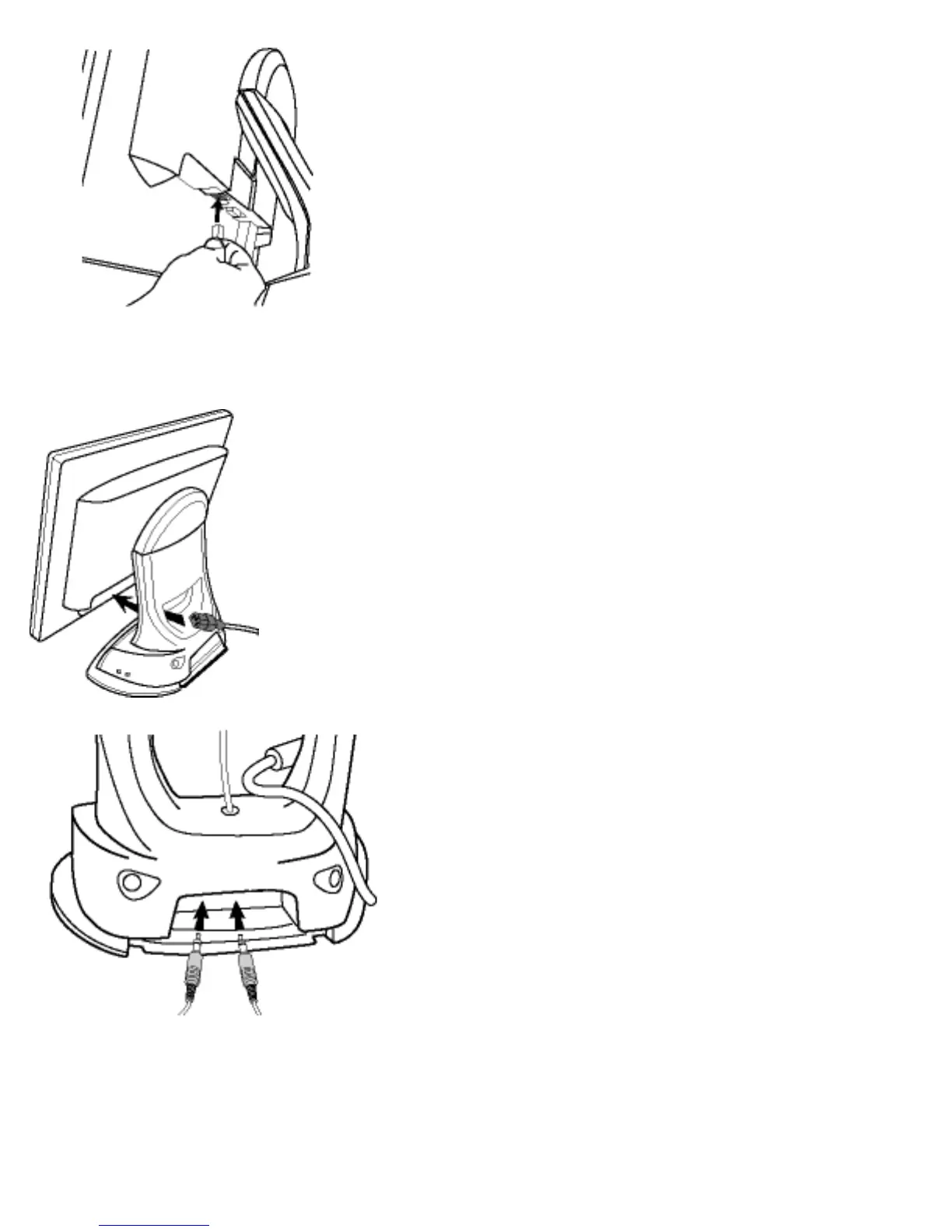
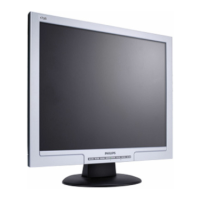
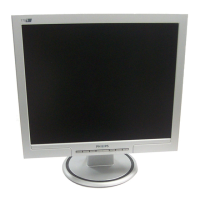
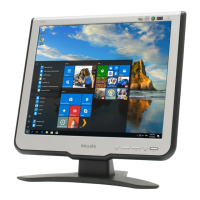
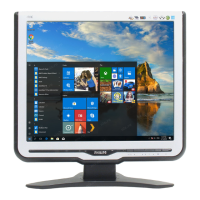
4) For Multimedia base, plug the flying
DC power cable of base onto monitor.
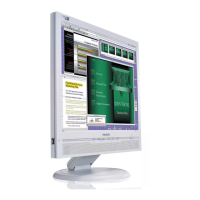
5) Thread power cable through the hole
at the bottom of the base, and plug onto
monitor firmly.
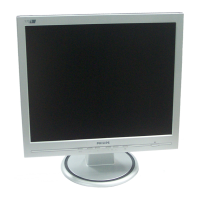
6) Connect microphone and audio cables
onto the rear side of base if any.
file:///D|/Grace/K1/english/170b2m/install/access.htm (7 of 8) [11/22/2001 1:38:09 PM]



 To Next Page