4
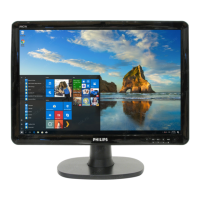
190CW7 LCD
Installation
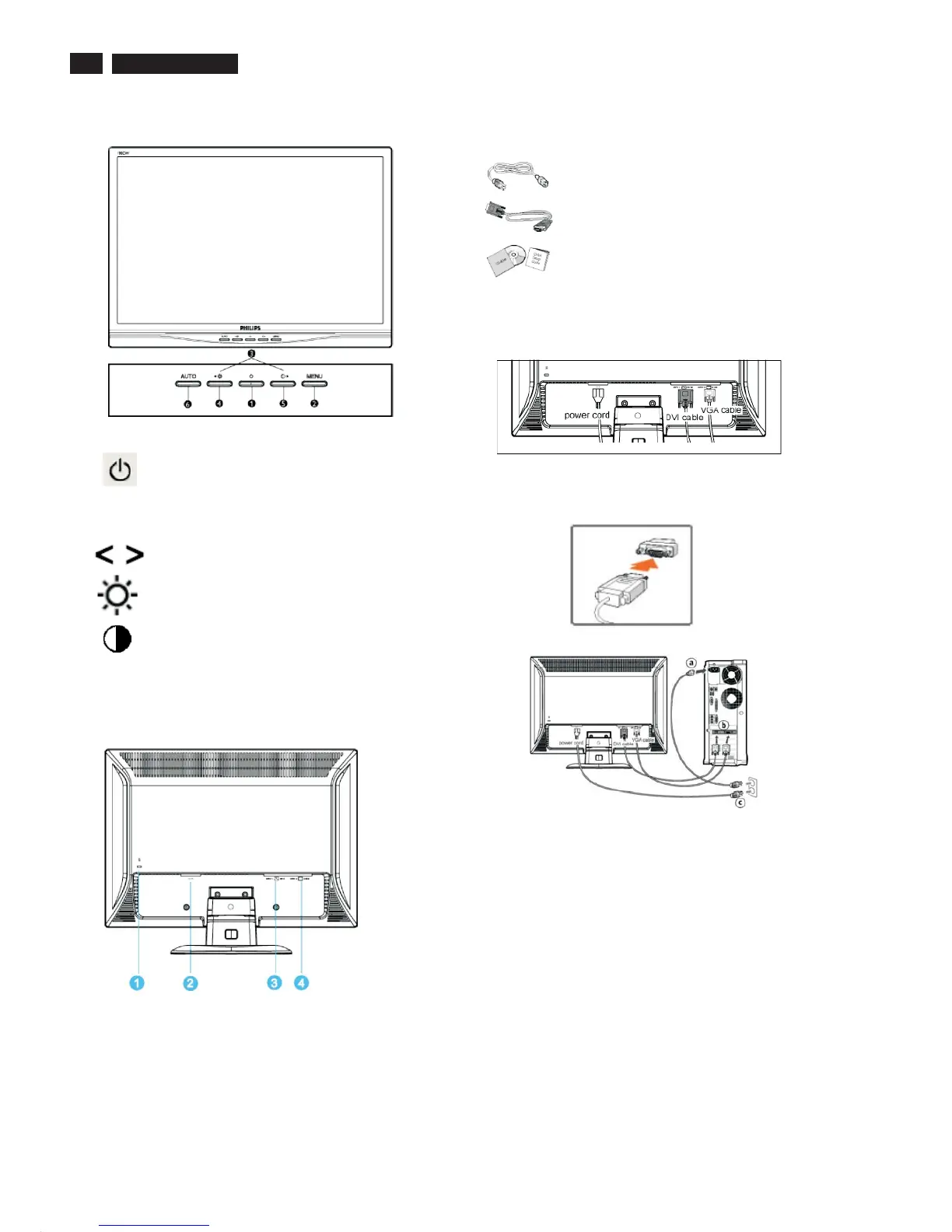
Front View
Rear View
Power cord
VGA signal cable
EDFU pack
Accessory Pack
Item Description
Connecting to Your PC
1
2
3
4
5
6 AUTO
To switch monitor's power On and Off
Automatically adjust the horizontal position,
vertical position, phase and clock setting
To access OSD menu
To move the adjust
To adjust brightness of the display
/ to confirm
To adjust contrast of the display
1) Connect the power cord to the back of the monitor firmly.
Notes:If you use an Apple Macintosh , you need to connect the
special Mac adapter to one end of the monitor signal cable.
TM
1
2
3
4
Kensington anti-thief lock
AC power input
DVI-D input
VGA input
2)
(a)
(b)
(c)
(d)
Connect to PC
Turn off your computer and unplug its power cable.
Connect the monitor signal cable to the video connector on the
back of your computer.
Plug the power cord of your computer and your monitor into a
nearby outlet.
Turn on your computer and monitor. If the monitor displays an
image, installation is complete.
MENU



 To Next Page