HUDSON 9
79
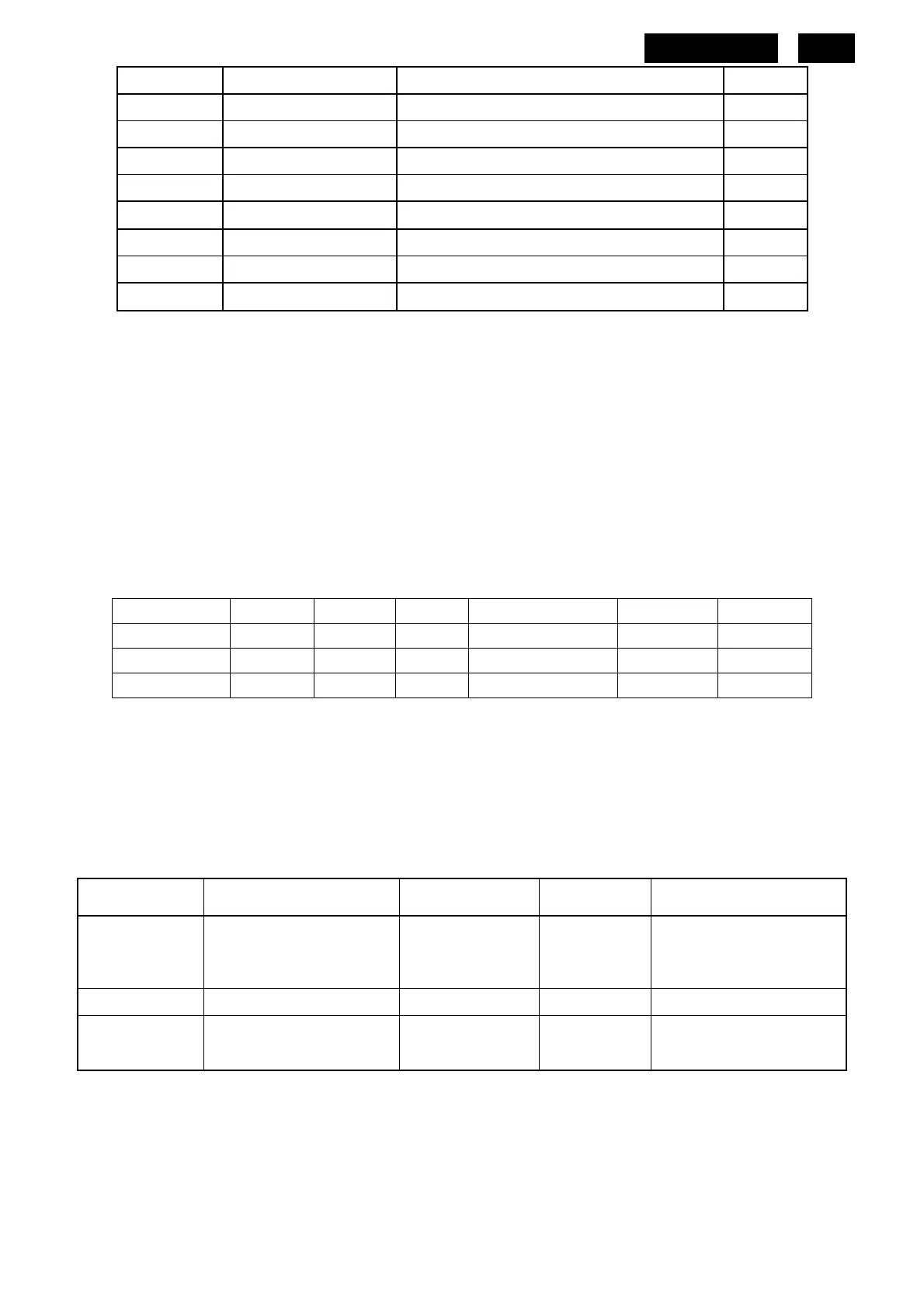
Clock (0~100)
H.Position (0~100)
V.Position (0~100)
Reset (Yes, No) No
Resolution Notification (On, Off)
Off
Information
Input Auto Auto
VGA
DVI
3.3 Horizontal scanning/ Vertical scanning
Sync polarity : Positive or Negative
Scanning frequency : 30 – 83 K Hz
Sync polarity : Positive or Negative
Scanning frequency : 56 - 76 Hz
3.4. Power input connection
Power cord length : 1.8 M
Power cord type : 3 leads power cord with protective earth plug.
3.5. Power management
The monitor must comply with the Microsoft On Now specification, and meet EPA requirements.
Mode HSYNC VSYNC Video Pwr-cons. Indication Rec. time
Power-On On On active < 60 W Green LED --
Off Off Off blanked < 2 W Amber LED < 3 s
DC Power Off N/A < 1 W LED Off
3.6. VGA Display identification
In accordance with VESA Display Channel Standard Ver.1.0 and DDC 2B capability
3.7. DDC /CI Support
In accordance with VESA DDC/CI and MCCS ver.2.0, the monitor should be workable with
Philps SmartManage, SmartControl V6.1 and Protrait Display Tune at least.
3.8 Hot-key definition
Item Key Key press time
OSD
Timeout
OSD Message
Monitor
Controls Lock
[Menu] 6 sec 5 sec
MONITOR CONTROLS
LOCKED
MONITOR CONTROLS
UNLOCKED (default)
Factory Mode [AUTO]+[Menu]+[Power]
DDC/CI
On/OFF for
VISTA
[MENU]+[DOWN] 5 sec 5 sec
DDC/CI ON (default)
DDC/CI OFF
http://www.wjel.net


 To Next Page