18 EN
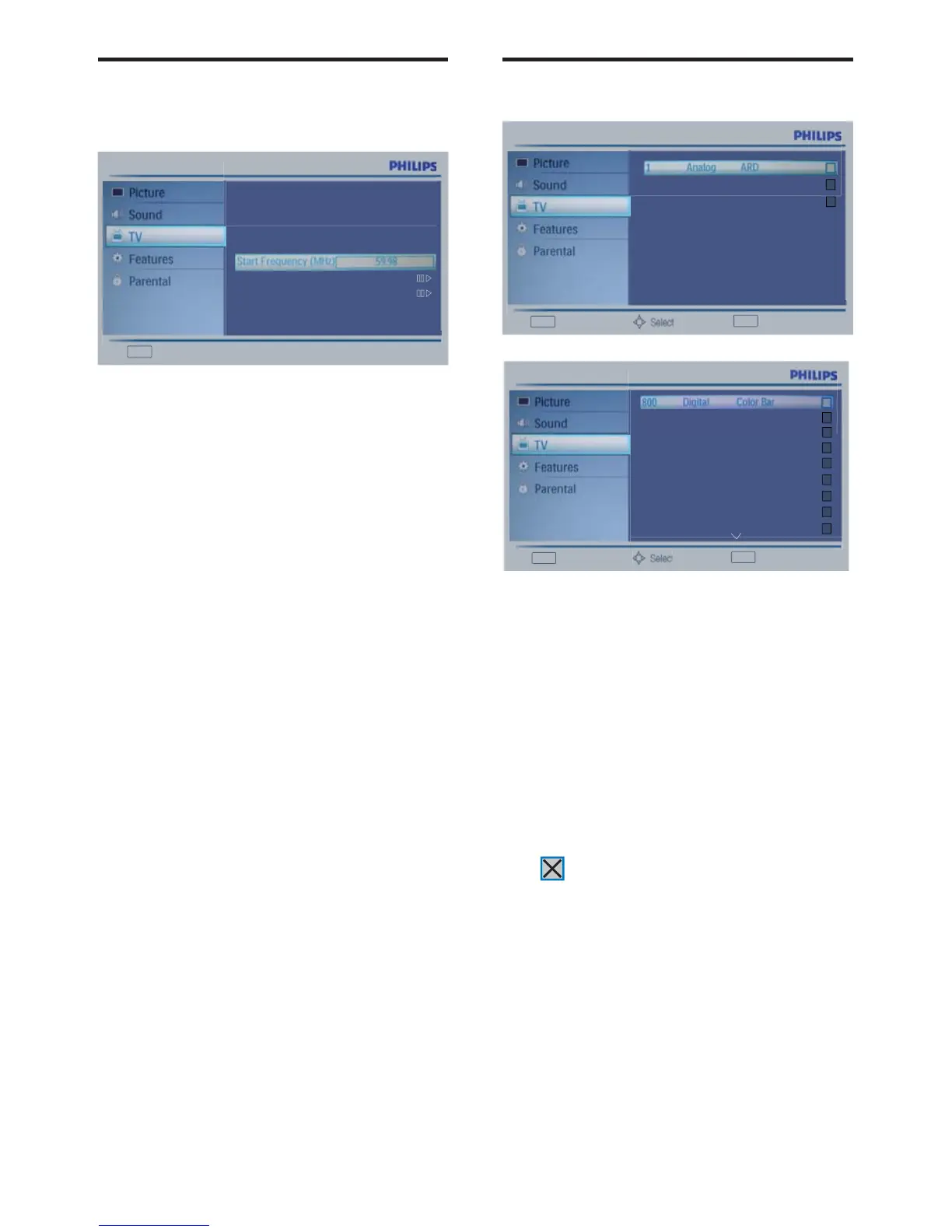
Channel Skip
This function enables you to skip the stored
channels.
ɽ3UHVV0(18ɼɾEXWWRQWRVHOHFW
TV.
ɽ3UHVV2.ɼɾEXWWRQWRVHOHFW
Channels.
ɽ3UHVV2.ɼɾEXWWRQWRVHOHFW
Channel Skip.
ɽ3UHVV2.ɼɾEXWWRQWRVHOHFWWKH
channel you want to skip.
ɽ Press OK button to set. A checked icon
is a skip one.
A skip channel is skipped when using CH ^ and
CH
v button to browse the channels.
A skip channel can be watch by key-in the
program number or select by list.
No signal analog channel is a default skip
program.
Exit
Back
2 Analog - - - - -
3 Analog - - - - -
OK
Set
Exit
Back
801 Digital Monoscope
802 Digital Moving Pictu...
OK
Set
803 Digital H264_12
804 Digital H264_2
805 Digital H264_4
806 Digital H264_8
807 Digital MPEG2
901 Analog ARD
Analog Manual Scan (Analog
TV only)
Analog Manual Scan lets you manually add an
analog channel to your channel list.
ɽ 3UHVV0(18ɼɾEXWWRQWRVHOHFW
TV.
ɽ3UHVV2.ɼɾEXWWRQWRVHOHFW
Channels.
ɽ3UHVV2.ɼɾEXWWRQWRVHOHFW
Analog Manual Scan.
ɽ Press OK button to display the ATV or
TV channel info.
ɽ3UHVVɼɾEXWWRQWRVHOHFWDQLWHP
ɽ3UHVV2.ɽEXWWRQWR6FDQ8SRU
Down.
Exit
Back
Search for analog channels
Scan Up
Scan Down












 To Next Page