7
TPE1.0U LA
4. Mechanical Instructions
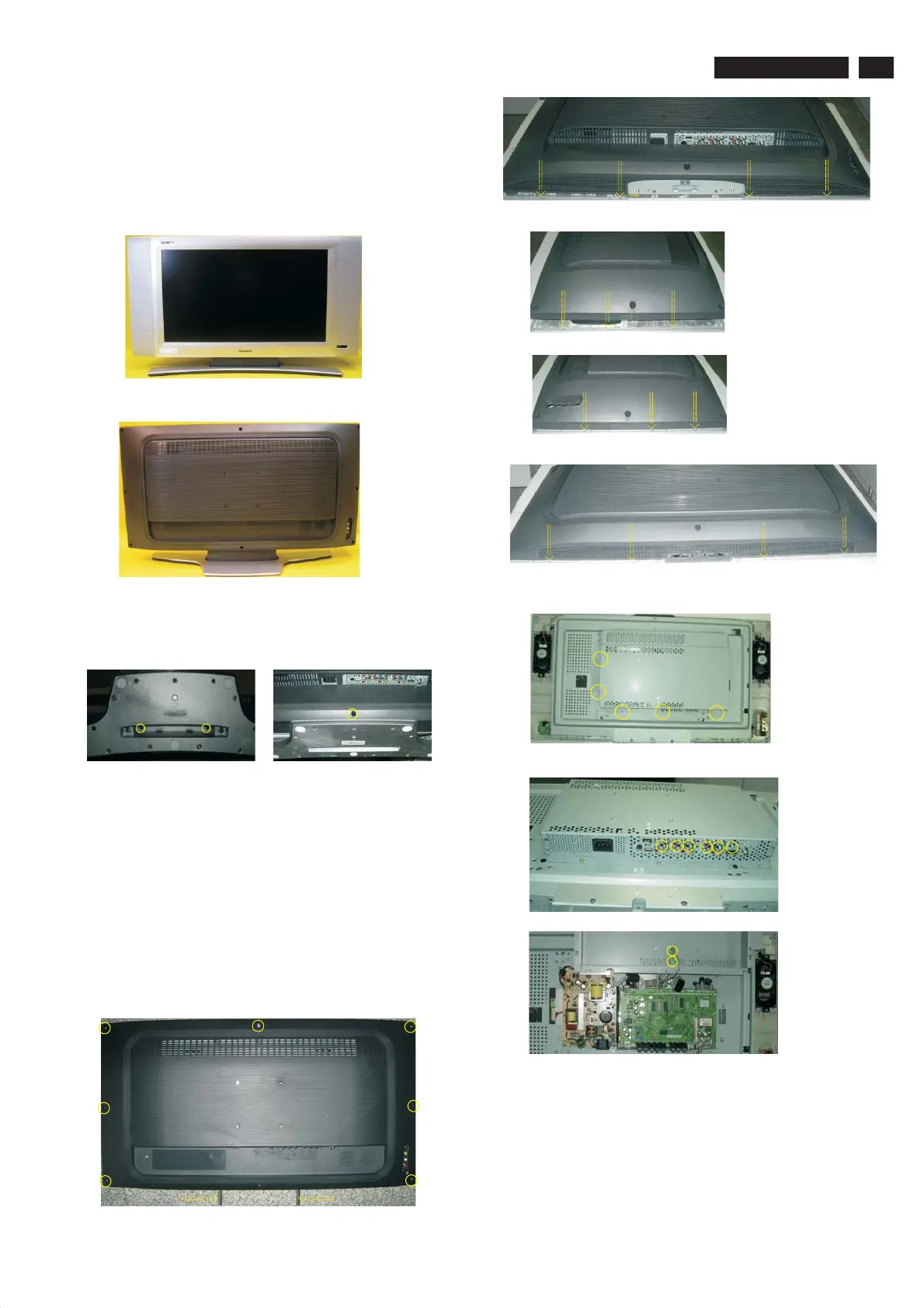
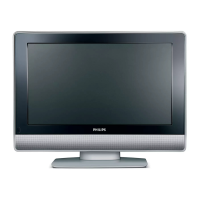
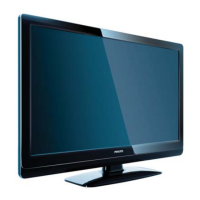
Front view
Back view
Step 1. Remove the stand.
Remove the three screws as Fig.3 and Fig.4
Fig.3
Fig.2
Fig.1
Step 2. Remove the Back cover and Main shield assy as Fig.5~12.
a.
b. Use thin "I" type screwdriver to open 4 clicks on bottom
side as Fig.6
c.
Remove the 7 screws on the sides as Fig.5and the other 2 screws
Use thin "I" type screwdriver to open 2 clicks on right
side as Fig.7
e. Use thin "I" type screwdriver to open 2 clicks on left
side as Fig.8
f. Use thin "I" type screwdriver to open 6 clicks on top
side as Fig.9
g. Remove the back cover as Fig.10 .
h. Remove the 13 screws as Fig.10,Fig.11,Fig.12 , then remove the
Main shield assy.
Fig.6
Fig.7
Fig.8
Step 3. Remove the Scaler, Power,IR, Key Control, Side AV and USB
board.
Remove the 14 screws and disconnect the 12 cables as Fig. 13 .
Fig.9
Fig. 10
Fig.4
Fig.5
Fig. 11
Fig. 12
4. Mechanical Instructions
Index of this chapter:
4.1 Assy/Panel Removal
4.2 Set Re-assembly
4.1 Assy/Panel Removal
www.freeservicemanuals.info







 To Next Page