T
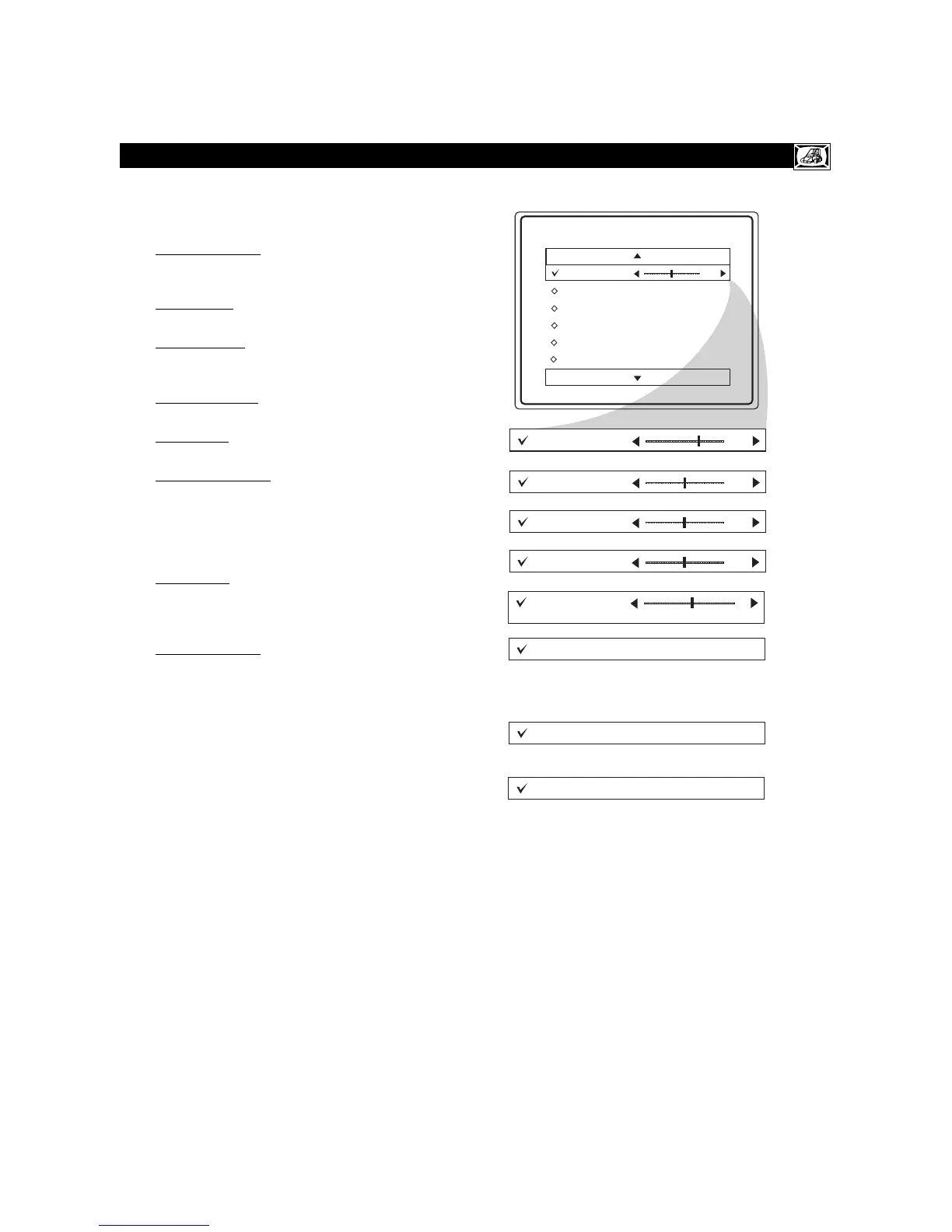
o adjust your TV picture controls, select a
channel and use the Picture Menu Controls
listed below:
1
Brightness Control - Press the
CURSOR
rr
or
ss
buttons
until the darkest parts of the
picture are as bright as you prefer.
2
Color Control -Press the
CURSOR
rr
or
ss
buttons
to add or eliminate color.
3
Picture Control - Press the
CURSOR
rr
or
ss
buttons
until lightest parts of the picture
show good detail.
4
Sharpness Control - Press the
CURSOR
rr
or
ss
buttons
to improve detail in the picture.
5
Tint Control - Press the
CURSOR
rr
or
ss
buttons
to obtain natural skin tones.
6
Color Temp Control -Press the
CURSOR
rr
or
ss
buttons
to select Normal, Cool, or
Warm picture preferences. (Normal will keep
the whites, white; Cool will make the whites,
bluish; and Warm will make the whites, red-
dish.)
7
DNR Control -Press the
CURSOR
rr
or
ss
buttons
to turn DNR On or Off. Dynamic
Noise Reduction helps to eliminate “noise”
from the picture.
8
Contrast + Control - Press the
CURSOR
rr
or
ss
buttons
to toggle the control On or
OFF. The Contrast + control helps to “sharpen”
the picture quality. The black portions of the
picture become richer in darkness and the
whites become brighter.









 To Next Page