9
English
EN
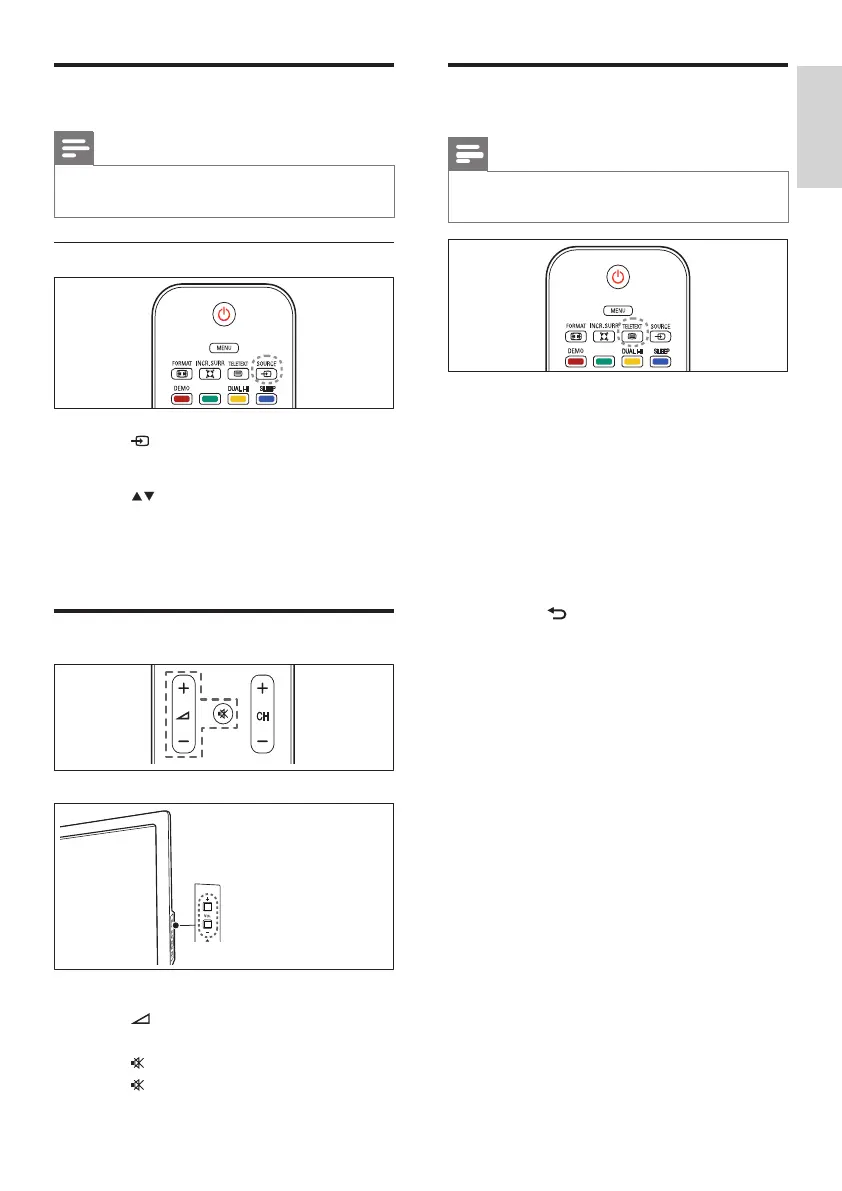
Use teletext
Note
• Teletext is not applicable for China (/93)
models and only for selected models.
1 Press TELETEXT.
» The main index page appears.
2 Select a page as follows:
• Press the Numeric buttons to enter a
page number.
• Press CH +/- to view the next or
previous page.
• Press the Color buttons to select a
color coded item.
• Press BACK to return to a
previously viewed page.
3 Press TELETEXT to exit teletext.
Watch connected devices
Note
• Switch on the device before selecting it as a
source on the TV.
Use the source button
1 Press SOURCE.
» The source list appears.
2 Press to select a device.
3 Press OK to conrm your choice.
» The TV switches to the selected
device.
Adjust TV volume
To increase or decrease volume
• Press +/-.
To mute or unmute sound
• Press to mute the sound.
• Press again to restore the sound.












 To Next Page