37
English
EN
Use Philips EasyLink
Your TV supports Philips EasyLink, which
uses the HDMI CEC (Consumer Electronics
Control) protocol. EasyLink-compliant devices
that are connected through HDMI connectors
can be controlled by a single remote control.
Note
• The EasyLink-compliant device must be
switched on and selected as the source.
• Philips does not guarantee 100%
interoperability with all HDMI CEC devices.
Enable or disable EasyLink
Note
• Do not enable Philips EasyLink if you do not
intend to use it.
1 Press MENU > [PBS Settings] >
[Consumer Setup] > [Yes].
» The consumer menu appears.
2 Press to select [Setup] >
[Installation] > [Preferences] >
[EasyLink].
3 Select [On] or [Off].
Use one-touch play
1 After enabling EasyLink, press play on
your device.
» The TV automatically switches to the
correct source.
Use one-touch standby
1 Press (Standby-On) on the TV’s or
device’s remote control.
» The TV and all connected HDMI
devices switch to standby.
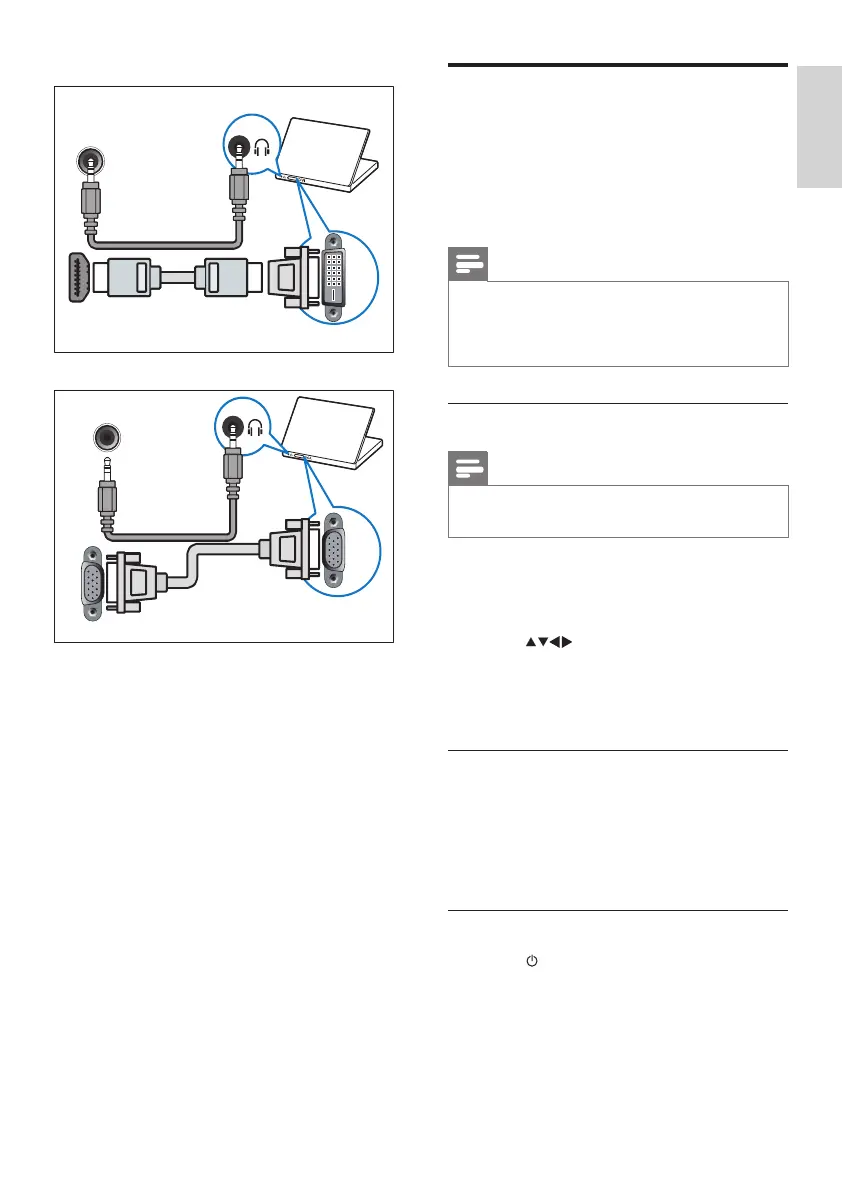
• HDMI cable and HDMI-DVI adaptor
• VGA cable
DVI
PC IN (AUDIO)
HDMI 1/ HDMI












 To Next Page