7
English
EN
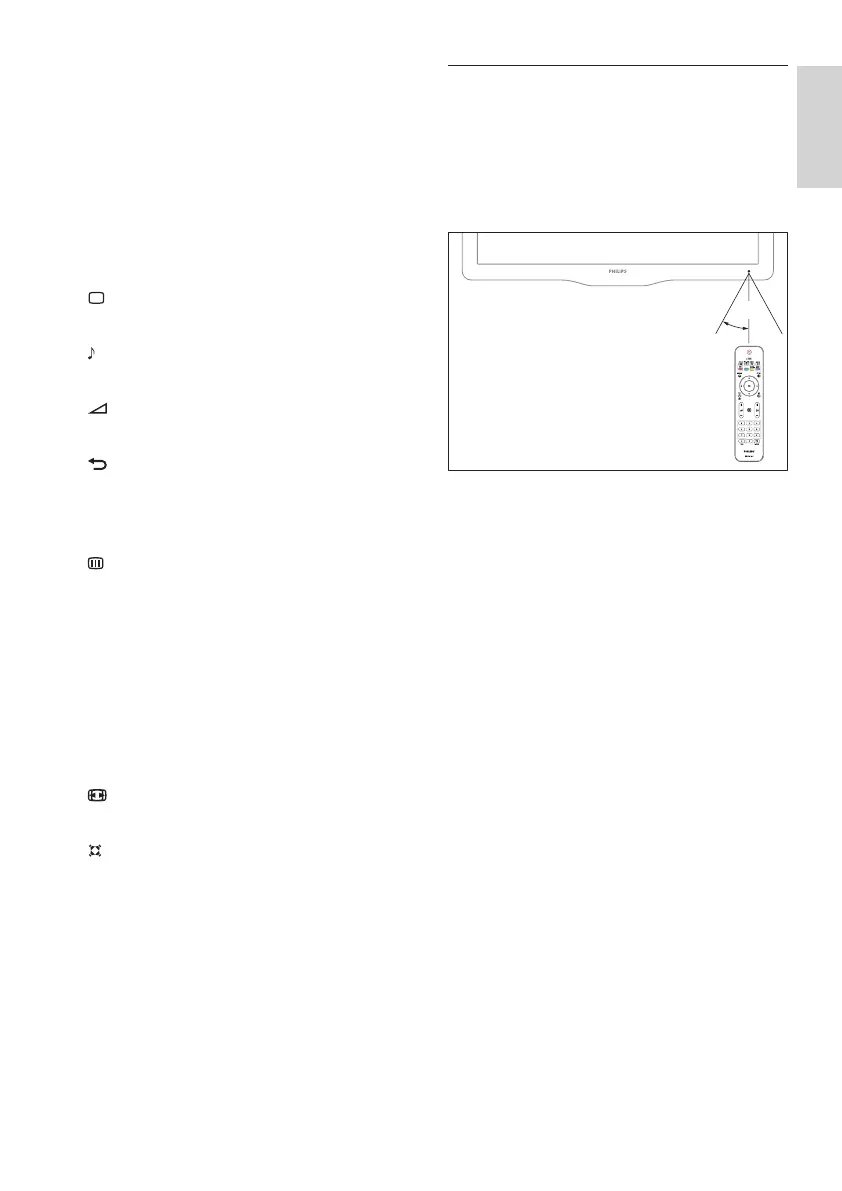
Remote control usage
When using the remote control, hold it close
to the TV and point it at the remote control
sensor. Make sure that the line-of-sight
between the remote control and TV is not
blocked by furniture, walls or other objects.
l CH +/- (Channel +/-)
Switches to the previous or next channel.
When the TV menu is on, this functions
as Page Up / Down.
When PBS setup menu is on, it switches
to the previous or next channel or
source.
m 0-9 (Numeric buttons)
Selects a channel or setting.
n PICTURE (Smart Picture)
Launches the picture menu.
o SOUND (Smart Sound)
Launches the sound menu.
p +/- (Volume +/-)
Increases or decreases volume.
q BACK A/CH (Previous channel)
• Returns to a previous screen.
• Returns to the previously viewed
channel.
r BROWSE
Switches between channel grid and
program list.
s DUAL I-II
Selects audio languages if dual
sound broadcast is available.
t DEMO (Used in selected models only)
Toggles the demonstration menu on or
off.
u FORMAT
Selects a picture format.
v INCR. SURR
Enables Incredible Surround for stereo
sources. Enables spatial mode for mono
sources.












 To Next Page