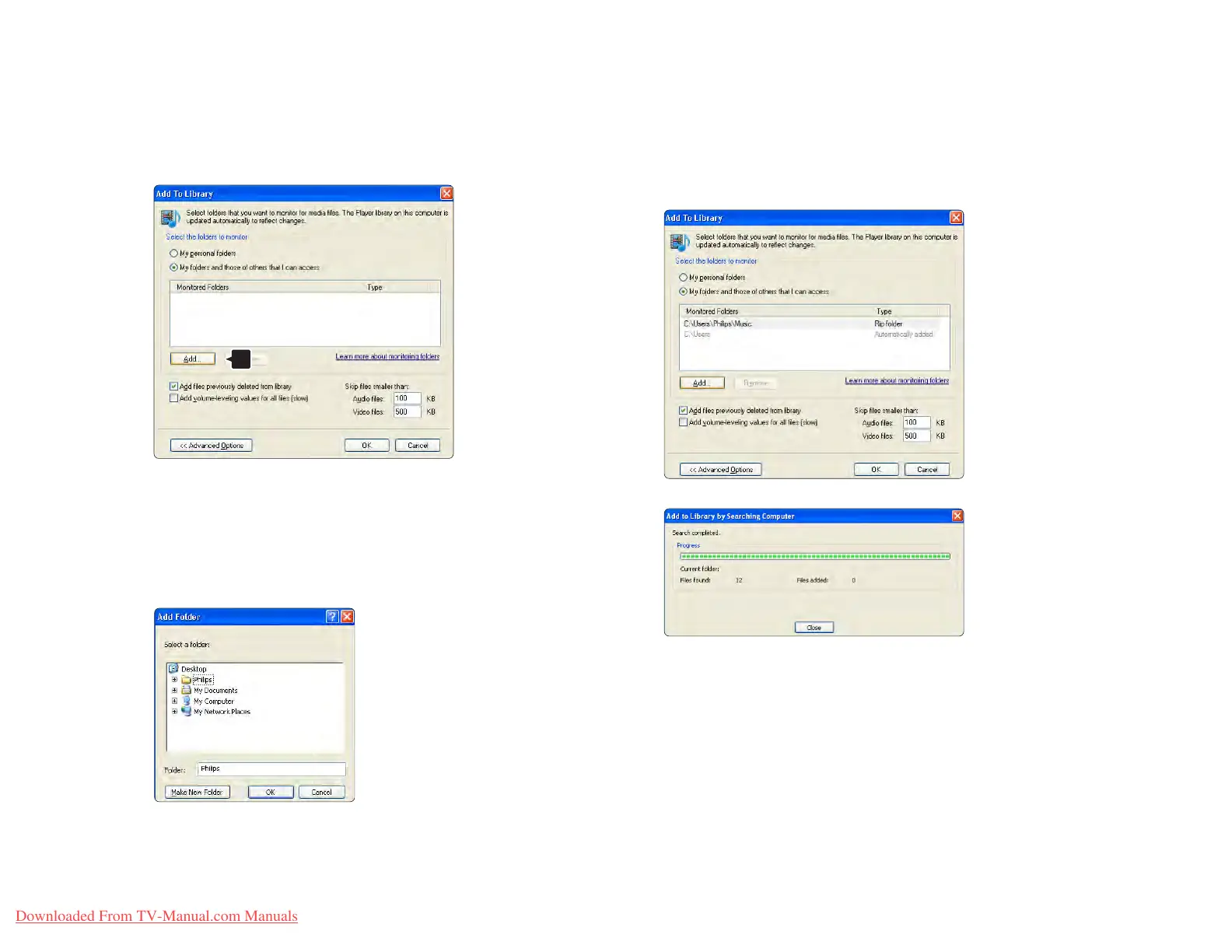
With Advanced Options open, you can add specific
folders to the list to share. Click Add.
In the Add Folder window select a folder with music,
photos or videos you want to share with other devices
(your TV). Click OK.
In the Add To Library window the newly added folder is
shown. You can add more folders to share.
Click the OK button to add the files to the library.
Now everything is set to enjoy music, photos and
videos on your TV.















 To Next Page