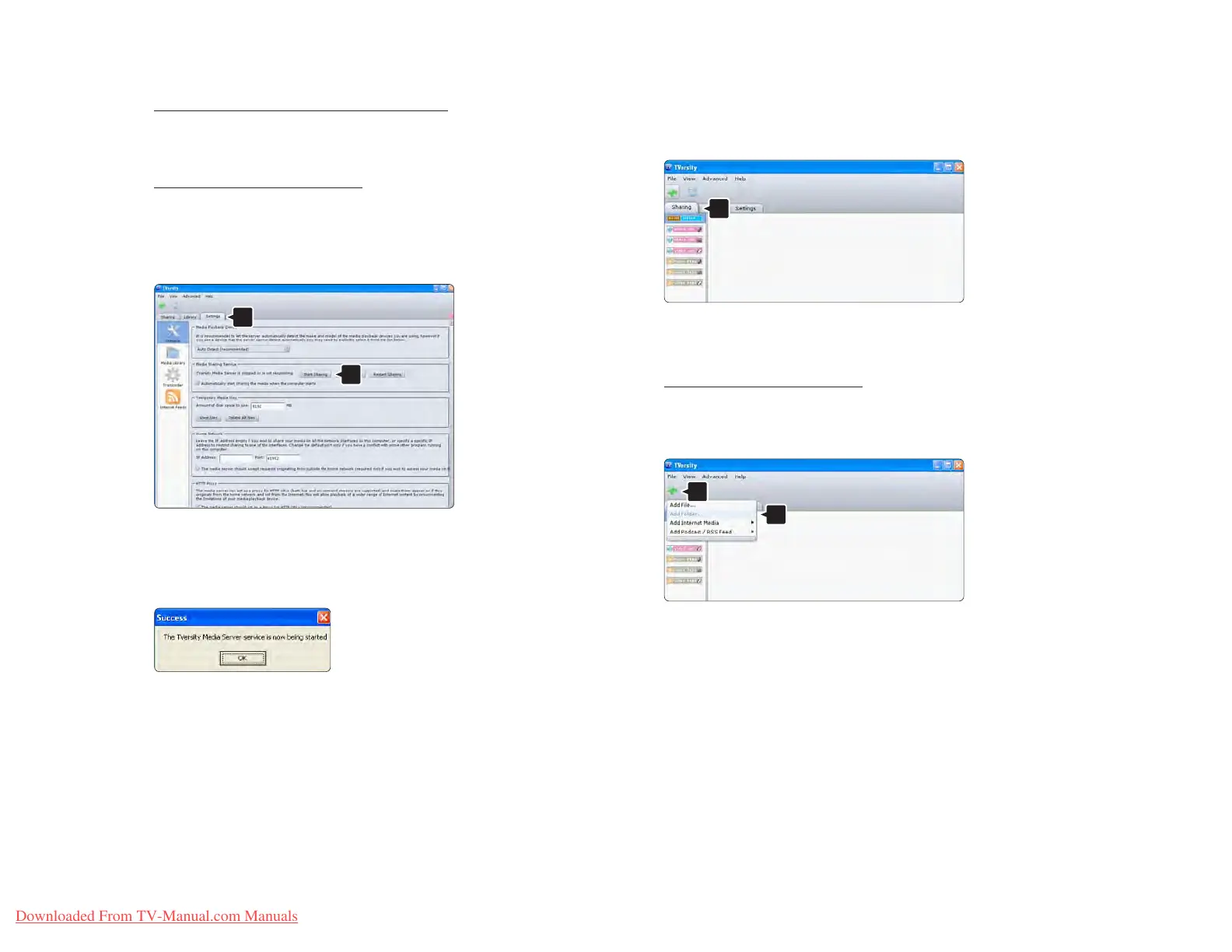
TVersity v.0.9.10.3 on Windows XP
Set for network sharing
Click the Settings tab and click the Start Sharing
button.
A pop-up window tells you that the media server
service is started. Click OK.
Click the Sharing tab.
Set folders for sharing
Click the green plus icon and select Add folder…
In the Add media pop-up window, click the Browse
button.















 To Next Page