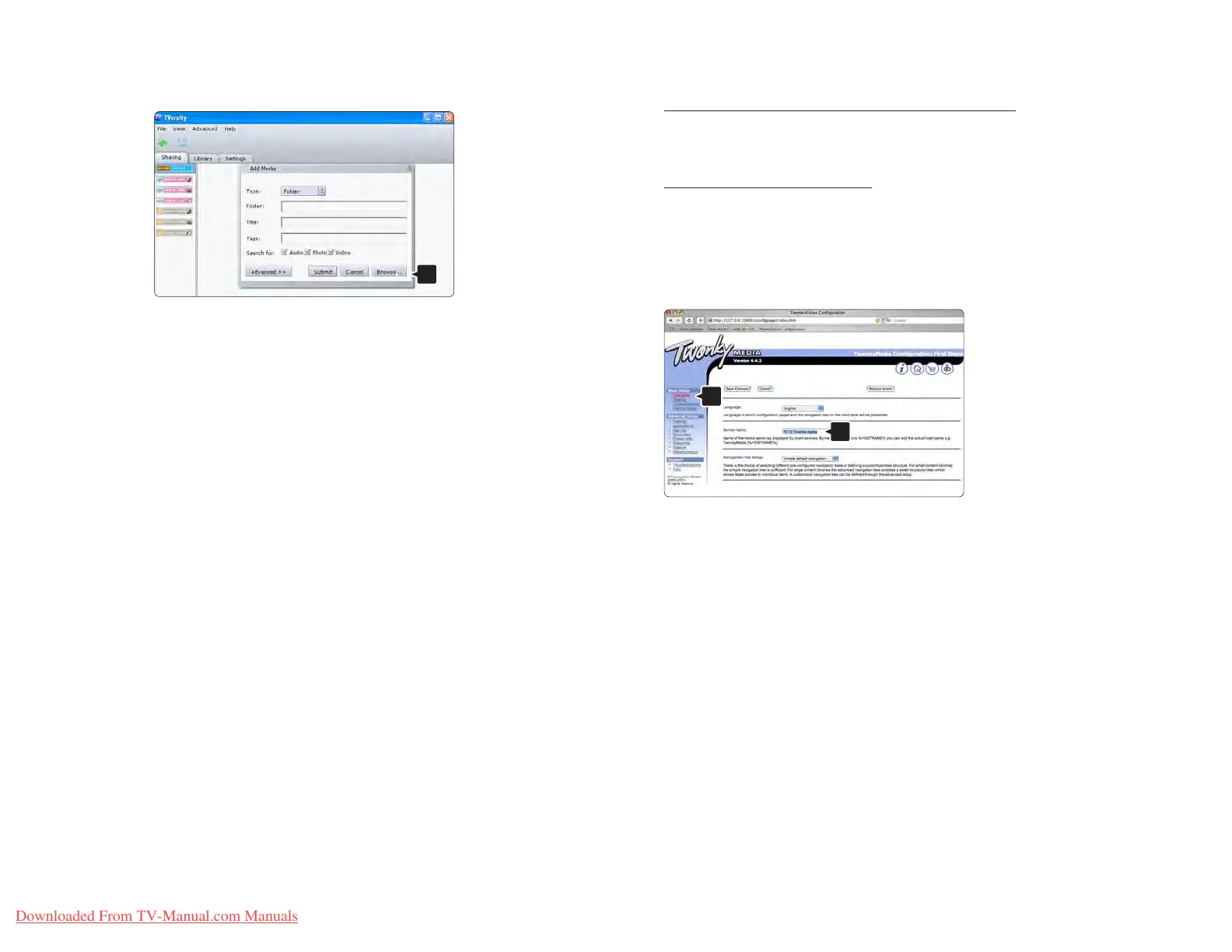
In the Browse for Folder window select a folder with
music, photos or videos you want to share. Click OK.
Now everything is set to enjoy music, photos and
videos on your TV.
Twonky Media v4.4.2 on Macintosh OS X
Set for network sharing
In Twonky Media click Basic Setup > First steps.
In this window you can change the server name that
appears on your TV.
Click Basic Setup > Clients/Security.
Check the box next to Enable sharing for new clients
automatically.















 To Next Page