12
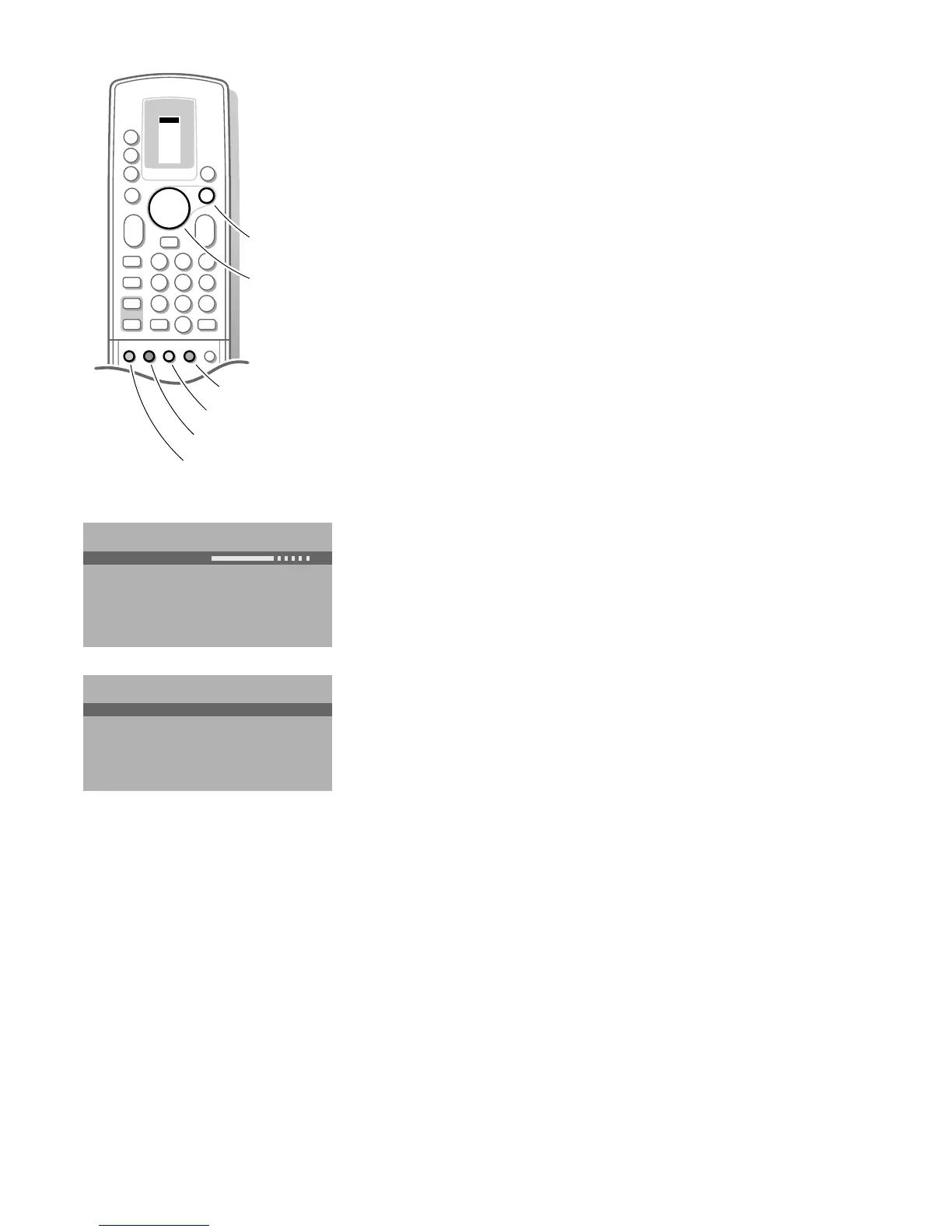
Use of the menus
& Press the red, green or yellow colour key to display/cancel the PICTURE,
SOUND or FEATURES menu.
é Use the A keys to select the menu item.
“ Use the OK key to activate.
‘ Press the same colour key again to return or to switch menu off.
Picture menu
When you are watching a TV channel in the NTSC-system, or if a NTSC peripheral
is connected to one of the euroconnectors, the option Hue also appears.
• Store the modified adjustments for Contrast, Brightness, Colour, Tint, Digital
options and Dynamic Contrast for all TV channels with Store PP in the
FEATURES menu.
Sharpness
You can adjust the Sharpness for each TV channel separately.
Tint
• Select the colour temperature: Normal, Warm or Cool.
Digital Options
Not available in Movie Expand picture format.
Although Natural Motion is the most ideal setting, it may be preferred to
switch back to Digital Scan and/or 100 Hz.
• 100 Hz = 100 Hz only (Field flicker reduction)
• Dig. Scan = 100 Hz + Dig. Scan (Field and line flicker reduction)
• Natural Motion = 100 Hz + Dig. Scan + Natural Motion (Field and line
flicker reduction and smooth movement reproduction)
Dynamic Contrast
To make the contrast between darker and brighter picture parts more
noticeable, select the Med setting.
In certain circumstances it may be preferred to select Min or Off.
PICTURE
Contrast
Brightness
Colour
Sharpness
Tint
Digital options
Dynamic Contrast
J Contrast L M
FEATURES
Store PP
Sleeptimer
Message
Child Lock
Animation demo
J Store PP
VCR 1
VCR 2
SAT
AMP
TUNER
TAPE
DCC
CD
TV
ZOOM
π
π
π
π
OK
M
u
TV
b
æ
q
b
B
1
23
456
789
PICTURE
SOUND
SMART
+
-
V
P
+
-
¬
0
i
0
activate
picture menu
sound menu
features menu
programme list
select adjustments
3104 305 34730.5.gb 28-05-1999 11:07 Pagina 12









 To Next Page