27
VCR 1
VCR 2
SAT
AMP
TUNER
TAPE
DCC
CD
TV
ZOOM
π
π
π
π
OK
M
TV
B
+ +
u
u
To select connected equipment
If the TV is connected to a video recorder with the EasyLink function, in some cases
the TV will be switched on, even when the TV was in standby. (E.g. playback tape,...)
This is not possible when Child Lock On is selected.
Equipment connected with an aerial cable only :
• Select the programme number under which you have stored the test signal
with the digit keys.
Equipment connected to a euroconnector or to the front side of
the TV
• Press the u key repeatedly to select EXT1, EXT2, EXT3 or FRONT, according
to where you connected your equipment at the back or the front side of your
TV.
Remark : Most equipment (decoder, video recorder) carries out the switching itself.
Do you want to watch TV channels again ?
• Enter the programme number of the TV channel which you want to watch with
the digit keys.
Most of the audio and video equipment from our range of products can be
operated with the remote control of your TV.
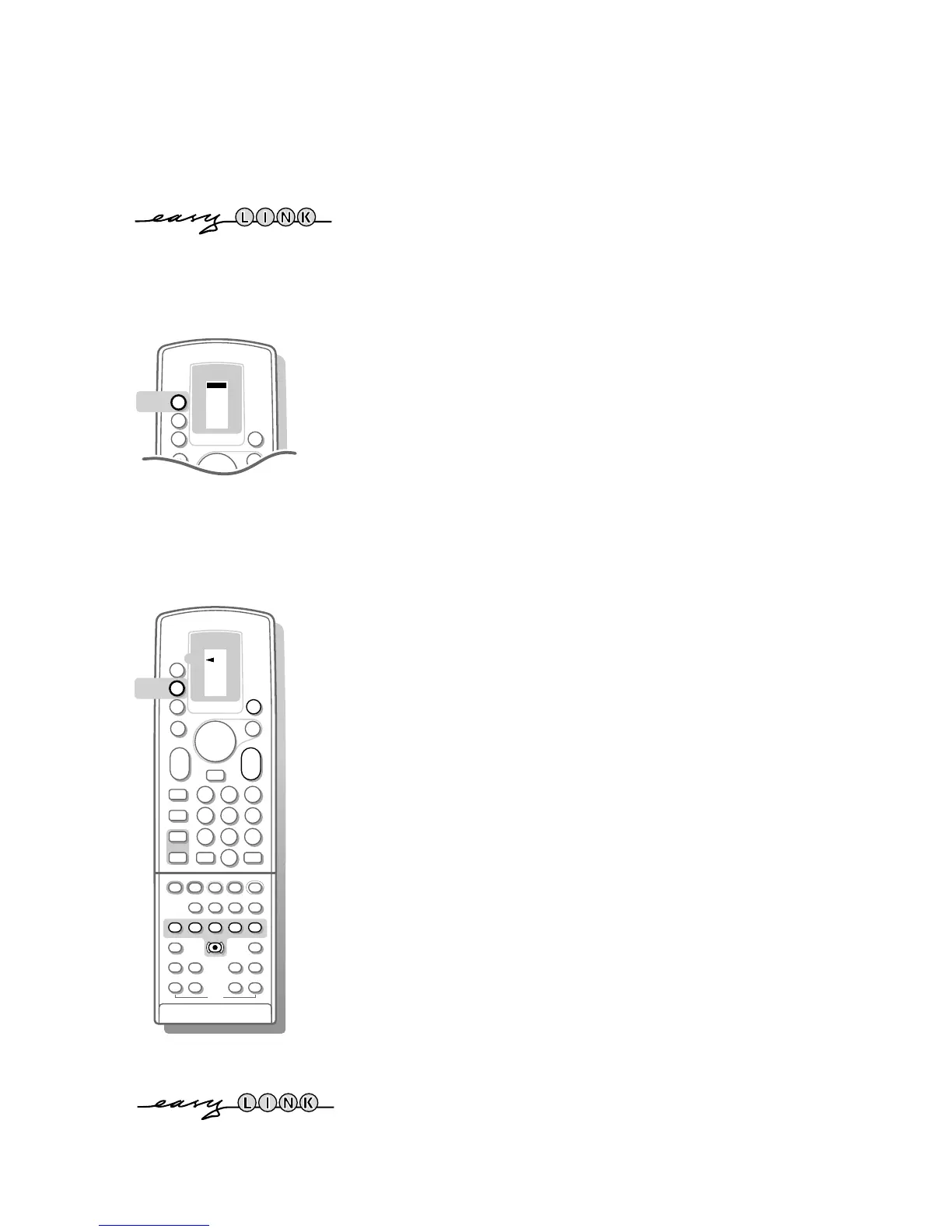
• Press the M key repeatedly until the arrow in the display indicates VCR1 for
your video recorder or another designation according to the equipment you
want to operate with this remote control.
Video recorder keys
Press one of the video recorder keys:
‡ for stop,
Ò for rewind,
π for play,
† for fast forward,
C for programming (on certain models),
® for record,
- P + for fast programme selection from the video recorder tuner,
0 to 9 to select a programme number from your video recorder tuner,
B to switch the video recorder to standby
These keys function with video recorders which use the RC5 signalling standard.
TUNER
TAPE
DCC
CD
ZOOM
π
π
π
π
OK
u
TV
b
q
B
1
23
456
789
PICTURE
SOUND
SMART
+
-
V
P
+
-
¬
0
i
0
j
yÚ
X
P
S
fi s
d
P
+
-
c
TXT
d
fh
U
π
†
Ò
C
‡
VCR 1
VCR 2
SAT
AMP
M
M
If your video recorder has the EasyLink function, the keys ® and ‡ for record and
stop under the door of the TV remote control, can be operated in the TV mode.
When you press the ‡ key for 3 seconds, TV and the video recorder are switched to
standby.
3104 305 34730.5.gb 28-05-1999 11:07 Pagina 27









 To Next Page