11
Sorting Channels
According to your preference, you can change the order of the stored
TV channels.
1
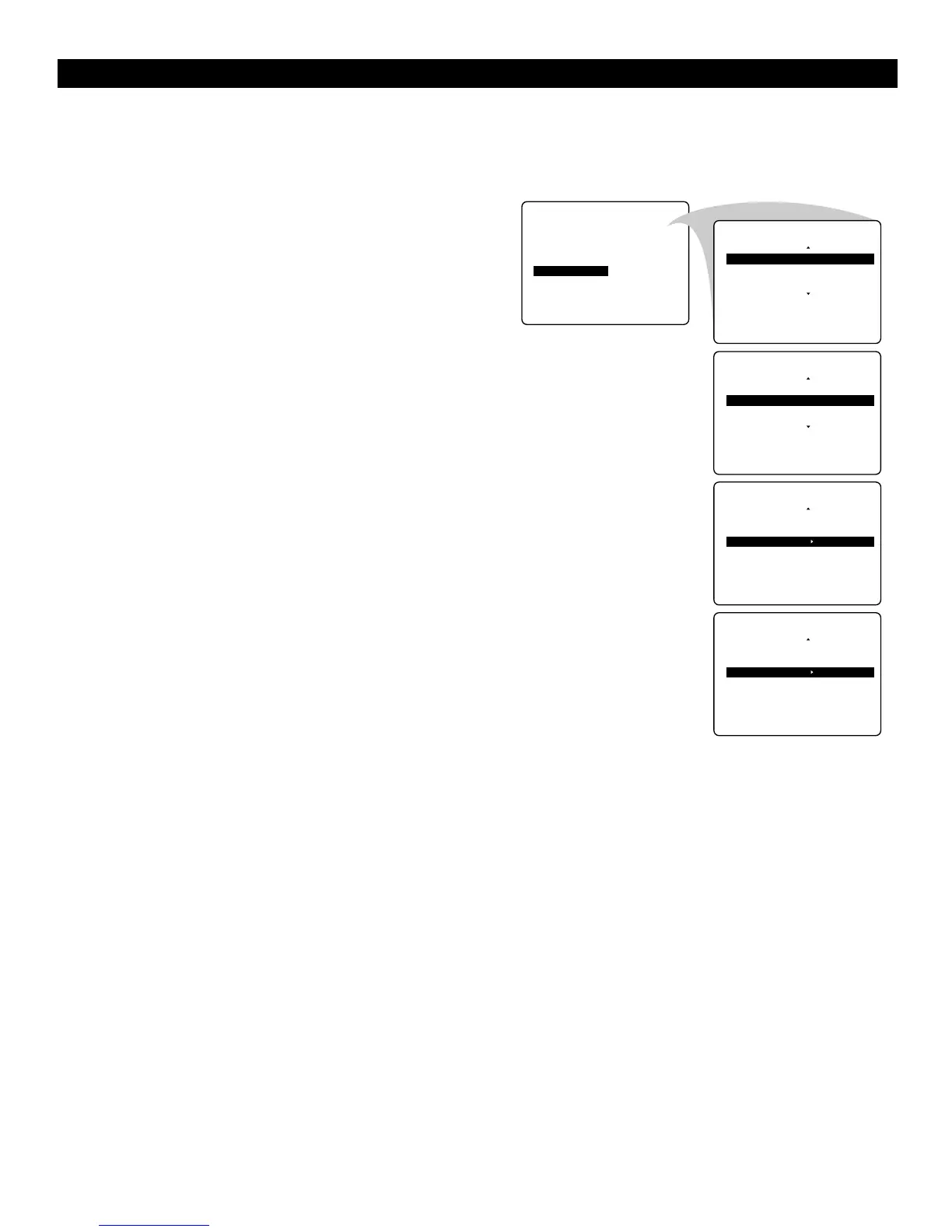
Select SORT in the INSTALL menu.
2
Press the cursor right to enter the menu.
3
Key in the channel number in the FROM column you
want to swap from. Use the digit keys or the cursor
left/right.
4
Press the cursor down and select TO.
5
Key in the channel number in the TO column you want to
swap to.
6
Press the cursor down and select EXCHANGE.
7
Press the cursor right.
The message EXCHANGED appears and the selected
channels are exchanged.
8
Repeat steps 3–7 until all TV channels are allocated as you
like.
9
Press the MENU key to return to the INSTALL menu or
press the m key to switch the menu off.
USING THE MENUS :INSTALL



 To Next Page