18
USING THE MENUS :SOUND
Sound Menu Items
Tre bl e
Attenuates or amplifies the high-frequency response of the audio out-
put signal.
Bass
Attenuates or amplifies the low-frequency response of the audio out-
put signal.
Balance
Adjusts the balance of the right and left speaker’s sound output.
AVL (Automatic Volume Leveller)
Automatically controls the volume level to avoid excessive level dif-
ferences, especially when switching to another channel or during
commercial breaks.
Headphone
Allows you to adjust the volume and balance of the headphone.
1
Select HEADPHONE.
2
Press the cursor right.
3
Select VOLUME or BALANCE with the cursor up/down.
4
Press the cursor left/right to adjust.
5
Press the MENU key to return.
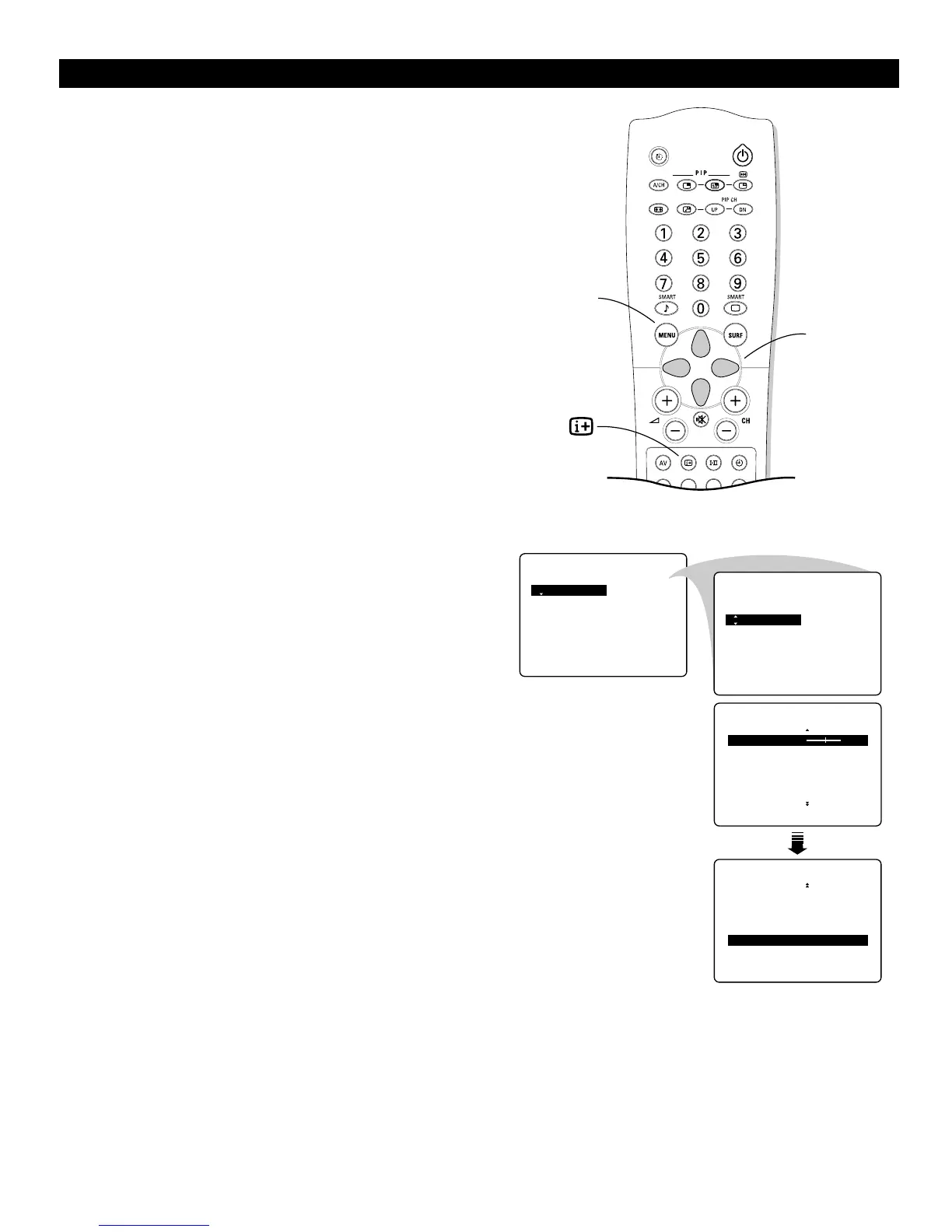
Accessing the Menu
1
Press the MENU key to display the main menu.
2
Select SOUND with the cursor down.
3
Press the cursor right to access the SOUND submenu.
4
Use the cursor in the up/down directions to select an item.
5
Use the cursor in the left/right directions to make adjust-
ments or settings.
6
Press the MENU key to return or press the m key to switch
the menu off.



 To Next Page