9
Tuning Channels Automatically
1
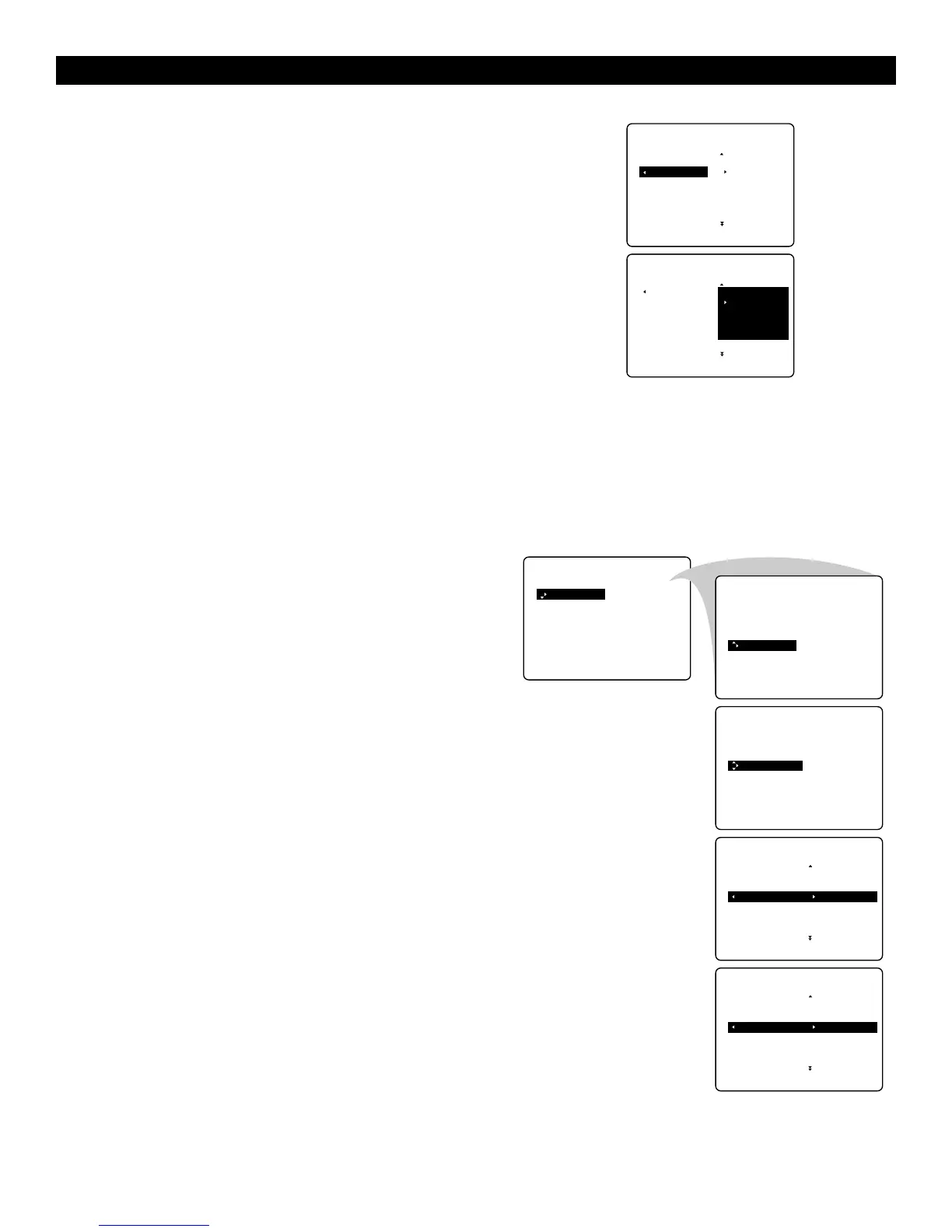
Select AUTO STORE in the INSTALL menu.
2
Press the cursor right to start the searching. All the TV channels
are searched for and stored automatically.
3
When the tuning is completed, press the MENU key to
return to the INSTALL menu or press the m key to switch
the menu off.
Note : Channel numbers will always be written in Latin
characters, even when a language that uses other characters
has been selected.
USING THE MENUS :INSTALL
Tuning Channels Manually
Manual tuning allows you to store channel by channel. You must go
through every step of the manual store menu.
1
Select MANUAL STORE in the INSTALL menu.
2
Press the cursor right to enter the menu.
3
Select COLOUR SYSTEM and press the cursor right.
If AUTO is selected, the respective colour system will be
automatically selected according to the transmission system.
Note : If reception is poor, select another colour system
with the cursor up/down.
4
Press the MENU key or the cursor left.
5
Select SOUND SYSTEM and press the cursor right.
If AUTO is selected, the respective sound system will be
automatically selected according to the transmission system.
Note : If the reception is poor, select another sound system
with the cursor up/down.
6
Press the MENU key or the cursor left.
7
Select SEARCH and press the cursor left or right to start
the searching. Searching stops once a transmitting channel is
found
.
Note : If the reception is poor, select another colour and/or
sound system.
Continue to the next page.



 To Next Page