38
SELECTING CONNECTED EQUIPMENT FOR VIEWING
Equipment Connected with an Aerial Cable Only
Select the channel number under which you have stored the test signal
with the digit keys.
Equipment Connected to the back or to the side
of the TV (AV3)
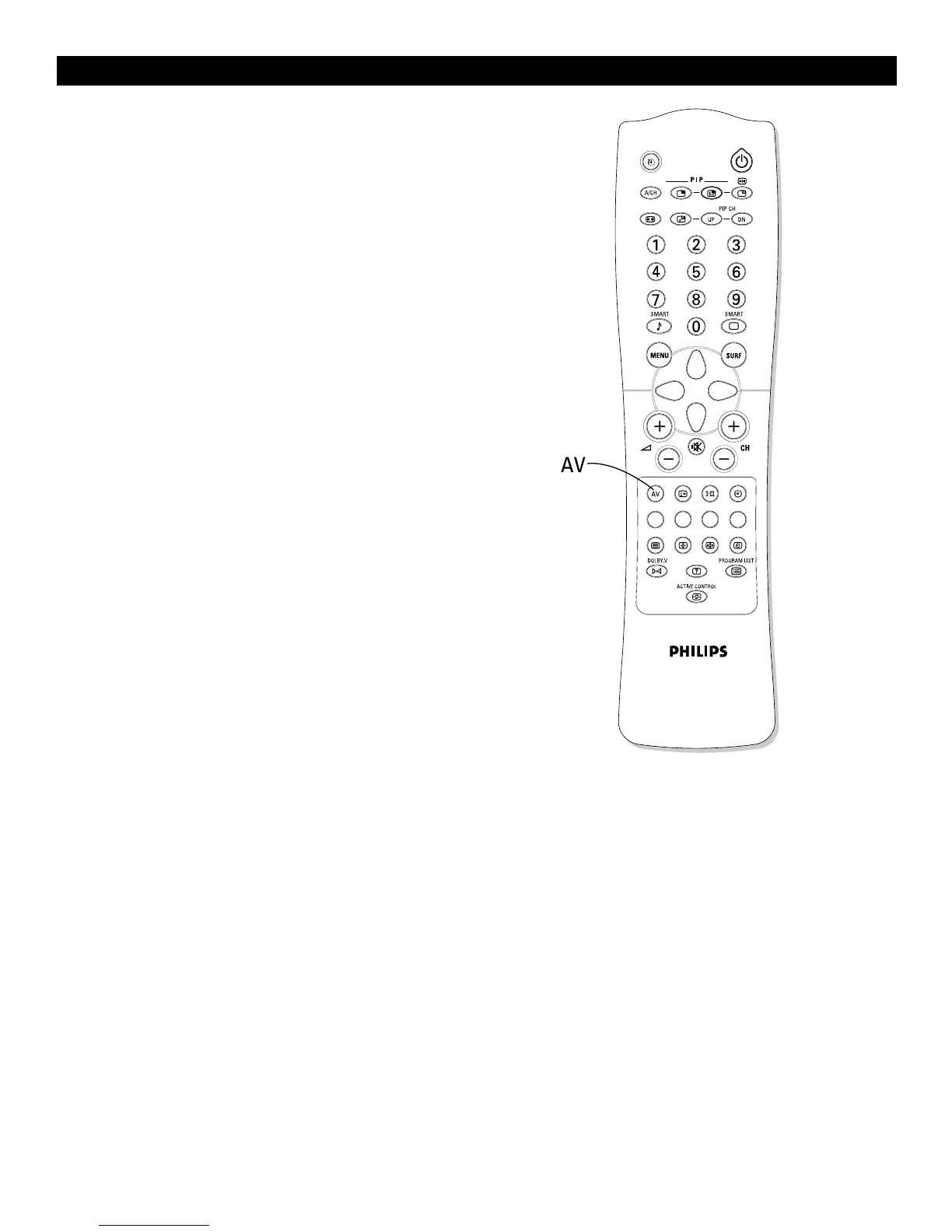
Press the AV key repeatedly to select AV1, CVI, AV2, AV3, AV4, or
AV5, according to where you connected your equipment at the back or
the side of your TV.
Select CVI to view the playback of DVD discs if you used the INPUT-
AV 1 component video input sockets (Y-Pb-Pr and AUDIO L [mono]
and R inputs).
TV Channels
Enter the channel number of the TV channel you want to watch with the
digit or CH +/– keys.



 To Next Page