37
CONNECTING PERIPHERAL EQUIPMENT
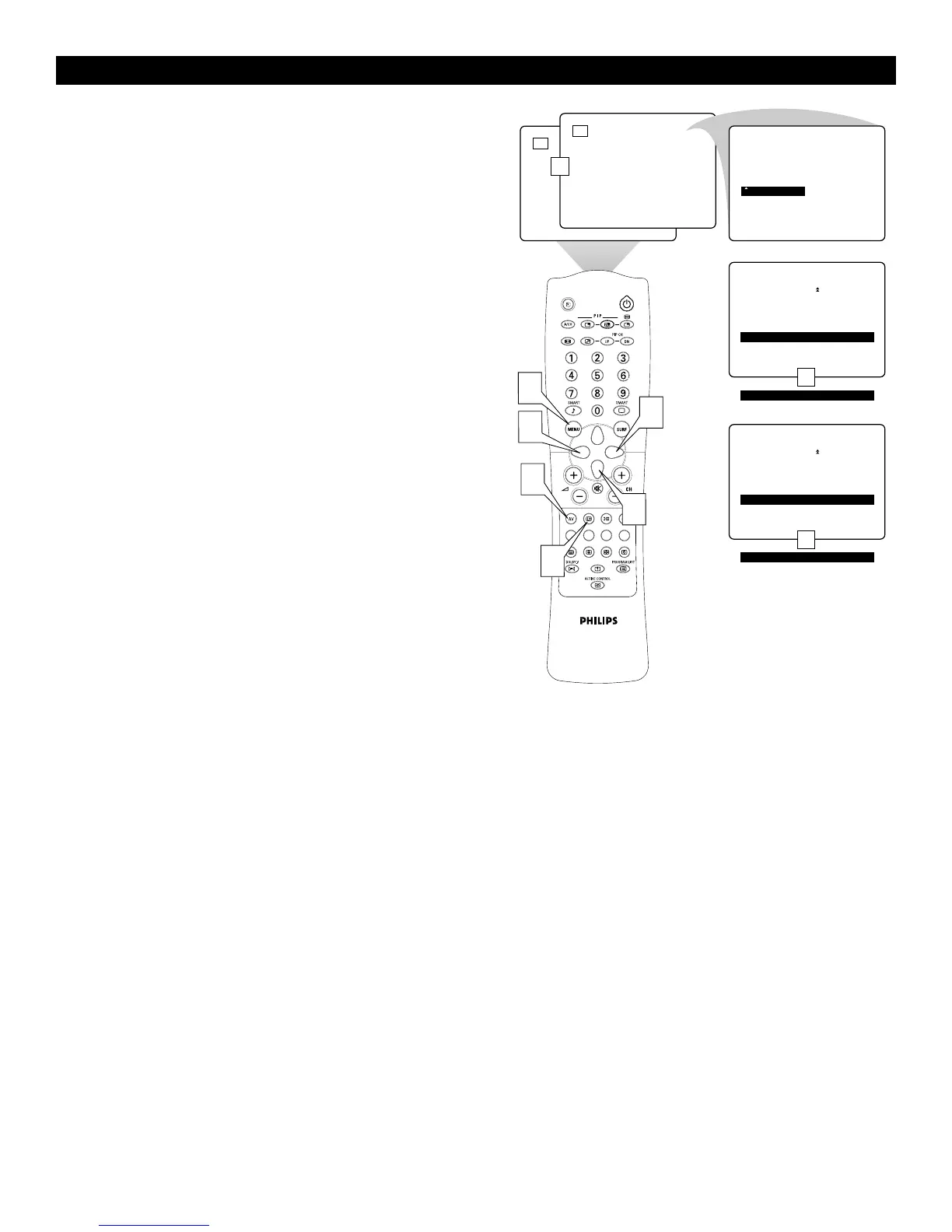
Setting the AV4 and AV5 Color Space
The term colour space refers to how colours are defined and appear
on your TV. When making connections to the AV 4 or AV 5 sockets,
you will need to be sure the TV’s color space is set to match the out-
put of the peripheral you have connected.
1
Press the AV key on the remote control as many times as neces-
sary to select the high-definition input you desire, AV 4 or AV5.
2
Press the MENU key to display the menu.
3
Press the cursor right to enter the INSTALL menu.
4
Cursor down until the high-definition input (AV 4 or AV 5 ) is
selected.
5
The current colour-space setting appears to the right of AV 4 or
AV5. To change the setting cursor left or right.
6
Press the m key to switch the menu off.



 To Next Page