19
USING THE MENUS :FEATURES
Accessing the Menu
1
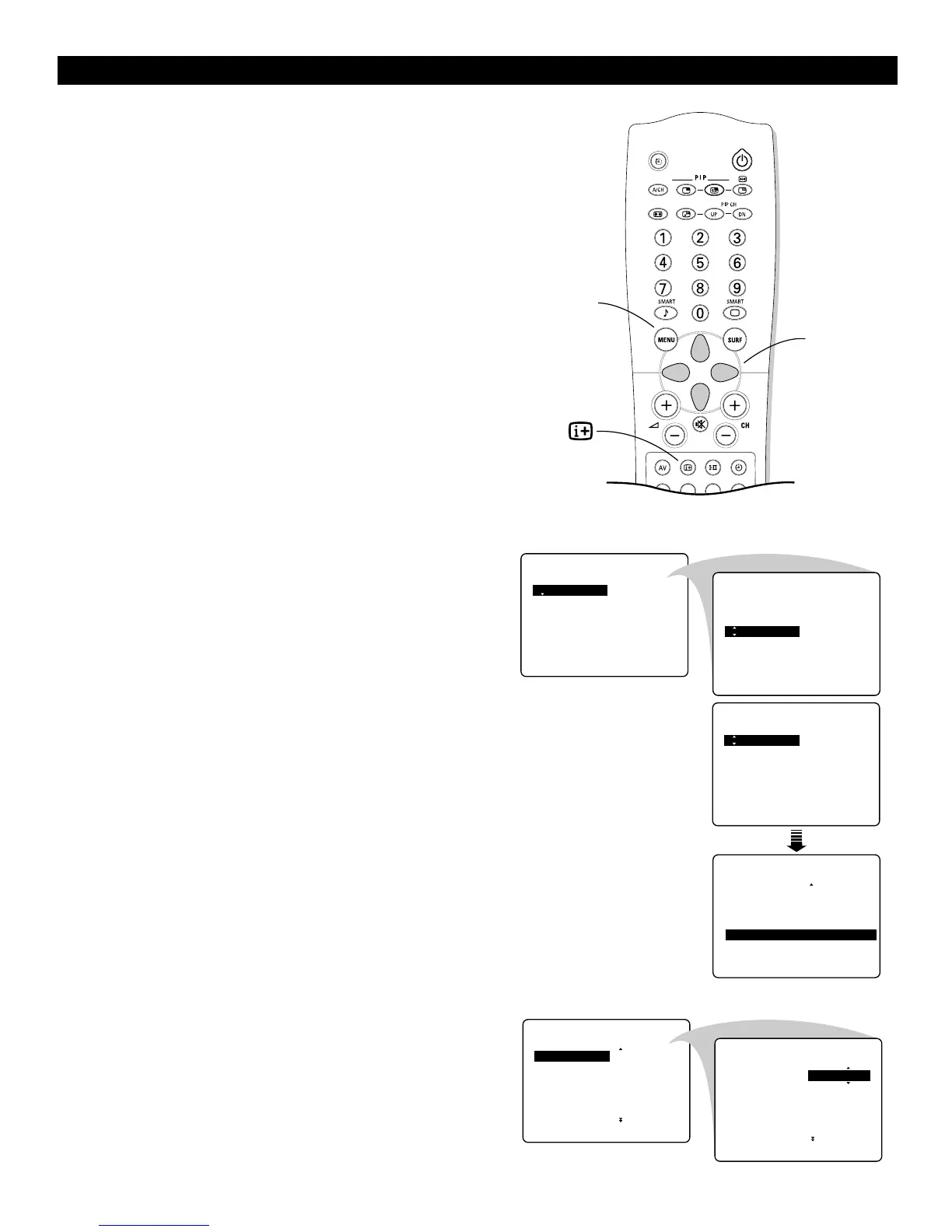
Press the MENU key to display the main menu.
2
Select FEATURES with the cursor down.
3
Press the cursor right to access the FEATURES submenu.
4
Use the cursor in the up/down directions to select an item.
5
Use the cursor in the left/right directions to make settings.
6
Press the MENU key to return or press the m key to switch
the menu off.
Activating the Timer
The Timer feature allows you to set the timer to switch to another
channel at a specified time while you are watching a channel or
when the TV is in standby mode. You can also set the TV to switch
off automatically at a specific time by setting a Stop Time.
1
Select TIMER in the FEATURES menu.
2
Press the cursor right to enter the Timer.
Setting the Timer
1
Press the cursor right again to enter TIME mode.
2
Key in the current time with the digit keys.
You must use 24-hour, or military, time. For example : 2:15
p.m. is 14:15.
If you entered an incorrect digit :
Complete the actual time with arbitrary numbers, then start
again.
3
Press the cursor left to exit TIME mode.
Continue to the next page.



 To Next Page