13
Naming Channels
It is possible to assign a name to a TV channel. This feature allows
you to enter a name or modify an existing name of a channel, includ-
ing peripherals.
Note : Even when you have selected another language in the
LANGUAGE menu, only the English language character set is
offered to enter names to the TV channels stored.
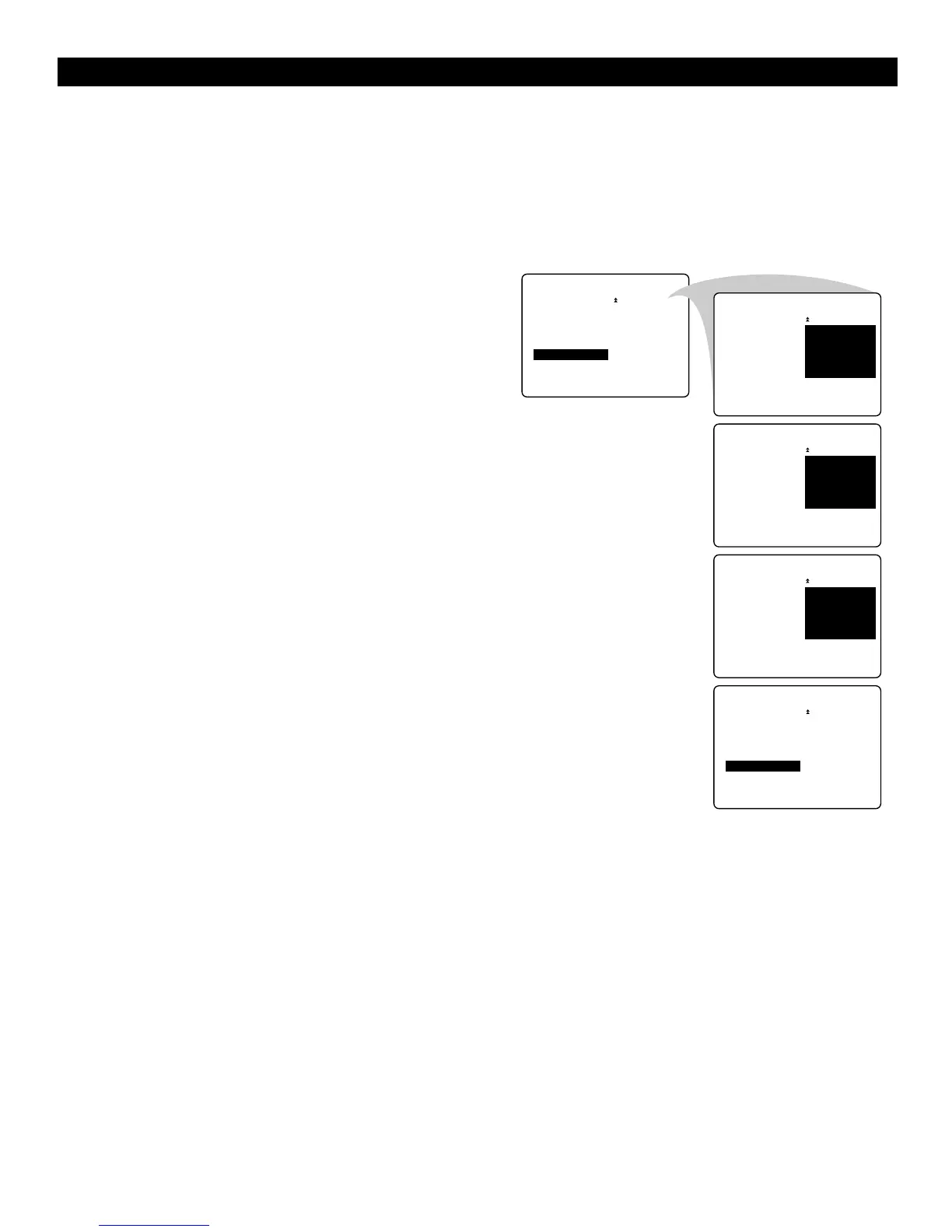
1
Select a TV channel or peripheral you want to assign a name
or modify the existing name.
2
Select NAME in the INSTALL menu.
3
Press the cursor right to enter the menu.
4
Key in the selected character with the cursor up/down.
5
Move to the next character with the cursor right and key in
the next character. You can key in up to a maximum of five
characters.
6
Press the MENU key to store the named channel.
USING THE MENUS :INSTALL



 To Next Page