12
Watch channels from a set-top box
To watch channels from a set-top box
1 Switch on the set-top box.
» The picture from your set-top box might appear automatically
on your screen.
2 Use the remote control of your set-top box to select channels.
If the picture does not appear
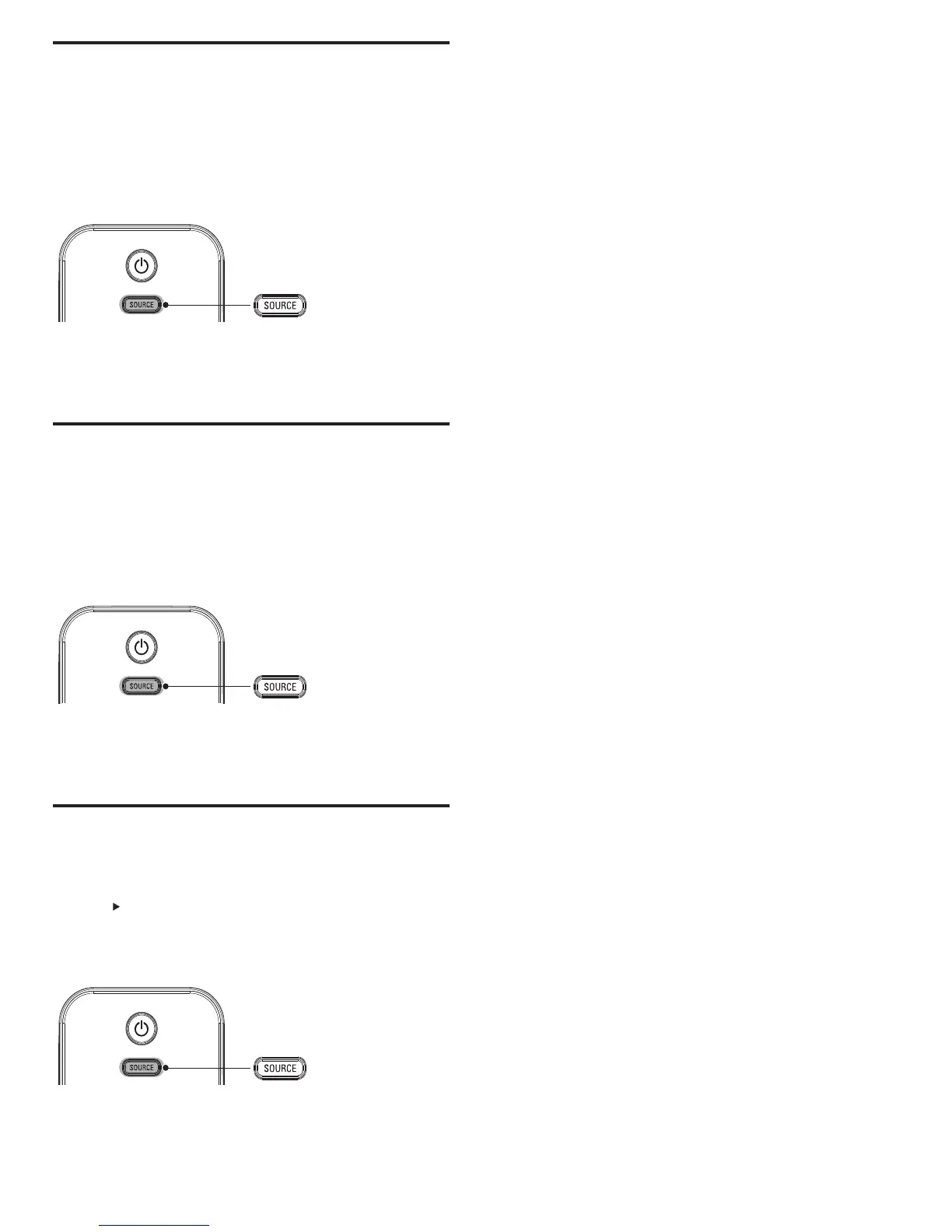
1 Press SOURCE repeatedly to select the set-top box and wait a
few seconds for the picture to appear.
2 Use the remote control of your set-top box to select channels.
Watch connected devices
To watch connected devices
1 Switch on the connected device.
» The picture from your connected device might appear
automatically on the TV.
2 Use the remote control of the device to select channels.
If the picture does not appear
1 Press SOURCE repeatedly to select the connected device and wait
a few seconds for the picture to appear.
2 Use the remote control of the device to select channels.
Watch a DVD
To watch a DVD
1 Insert a DVD disc into your player.
2 Press on the remote control of the DVD player to select
channels.
» The DVD might automatically play on the TV.
If the picture does not appear
1 Press SOURCE repeatedly to select the DVD player and wait a
few seconds for the picture to appear.
2 Use the remote control of the DVD player to play the disk.
EN






 To Next Page