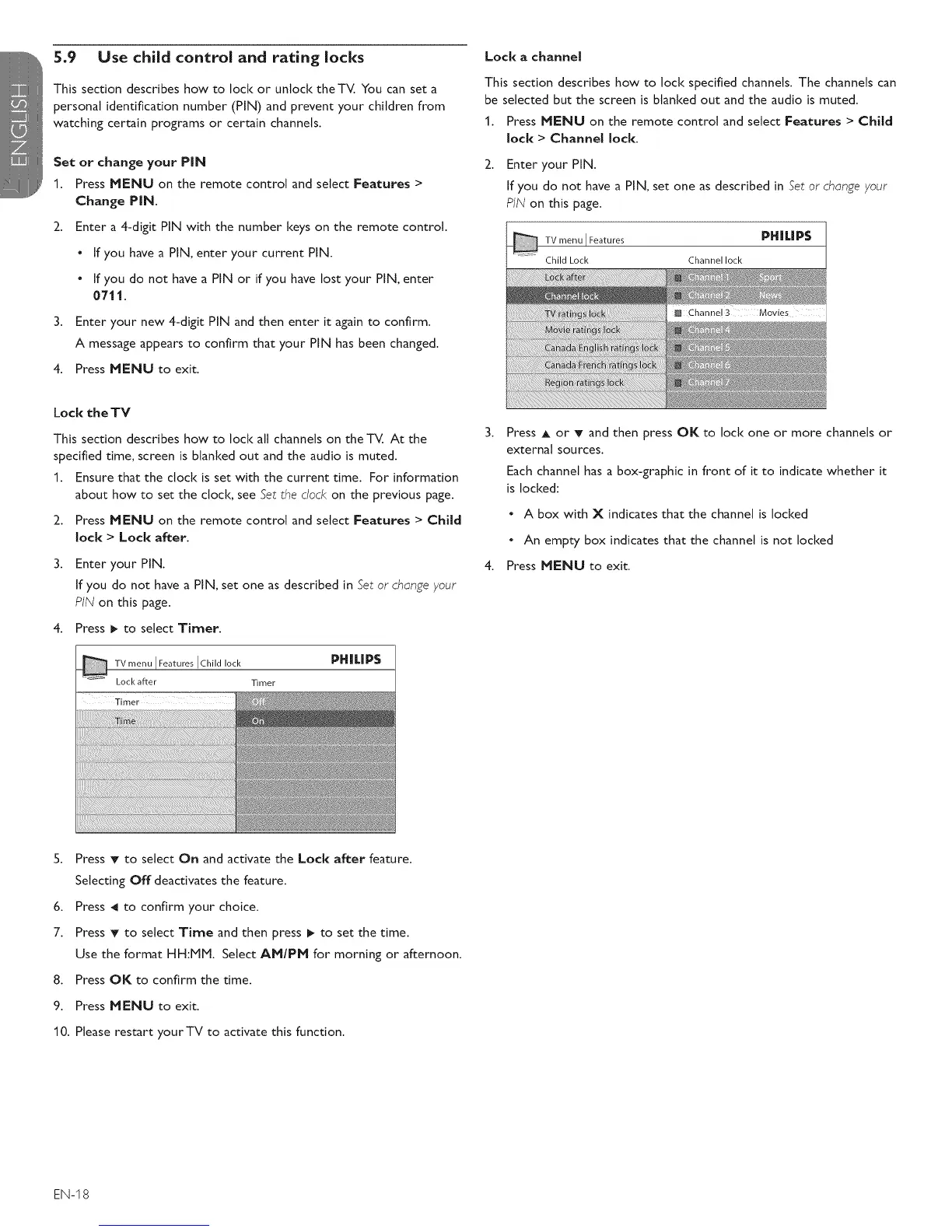
5.9 Use child control and rating locks
This section describes how to lock or unlock theTV. You can set a
personal identification number (PIN) and prevent your children from
watching certain programs or certain channels.
Set or change your PiN
1. Press MENU on the remote control and select Features >
Change PiN.
2. Enter a 4-digit PIN with the number keys on the remote control.
• If you have a PIN, enter your current PIN.
• If you do not have a PIN or if you have lost your PIN, enter
0711.
3. Enter your new 4-digit PIN and then enter it again to confirm.
A message appears to confirm that your PIN has been changed.
4. Press MENU to exit.
Lock the TV
This section describes how to lock all channels on the TV. At the
specified time, screen is blanked out and the audio is muted.
1. Ensure that the clock is set with the current time. For information
about how to set the clock, see Set the dock on the previous page.
2. Press MENU on the remote control and select Features > Child
lock > Lock after.
Enter your PIN.
If you do not have a PIN, set one as described in Set or change your
PIN on this page.
4. Press _ to select Timer.
TV .... IFeat.... IChildlock PHII.IPS
Lock after Timer
Timer
Lock a channel
This section describes how to lock specified channels. The channels can
be selected but the screen is blanked out and the audio is muted.
1. Press MENU on the remote control and select Features > Child
lock > Channel lock.
2. Enter your PIN.
If you do not have a PIN, set one as described in Set or change your
PIN on this page.
Features PHWP$
Channel lock
[] Channel 3 Movies
Press A or T and then press OK to lock one or more channels or
external sources.
Each channel has a box-graphic in front of it to indicate whether it
is locked:
• A box with X indicates that the channel is locked
• An empty box indicates that the channel is not locked
4. Press MENU to exit.
S. Press T to select On and activate the Lock after feature.
Selecting Off deactivates the feature.
6. Press _1 to confirm your choice.
7. Press T to select Time and then press I_ to set the time.
Use the format HH:MM. Select AM/PM for morning or afternoon.
8. Press OK to confirm the time.
9. Press MENU to exit.
10. Please restart your TV to activate this function.
EN-I8









 To Next Page