1.9
Gaming
If you select your game console in the Home menu, the TV
switches to the settings ideal for gaming automatically.
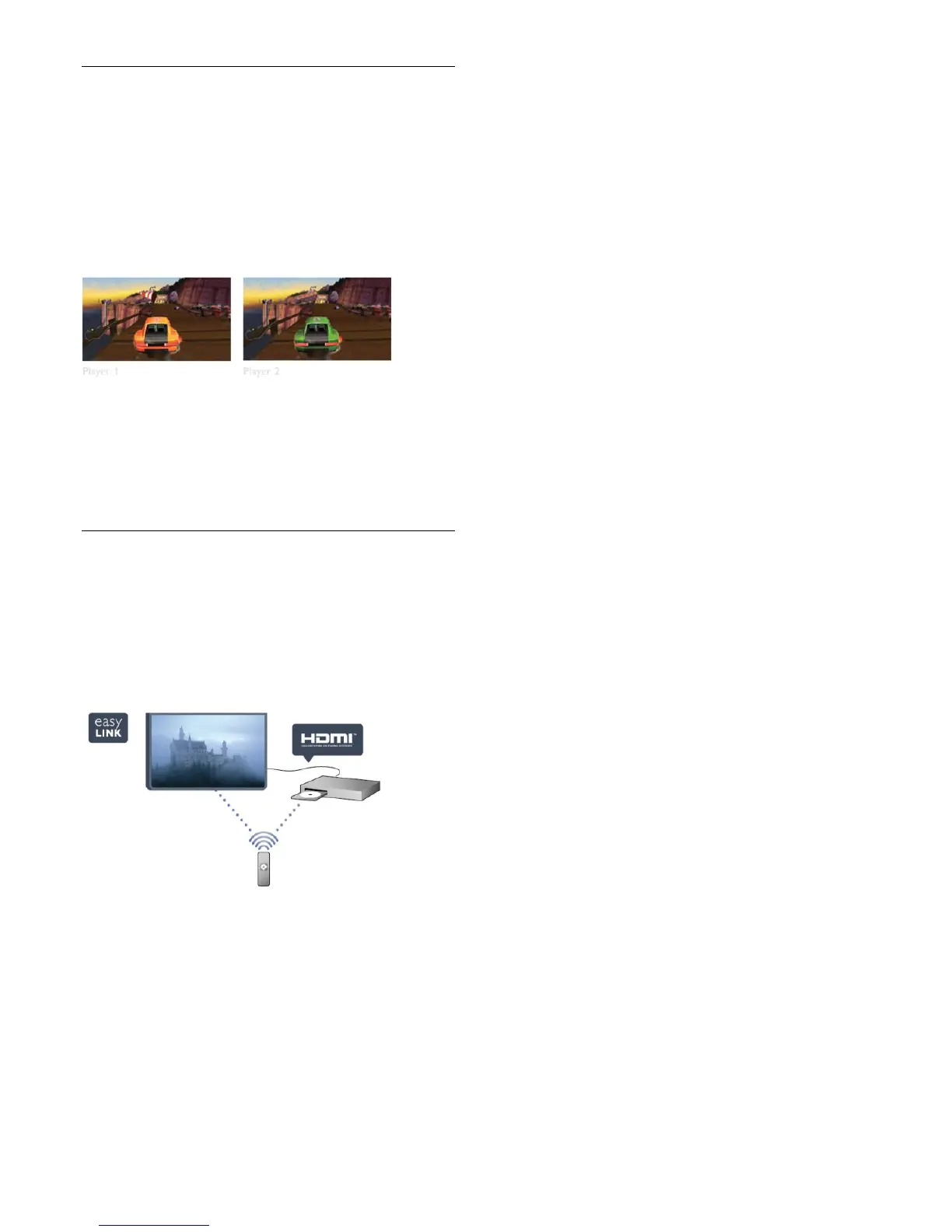
If you play a multi-player game with split screens, you can set the
TV to show each screen as a full screen simultaneously.
Each player can focus on his own game to play.
The TV uses 3D technology to show both screens. To play a
two-player game with two different full screen pictures, you
need a pair of 3D glasses for each player.
In Help, press
Keywords and look up Game console or Two
player games for more information.
1.10
EasyLink
With EasyLink you can operate a connected device, like a Bluray
Disc player, with the remote control of the TV.
EasyLink uses HDMI CEC to communicate with the connected
devices.
In Help, press
Keywords and look up EasyLink for more
information.
6






 To Next Page