17
5.1.2 Method 2:
Copy the software to USB flash disk ,Keep pressing VOL+ key on the machine panel, power on the machine, the standby light
flashes quickly after about 5 seconds, standby light extinguish and turn into lighting after about 3 minutes, means that the upgrade is
completed.
①. When the machine Upgrading (U disk light flash), do not remove U disk or switch off the power, otherwise it will
destroy the software and lead can not upgrade.
②. The machine must be power off when inserted or pulled out U disk, to avoid U disk or damage the machine.
Press the following key sequence on a standard RC transmitter: “1999” directly followed by MENU, can see the panel type
information from factory menu, see the Panel PN from the configuration table
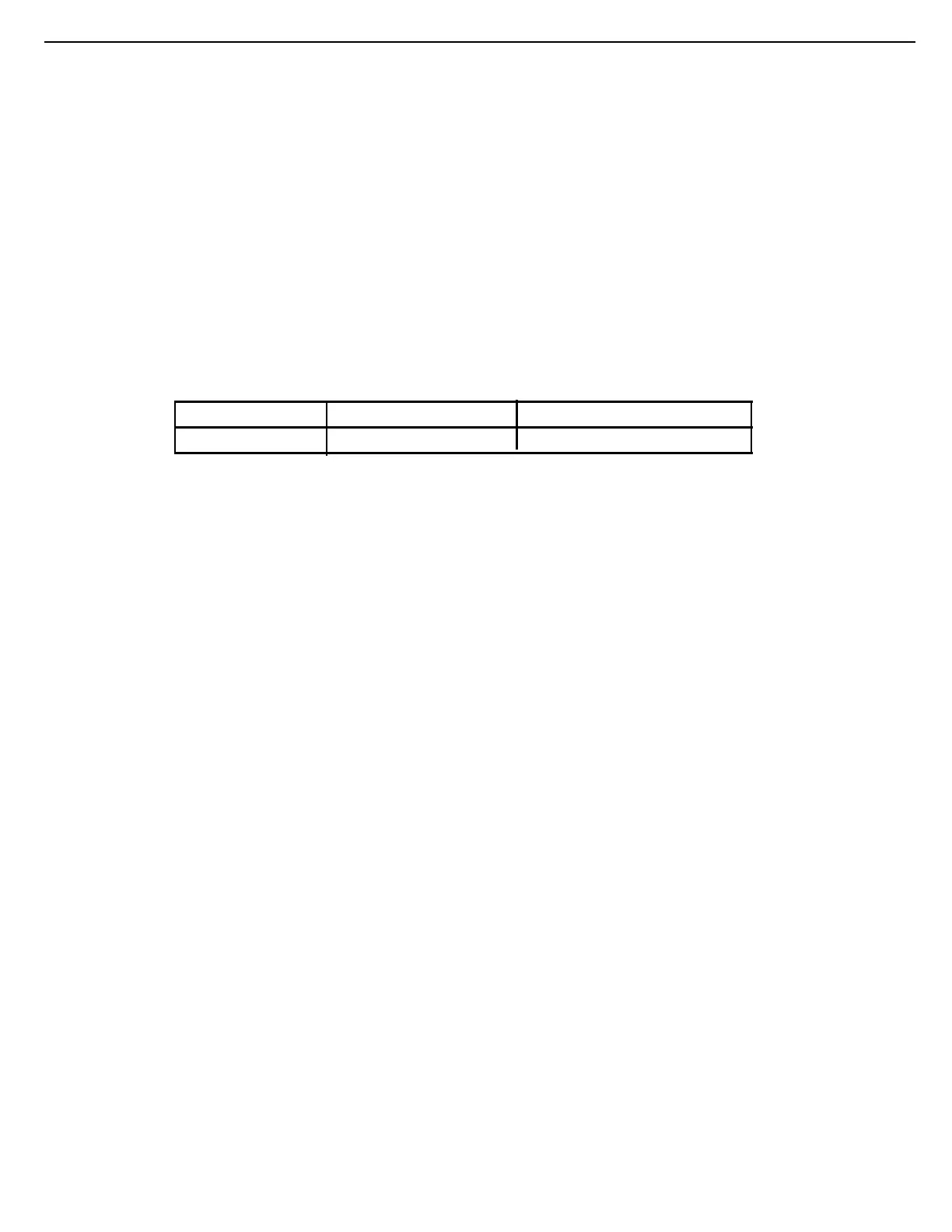
CTN_ALT BOM#
Panel Type Panel PN
43PUT6002S/67
K430WDC2-LH260A1
7422-430LGK-3I5AC201-F



 To Next Page