16
5. Software Upgrading,Panel PN
Software Upgrading
5.1.1 Method 1: The following update is for .bin file.
1. Rename the file to “MstarUpgrade.bin”
2. Prepare a USB memory.
3. Copy the software to USB flash disk(root directory).
Method 1:
4
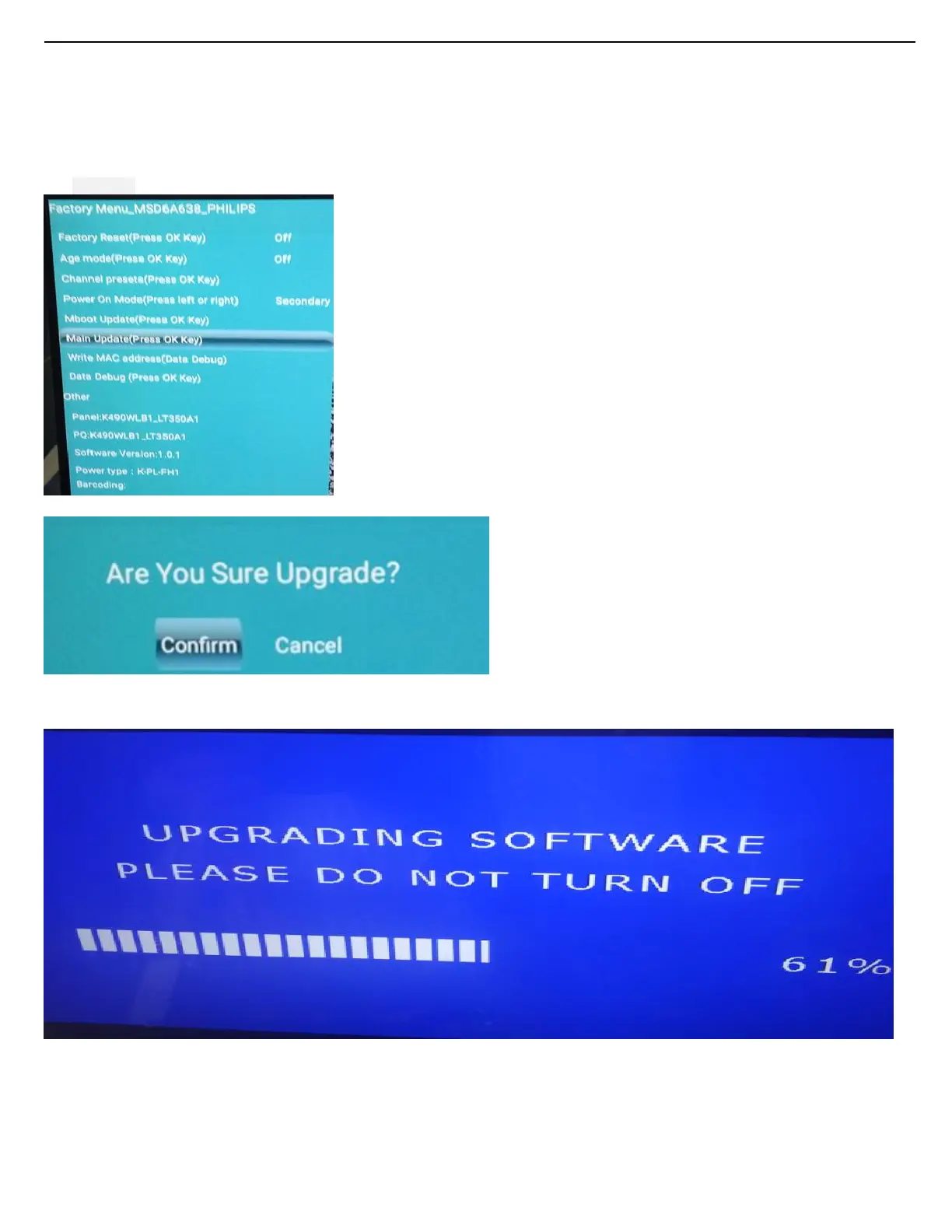
Press [menu+1999 ],enter the factory menu, Choose [main Updates], then press
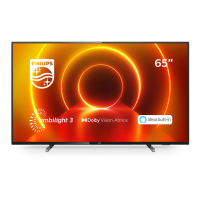
5.Software update menu will pop up when press confirm key, then select “Yes” to confirm:
6. When the TV software is updated, the TV will turn on again automatically. Remove your USB flash drive.



 To Next Page