2
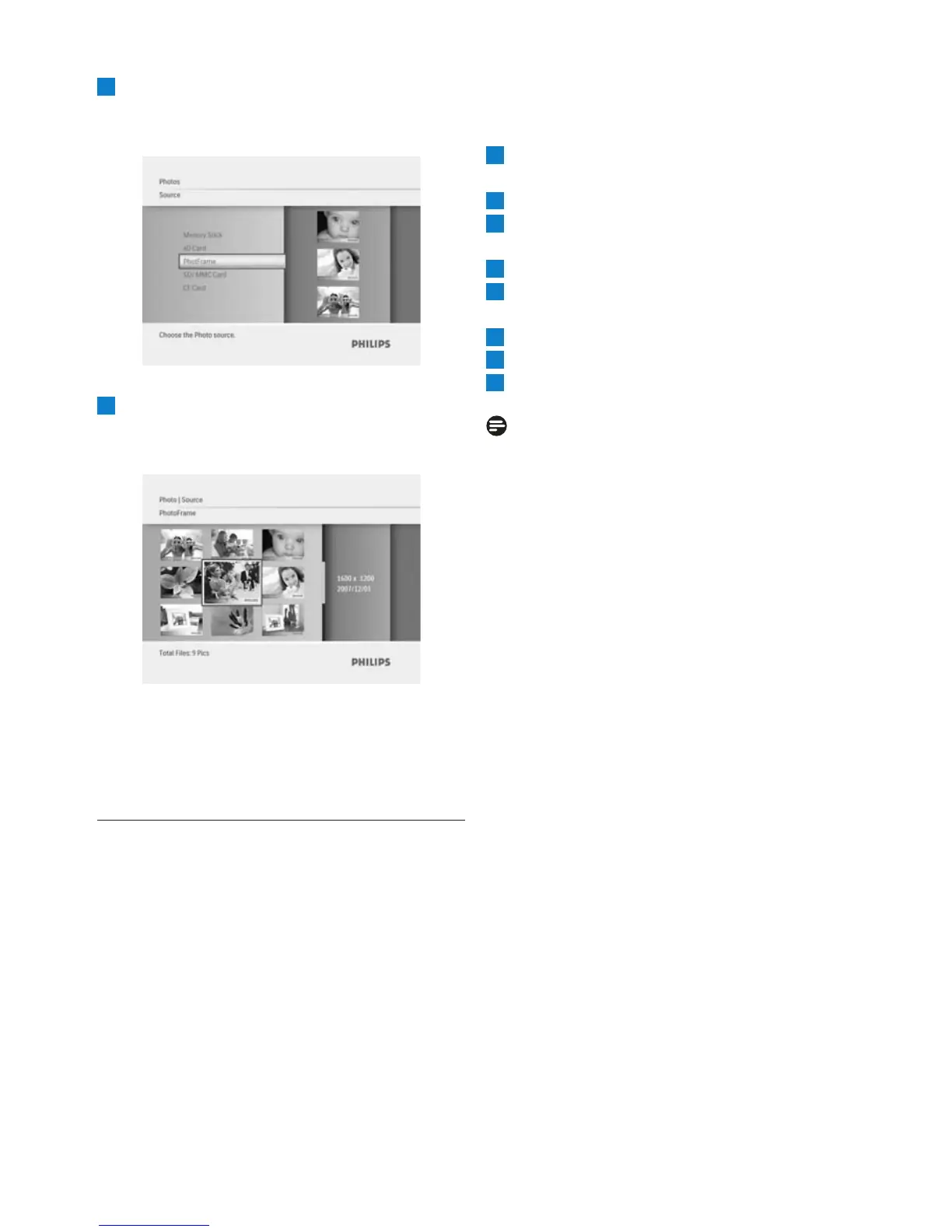
• Navigate Down to select the photo
source to browse.
• Press Play/OK to access the source.
3
• Navigate Left, Right, Up and Down
to move between photos and see a larger
version of the image.
menu and press again to start playing the
slideshow.
4.3 Copy Photos
When connected to a PC the PhotoFrame is
treated as a mass storage device. From the
computer, JPEG images can be copied to a
memory card inserted into the PhotoFrame.
4.3.1
PhotoFrame
1
Insert a
Photoframe
2
3
source.
4
Go to thumbnail mode to select a photo.
5
Press Menu to access the menu options for
photo editing.
6
Select Copy to
7
Select PhotoFrame
8
Press Play/OK
Note:
PhotoFrame has very limited storage space
available. It only stores 1-3 photos
Using yout PhotoFrame
12
memory card into the
Press the Mode button to lea
ve this
Copy from a Memory Card to your
Press Mode to go to the .
Main Menu
Select the and then go to the photo
Photo



 To Next Page