6.
Use this section to setup the PhotoFrame
slideshow squences, transition effects, frequency
of the change of image, collage effects,
background color, brightness levels, display
language, enable the delete function on your
memory card, automatically turn on and off,
check the PhotoFrame status , tilt functions,
turning off the beep sound and turning on and
off the key help screen when first starting the
PhotoFrame
6.1 Slideshow Sequence
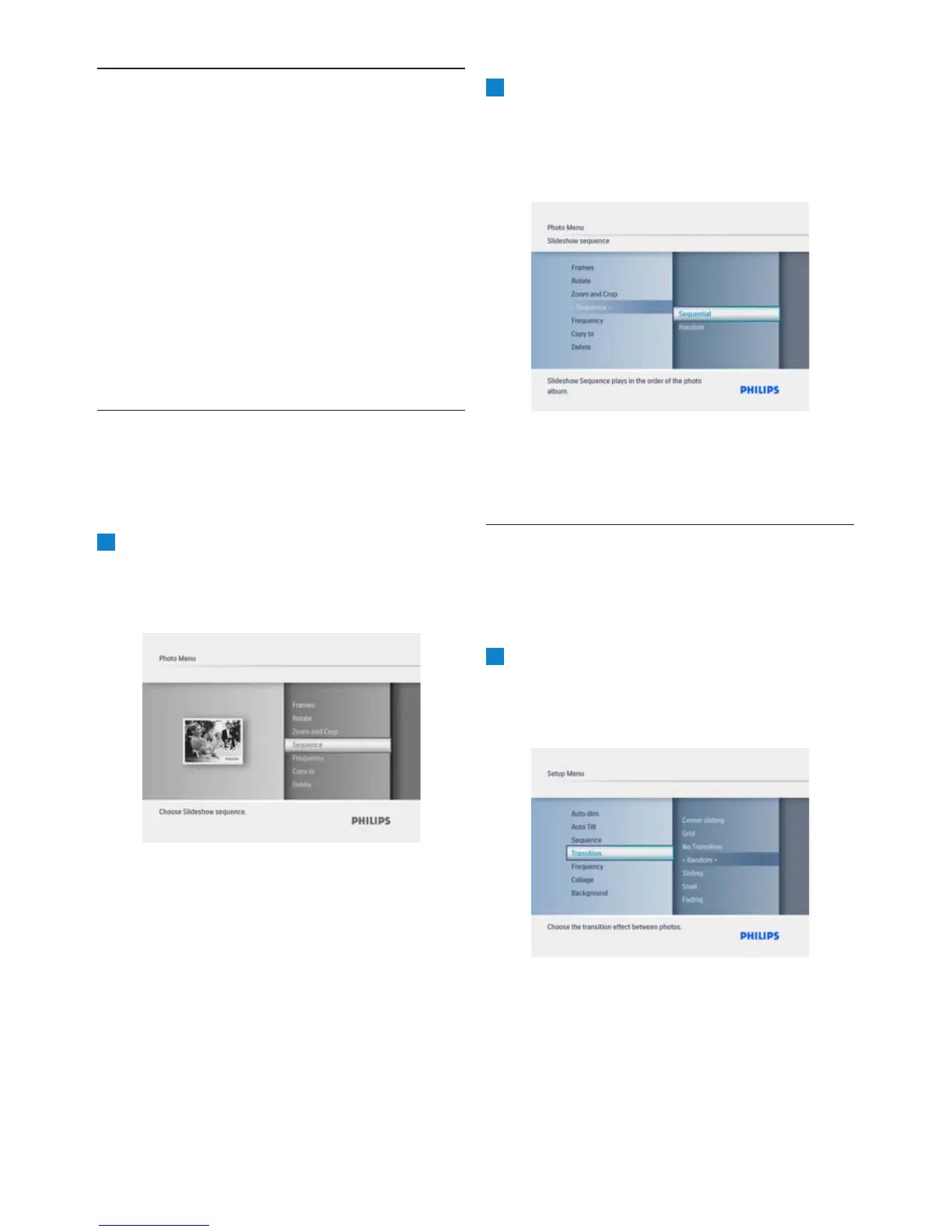
Slideshows can be played in one of two ways
randomly or sequentially.
1
• Press the Mode button to access the
Main Menu.
Play/OK button.
2
navigate Right.
•
Navigate Up and Down to select either
Sequential or Random.
• Press Play/OK to confirm.
Press the Mode button to leave this menu and
play the slideshow.
6.2 Transition Effects
The photos can appear on the screen using
special transitions.
1
• Press the Mode button to access the
Main Menu.
Play/OK button.
18
• Navigate Up to Setup and press the
Settings
Settings
• Navigate Down to access Sequence and
• Navigate Up to and press the
Setup



 To Next Page