Settings
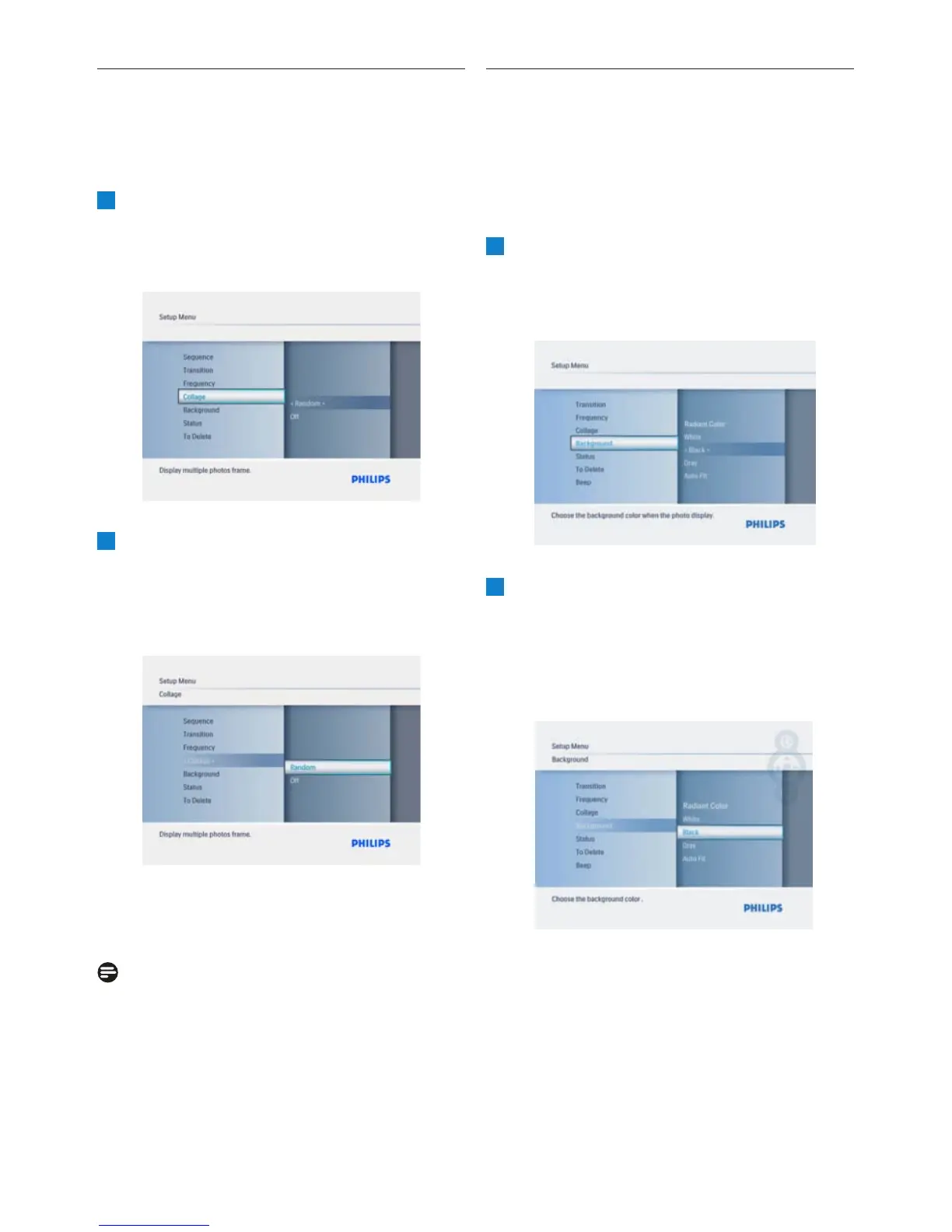
6.4 Collage
To show multiple photos arranged on the screen
at the same time select collage.
1
• Press the Mode button to access the
Main Menu.
Play/OK button.
2
navigate Right.
•
Navigate Up and Down to select Off or
Random.
•
Press Play/OK to confirm.
Press the Mode button to leave this menu
and play the slideshow.
Note:
If you select random the PhotoFrame will
randomly use different collage layouts.
6.5 Background Color
Use this function to select the background
border color for photos that are smaller than
the PhotoFrame display (these photos appear
with black borders).
1
• Press the Mode button to access the
Main Menu.
Play/OK button.
2
• Navigate Down to access Background
and navigate Right.
•
Navigate Up and Down to select White,
Color.
•
Press Play/OK to confirm.
Press the Mode button to leave this menu
and play the slideshow.
20
Black, Gray, AutoFit or Radiant
• Navigate Down to access Collage and
• Navigate Up to
Setup
and press the
• Navigate Up to
Setup
and press the



 To Next Page