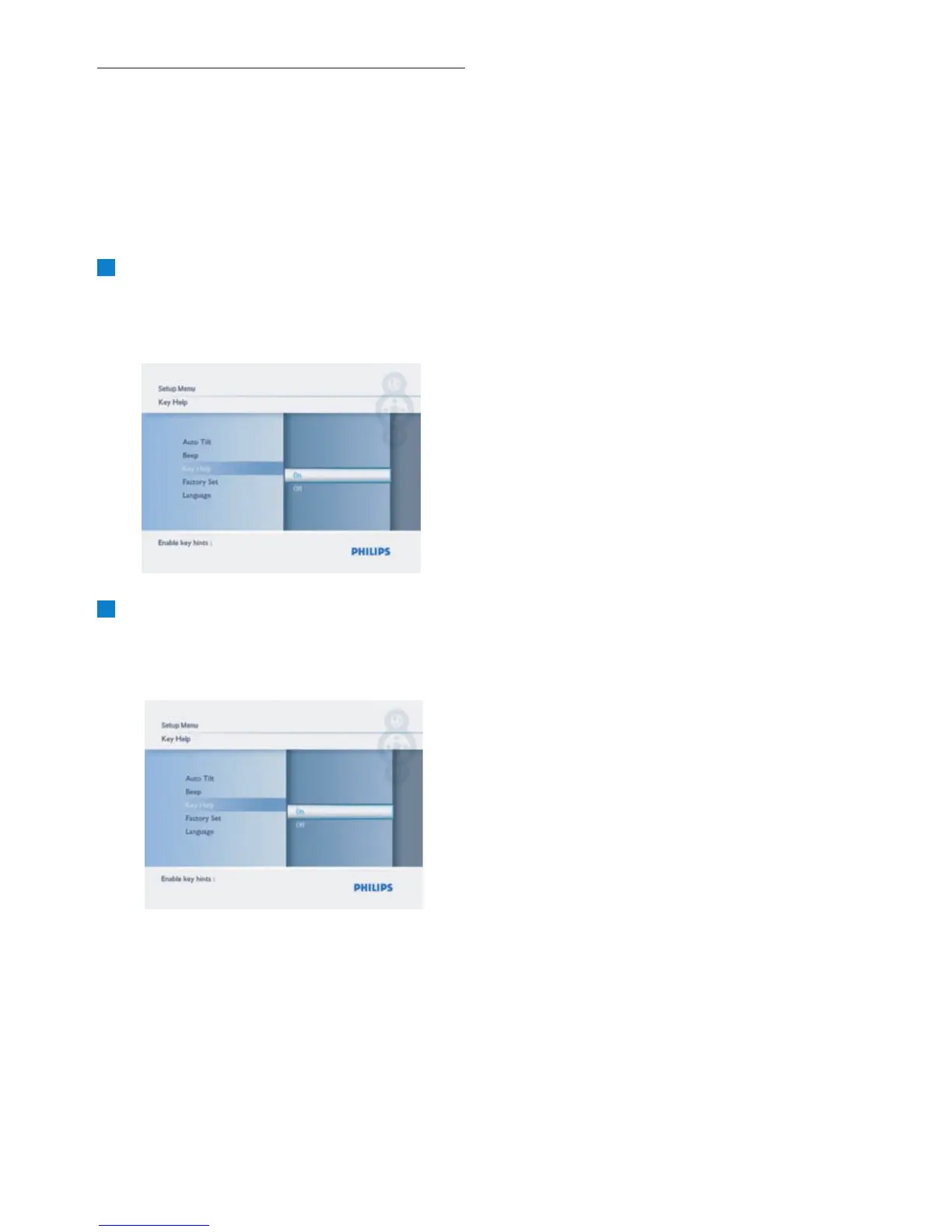
6.13 Key Help
When the PhotoFrame first starts a description
seconds or until the press of any of the buttons.
If you would like to turn this function off follow
the instructions below.
1
• Press the Mode button to access the
Main Menu.
press Play/OK.
2
• Navigate Down to go to Key Help.
•
Navigate Right to go to On or Off.
• Navigate Down and press Play/OK to
confirm the selection.
Press the Mode button to leave this menu
and play the slideshow.
Settings
26
of the control buttons is displayed for 15
• Navigate Down to highlight Setup and



 To Next Page