4.4 Delete Photos using the
PhotoFrame
If you need to free up space on a memory card
you can delete photos.
1
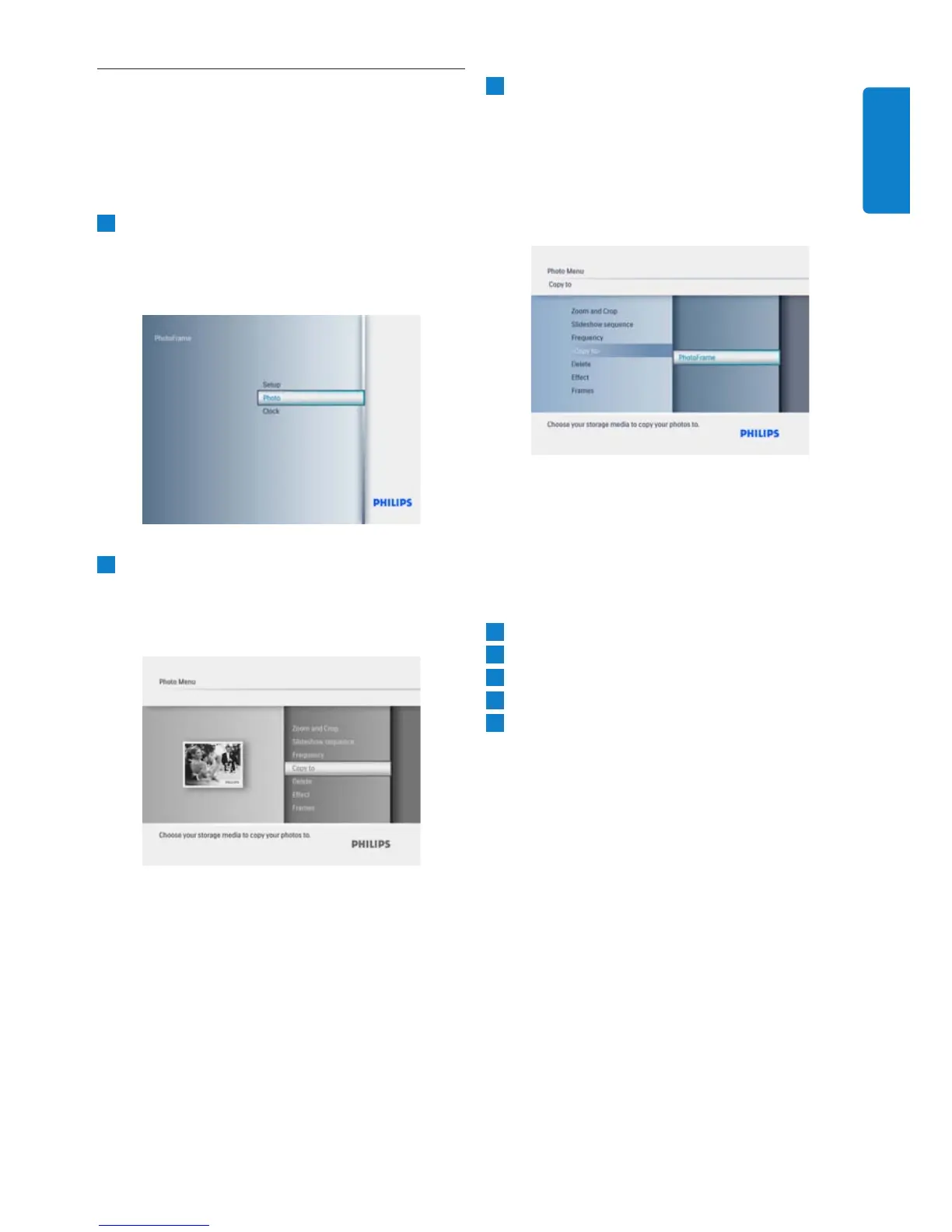
• Press the Mode button to access the
• Navigate Up to Photo and press the
Play/OK button.
2
• Navigate Down to select the media to
browse and press Play/OK.
•
Press the Up, Down, Left or Right keys
to find the image you want to delete.
3
• Press Play/OK
•
Navigate Up or Down to Yes or No.
Press Play/OK.
•
Navigate Right to Yes to confirm the
deletion and press Play/OK.
Press the Mode button to leave this menu
and play the slideshow.
The delete function is disabled when you first
use your Photoframe. To enable the delete
function:
1
Press Mode to go to Main Menu.
2
3
4
Press Play/OK to go to the option list.
5
Select Play/OK.
Using yout PhotoFrame



 To Next Page