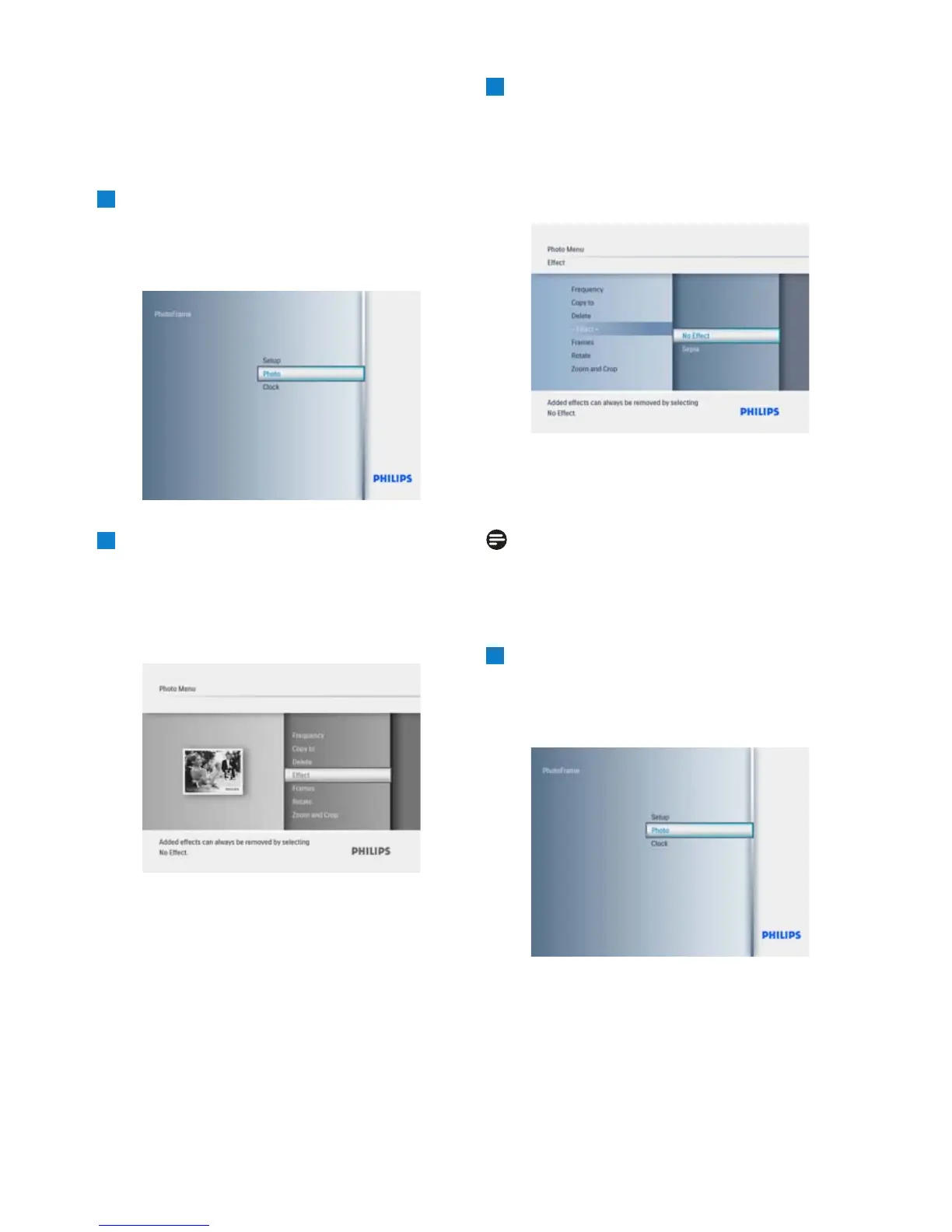
5.2.2 Photo Effects
This section describes how to apply the Sepia
photo effect to your photos.
1
• Press the Mode button to access the
Main Menu.
• Navigate Up to Photo and press the Play/
OK
button.
2
• Navigate Down to select the media to
browse and press Play/OK.
• Press the Up, Down, Left or Right keys
to find the image you want to apply an
effect to.
3
• Press the Menu button and navigate Up
to Photo Effects.
•
Press Play/OK or navigate Right.
•
Navigate Up or Down to the required
effect. Press Play/OK to confirm and
return to the thumbnail images.
Press the Mode button to leave this menu
and play the slideshow.
Note:
5.2.3 Frames
1
• Press the Mode button to access the
Main Menu.
• Navigate Up to Photo and press the Play/
OK
button.
Using more of your PhotoFrame
16
Effects can be removed by selecting “No effect”.



 To Next Page