4 EN
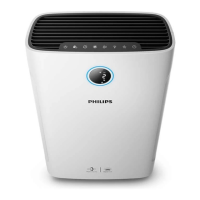
Controlsoverview
Control buttons
Filter reset/Check lter status button Power on/o button
Display switch Mode switch button
Humidity setting button Light/Child lock button
Display panel
Wi-Fi indicator Indoor Allergen Index (IAI)
PM2.5 display Current humidity display
Filter cleaning alert Filter replacement alert
Child lock indicator Auto mode
Fan speed 1 Fan speed 2
Turbo mode Sleep mode
Water rell alert 2-in-1 mode



 To Next Page