11EN
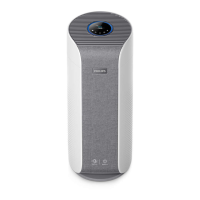
Cleaning the body of the air purier
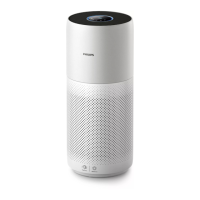
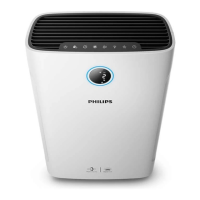
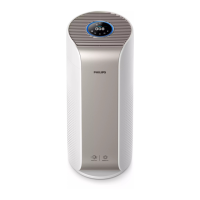
Regularly clean the inside and outside of the air purier to prevent dust from
collecting.
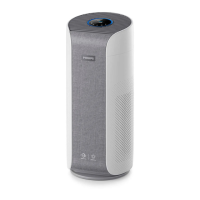
1 Wipe the fabric surface gently with a damp cloth (For AC3858 only).
2 Use a soft, dry cloth to clean both the interior and exterior of the air
purier and the air outlet.
Note:
• The fabric covered on the appliance can not be removed.
• Do not use hot water, alcohol, harsh cleaners to clean the fabric.
Cleaning the particle sensor
Clean the particle sensor every 2 months for optimal functioning of the appliance.
Note:
• If the air purier is used in a dusty environment, it may need to be cleaned
more often.
• If the humidity level in the room is very high, condensation may develop
on the particle sensor and the air quality light may indicate a more poor air
quality even though the air quality is actually good. If this occurs, clean the
particle sensor.
• The gas sensor doesn't need to be cleaned.
1 Switch o the air purier and unplug from the power socket.
2 Pull the back cover and remove it from the appliance (g c).
3 Clean the particle sensor with a damp cotton swab (g r).
4 Dry all parts thoroughly with a dry cotton swab.
5 Reattach the back cover (g g).
Cleaning the surface of the lter (Fig s)
Filter alert light status Action
The lter cleaning alert
displays on the screen.
Clean the surface of the lter with a vacuum.
1 Switch o the air purier and unplug from the power socket.
2 Pull the back cover and remove it from the appliance (g c).
3 Pull the lter from the appliance (g t).
4 Clean the surface of the lter with a vacuum (g u).


 To Next Page
 Loading...