6 EN
3 Getting started
Installing the lter
Remove all packaging of the lter before rst use.
Note: Make sure the air purier is unplugged from the electrical outlet before
installing the lter.
1 Pull the back cover and remove it from the appliance (g c).
2 Pull the lter from the appliance (g d).
3 Remove all packaging materials of the air purication lter (g e).
4 Put the lter back into the appliance (g f).
5 Reattach the back cover (g g).
Understanding Wi-Fi indicator
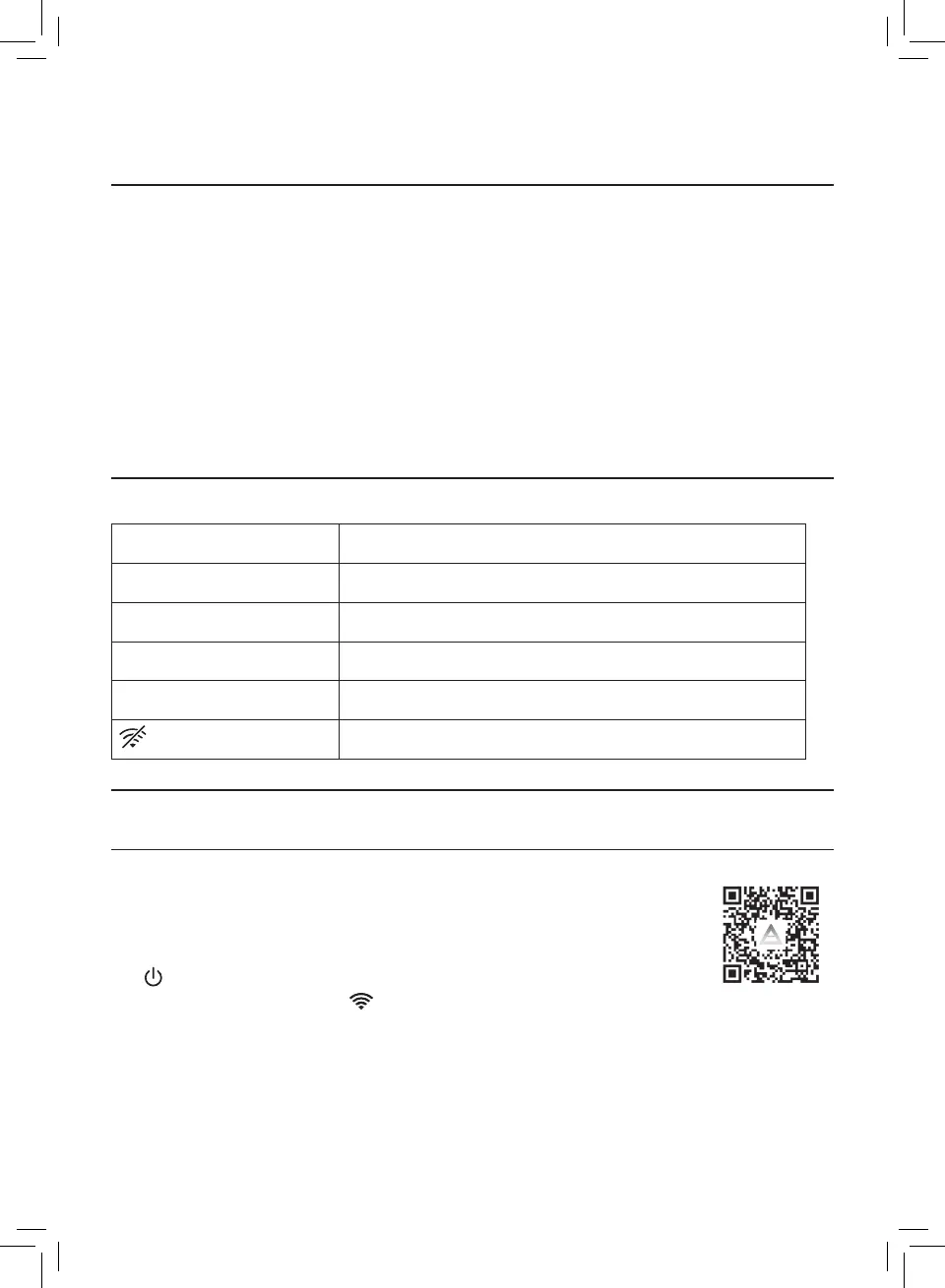
Wi-Fi icon status Wi-Fi connection status
Blink in orange Connecting to the smartphone
Stable in orange Connected to the smartphone
Blink in white Connecting to the server
Stable in white Connected to the server
Wi-Fi function disabled
Wi-Fi connection
Setting up the Wi-Fi connection for the rst time
1 Download and install the "Air Matters" app from the App
Store or Google Play.
2 Put the plug of the air purier in the power socket and touch
to turn on the air purier.
» The Wi-Fi indicator blinks orange for the rst time.
3 Make sure that your smartphone or tablet is successfully connected to
your Wi-Fi network.
4 Launch the "Air Matters" app. Follow the onscreen instructions to connect
the air purier to your network.


 To Next Page