14
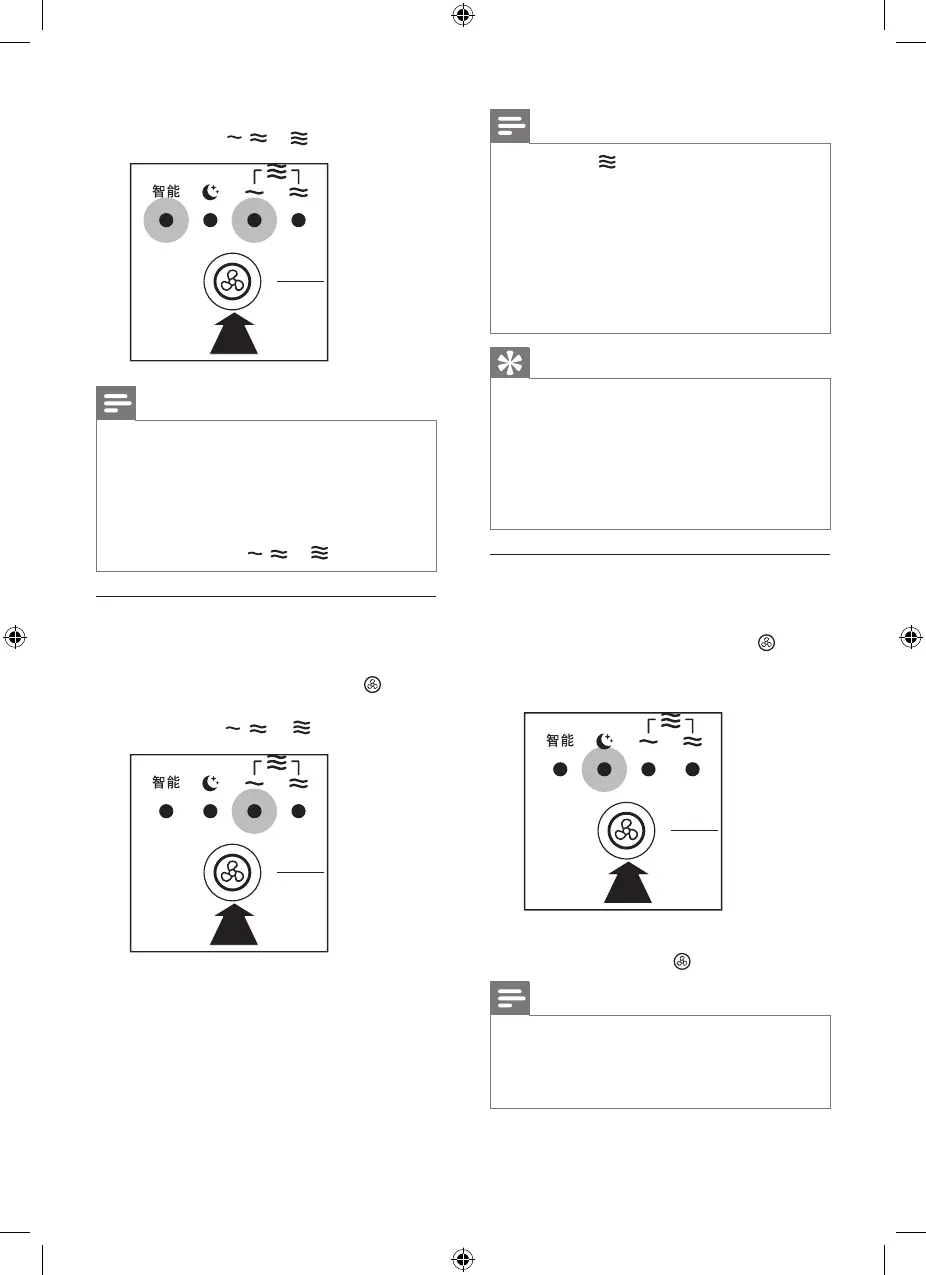
• AUTO and one of the fan speed
indicators ( , or ) light up.
Note
• In AUTO mode, when the air quality
reaches the target (air purification only
mode), or when the air quality and
humidity reach the target simultaneously
(combi mode), the appliance will work
with a lower fan speed, and the fan
speed indicator ( , or ) goes out.
Manual
You can mannually select the desired
fan speed.
• Press the fan speed button once
or more times to select the desired
fan speed ( , or ).
Note
• Fan speed is available for AC4081
only.
• In Manual mode, when the air quality
reaches the target (air purification only
mode), or when the air quality and
humidity reach the target simultaneously
(combi mode), the appliance will
continue to work with the selected fan
speed.
Tip
• If the air quality light is in blue color, this
means the air quality is good, and you
can select a lower fan speed.
• On the other hand, if the air quality light
is in red or purple color, this means the
air quality is bad or fair. You can select a
higher fan speed to clean the air quickly.
Sleep mode
In sleep mode, the appliance operates
very quietly.
• Press the fan speed button to
select the sleep mode.
» The sleep indicator lights up.
To change to another fan speed, press
the fan speed button .
Note
• When the appliance switches to sleep
mode, the indicators goes out after
1 minute, and the appliance keeps
working.


 To Next Page