18
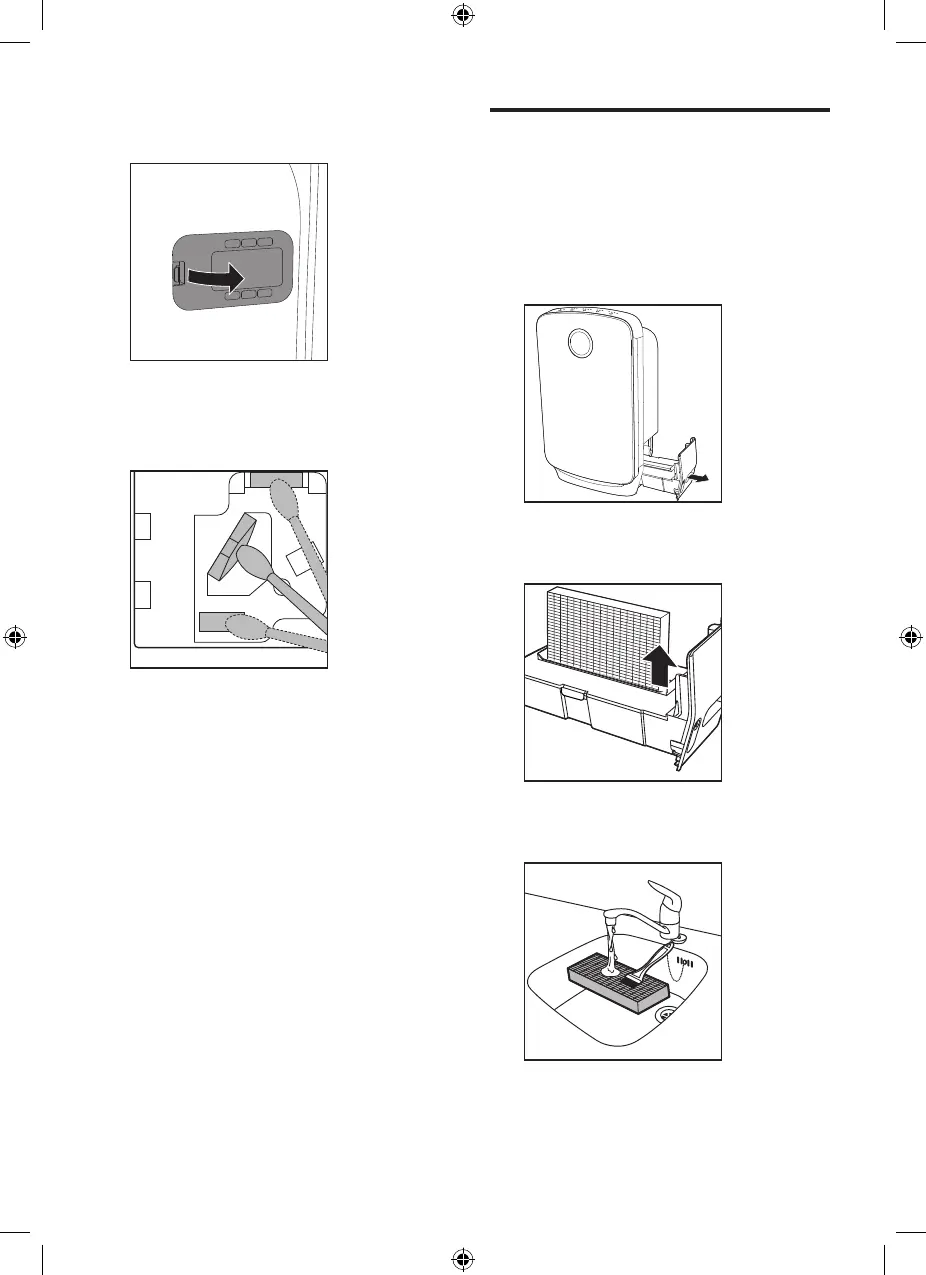
2 Remove the cover of the air quality
sensor.
3 Clean the sensor, the dust inlet
and the dust outlet with a lightly
moistened cotton swab.
4 Dry them with a dry cotton swab.
5 Reattach the sensor cover.
Clean the water tank and
humidification filter
Clean the water tank and humidification
filter every week to keep them hygienic.
1 Pull the water tank from the side of
the appliance.
2 Remove the humidification filter
from the water tank.
3 Rinse the humidification filter under
a running tap.


 To Next Page