23
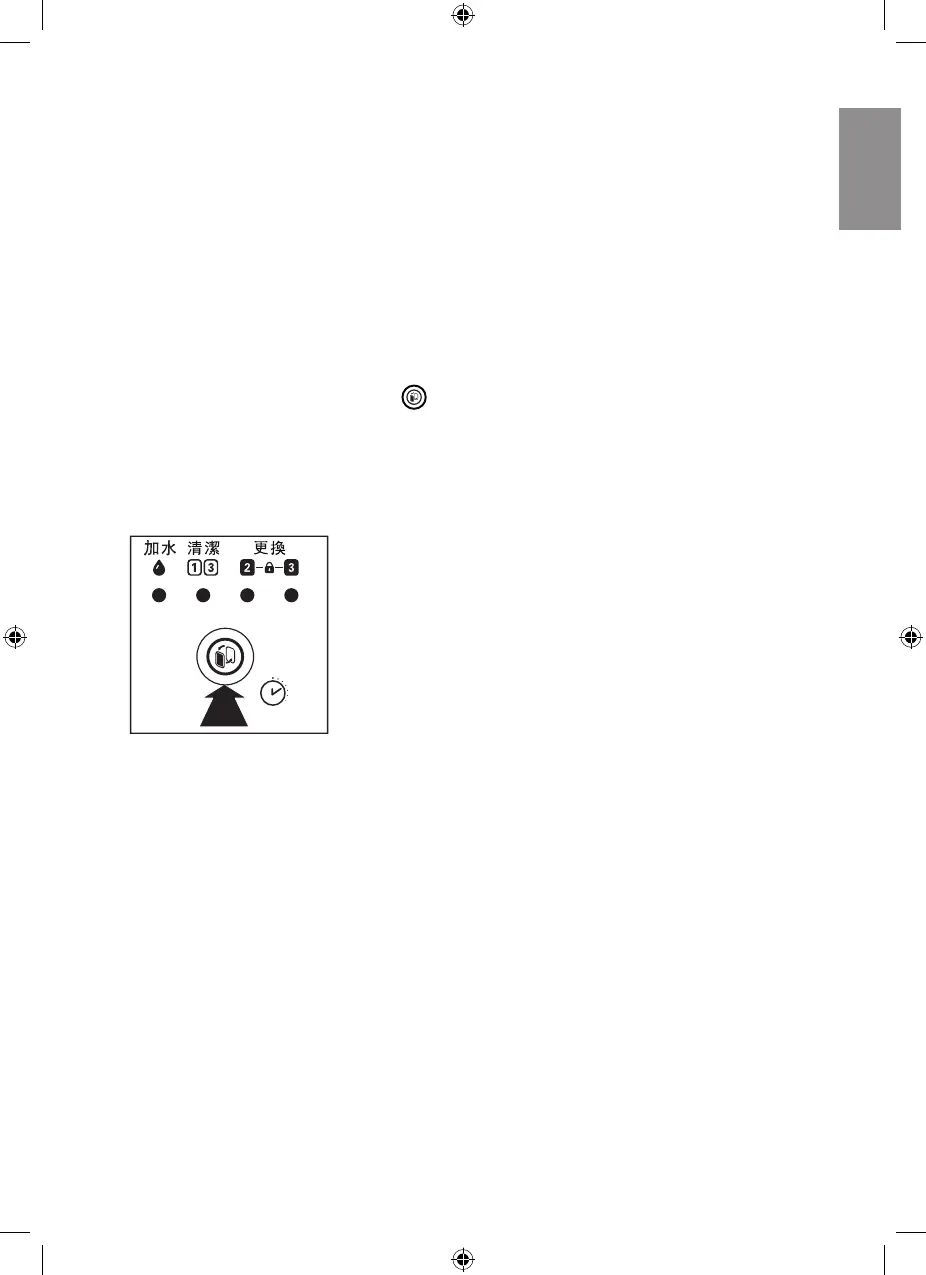
7 Resetting the
filter lifetime
counter
When you replace the filters, it is
important that you also reset the filter
lifetime counter afterwards. This allows
the appliance to be in sync with the
filter lifetime.
1 Press and hold the reset button
for 3 seconds, the filter light goes
out, and the appliance resumes
work automatically in the default
settings (combi mode with AUTO as
the fan speed).
3”


 To Next Page