5EN
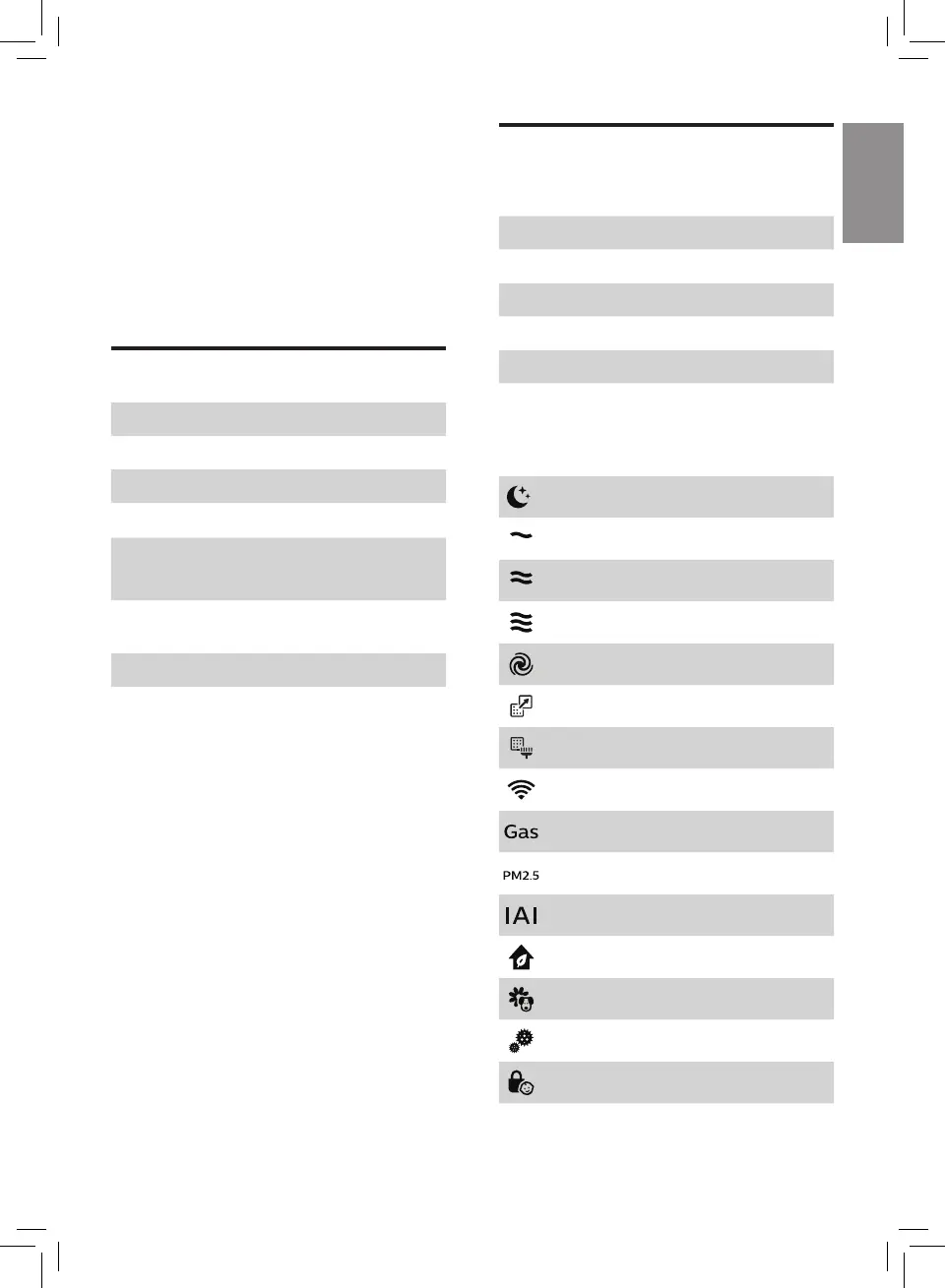
Controls overview (g.b)
Control buttons
I Power on/off button
J Light on/off button
K Auto mode button
L Fan speed button
M Child lock button
N Reset button
Display panel:
Sleep mode
Speed 1
Speed 2
Speed 3
Turbo mode
Filter replacement alert
Pre-filter cleaning alert
Wi-Fi indicator
Gas display
PM2.5 display
Indoor Allergen Index display
General mode
Allergen mode
Bacteria & Virus mode
Child lock indicator
2 Your air purifier
Congratulations on your purchase, and
welcome to Philips!
To fully benefit from the support that
Philips offers, register your product at
www.philips.com/welcome.
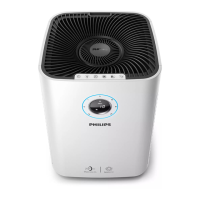
Product overview (g.a)
A Control buttons
B Air outlet cover
C Air quality sensor
D Display panel
E
NanoProtect filter HEPA Series 3
(FY5185)
F
NanoProtect filter Active Carbon
(FY5182)
G Pre-filter
H Side covers


 To Next Page