35EN
Changing the Auto mode
setting
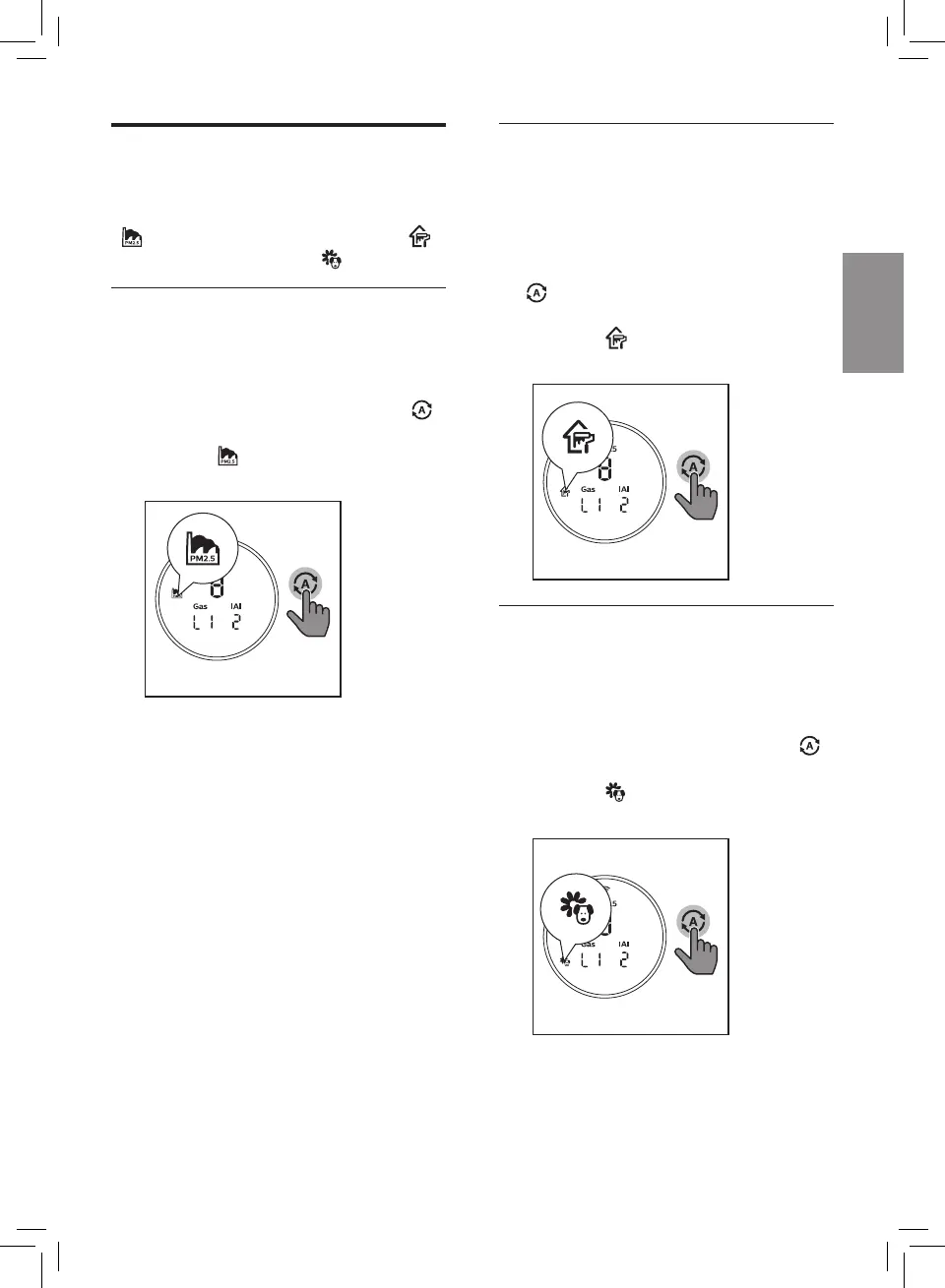
You can choose the Pollution mode
( ), the Formaldehyde mode ( )
or the Allergen mode ( ).
Pollution mode
The specially designed pollution
mode can eectively remove
airborne pollutants such as PM2.5.
• Touch the Auto mode button
to select Pollution mode .
» The icon displays on the
screen.
Formaldehyde mode
The unique Formaldehyde mode
is designed to quickly remove your
indoor formaldehyde and maintain
it at safe level.
• Touch the Auto mode button
to select the Formaldehyde
mode.
» The icon displays on the
screen.
Allergen mode
The extra-sensitive allergen mode
is designed to react to even a small
change in allergen levels in the
surrounding air.
• Touch the Auto mode button
to select Allergen mode.
» The icon displays on the
screen.


 To Next Page