36 EN
Changing the fan speed
In addition to the Auto modes, there
are several fan speeds available.
When using the manual fan speed
settings, the air purier will still
monitor the air quality, but it will
not automatically adjust the fan
speed if it detects changes in the air
quality.
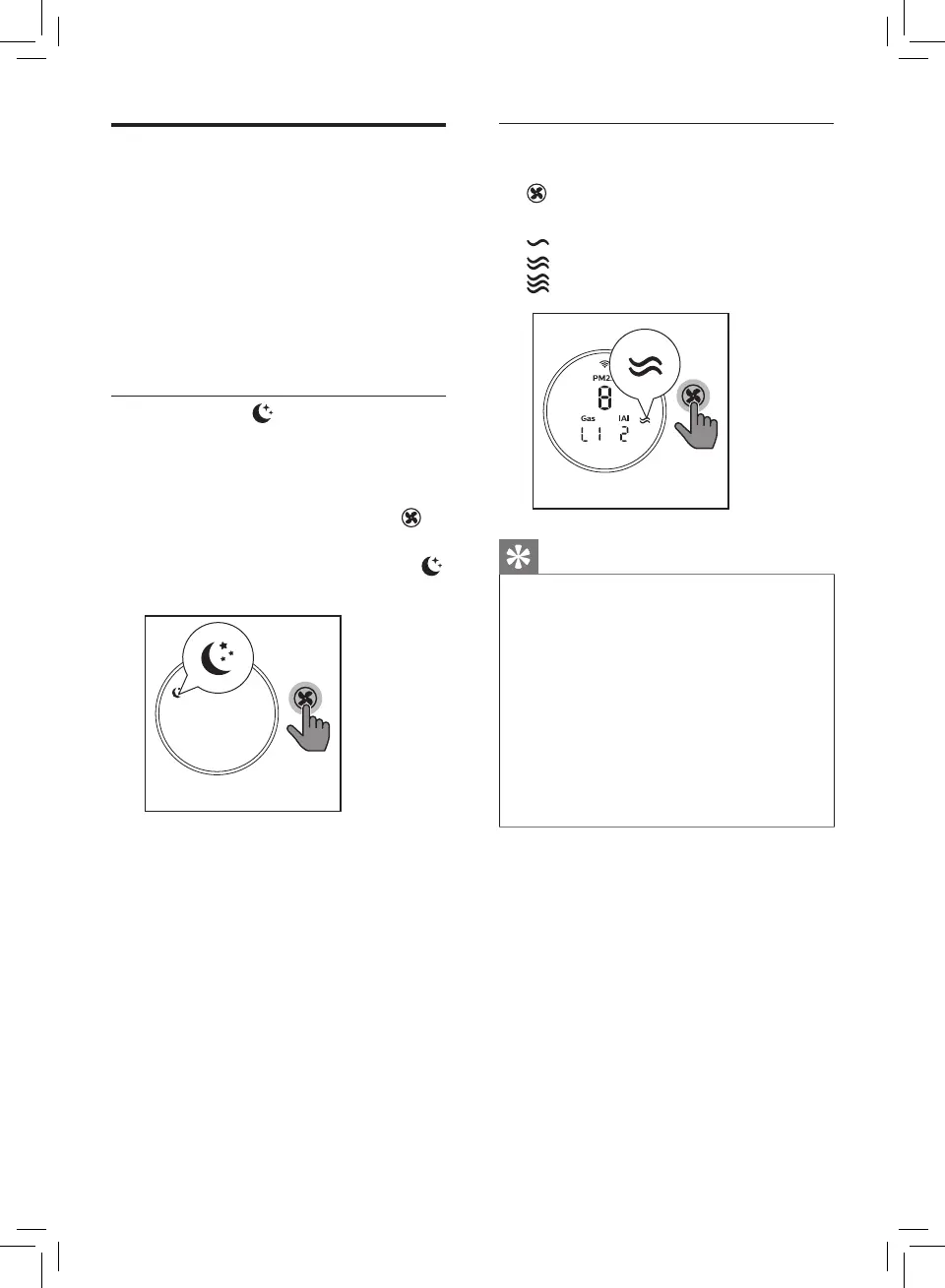
Sleep mode ( )
In sleep mode, the air purier
operates quietly at a very low
speed.
• Touch the fan speed button to
select the sleep mode.
» The sleep mode indicator
goes on.
Manual
• Touch the fan speed button
repeatedly to select the fan
speed you need:
(Speed 1)
(Speed 2)
(Speed 3)
Tip
• If the air quality ring lights up
blue, it indicates that the air
quality is good, and you can
select a lower fan speed. On
the other hand, if the air quality
ring lights up purple-red or red,
it indicates that the air quality is
unhealthy, and you can select a
higher fan speed to purify the air
more quickly.


 To Next Page