44 EN
Changing lter type
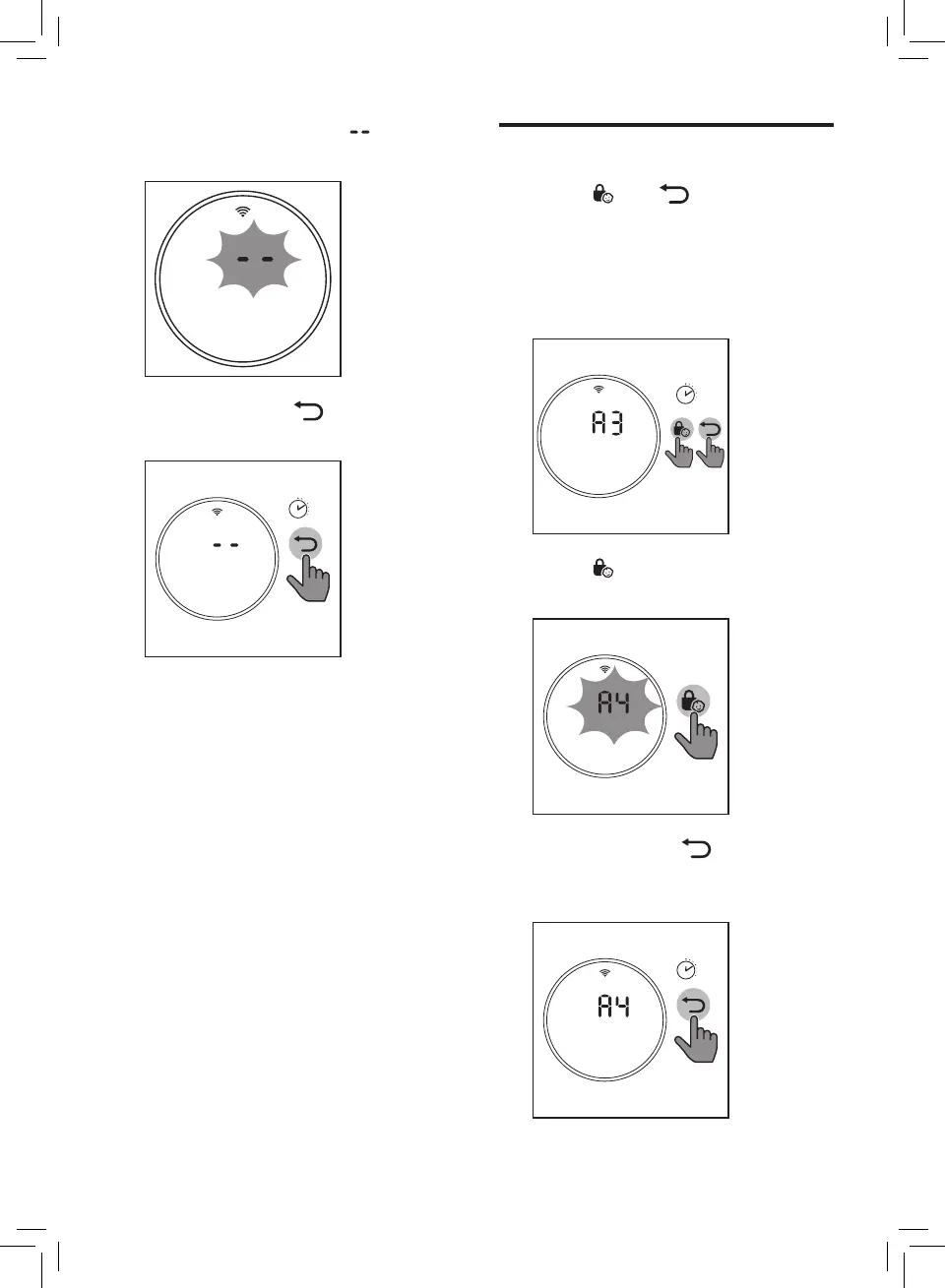
1 Touch and simultaneously
for 3 seconds to enter the lter
type change mode.
» Code (A3) of the
NanoProtect lter Pro S3
displays on the screen.
3’
2 Touch to select lter code of
the new lter you will use.
3 Touch and hold for
3 seconds to conrm the lter
code of the new lter.
3’
3 After the lter is reset, displays
on the screen.
4 Touch and hold for 3 seconds
to exit the lter reset mode.
3’


 To Next Page