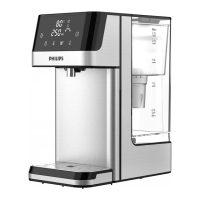
This is a water dispenser. With instant heating technology, it provides hot water with dierent
temperatures within seconds. The chilled water can be down to 8℃ on demand.
Thanks to Philips Micro X-Clean lter, you can always enjoy the crisp and pure tasting water
at home.
2. Parts and features
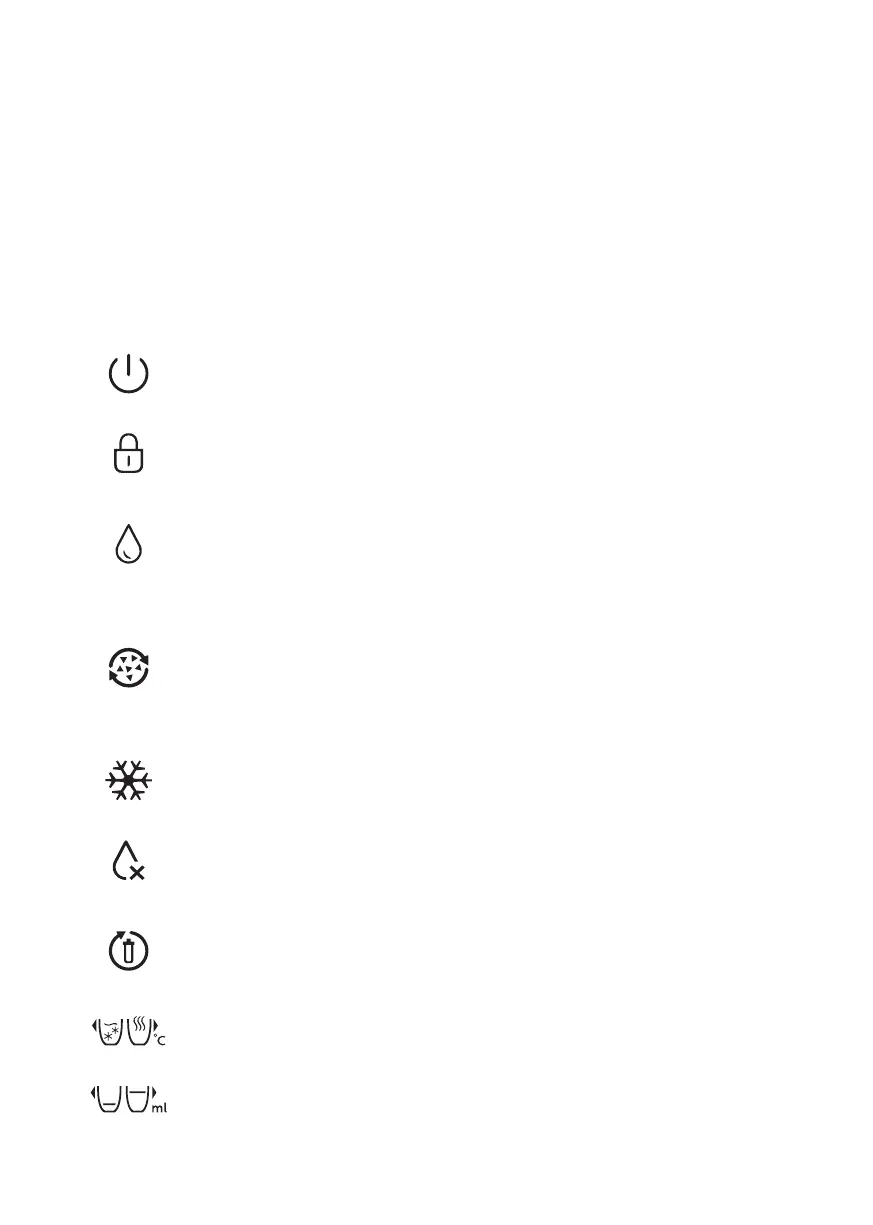
Control panel
On/O Button
Press to activate the appliance. Long press for 3 seconds to deactivate the appliance.
Descale Indicator/Button
Lights up when it is time to descale. Long press for 3 seconds to start the descaling process.
During descaling, press Dispense Button to pause, and press Descale or Dispense Button
to restart.
Note: detailed descale procedure please refer to the instruction in chapter 5. The descale
process cannot be stopped till it is nished.
Dispense Button
Press to start or stop dispensing. Long press for 3 seconds to continuously dispense 1L of
water at the temperature you selected.
Safety Lock
When hot water ≥40℃ is choosen, press to unlock before pressing the dispense button.
Press to lock the appliance.
Filter Lifetime Indicator
Flashes: the lter is about to reach the end of life.
Lights up constantly: the lter reaches the end of life.
Water Shortage Indicator
Flashes when there is not enough water in the water tank. Please ll the water tank.
The light will turn o.
Cooling Indicator
Lights up when the water is being cooled, and turns o when the cooling is done.
Water Volume Selection
Keep pressing one of the buttons to choose through settings.
Water Temperature Selection
Keep pressing one of the buttons to choose through settings.
EN 26


 To Next Page