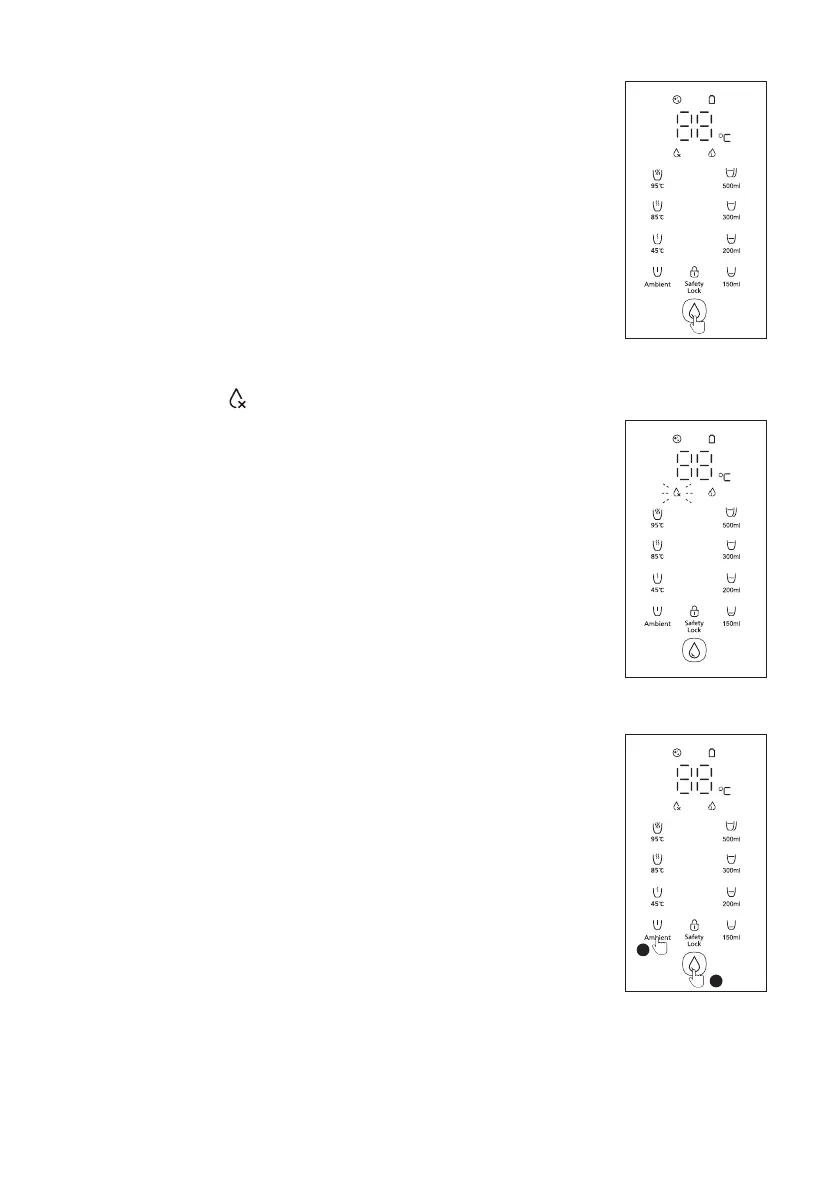
Water extraction
• Select the water temperature and volume, and the display screen will
display the selected water temperature. After pressing the safety lock
(ambient water is automatically unlocked), press the water extraction
Note: When extracting hot water, do not place your hand under the nozzle
to avoid scalding.
Changing water
be changed, which will happen in the following conditions:
•
• The TDS value of the tap
• The water in the tap water tank is not changed within 48 hours.To change
the water in the tap water tank, open the lid of the tap water tank, lift the
with tap water, place it back to the machine and close the lid properly.
Note: Do not add water into the tap water tank without discarding the
drain water.
Winter mode
• When the tap water temperature is lower than 10℃, winter mode can be
set.
• Long press the ambient button for 3 seconds, and then press the water
extraction button to extract 25℃
operation only.
07
3s
1
2



 To Next Page