10
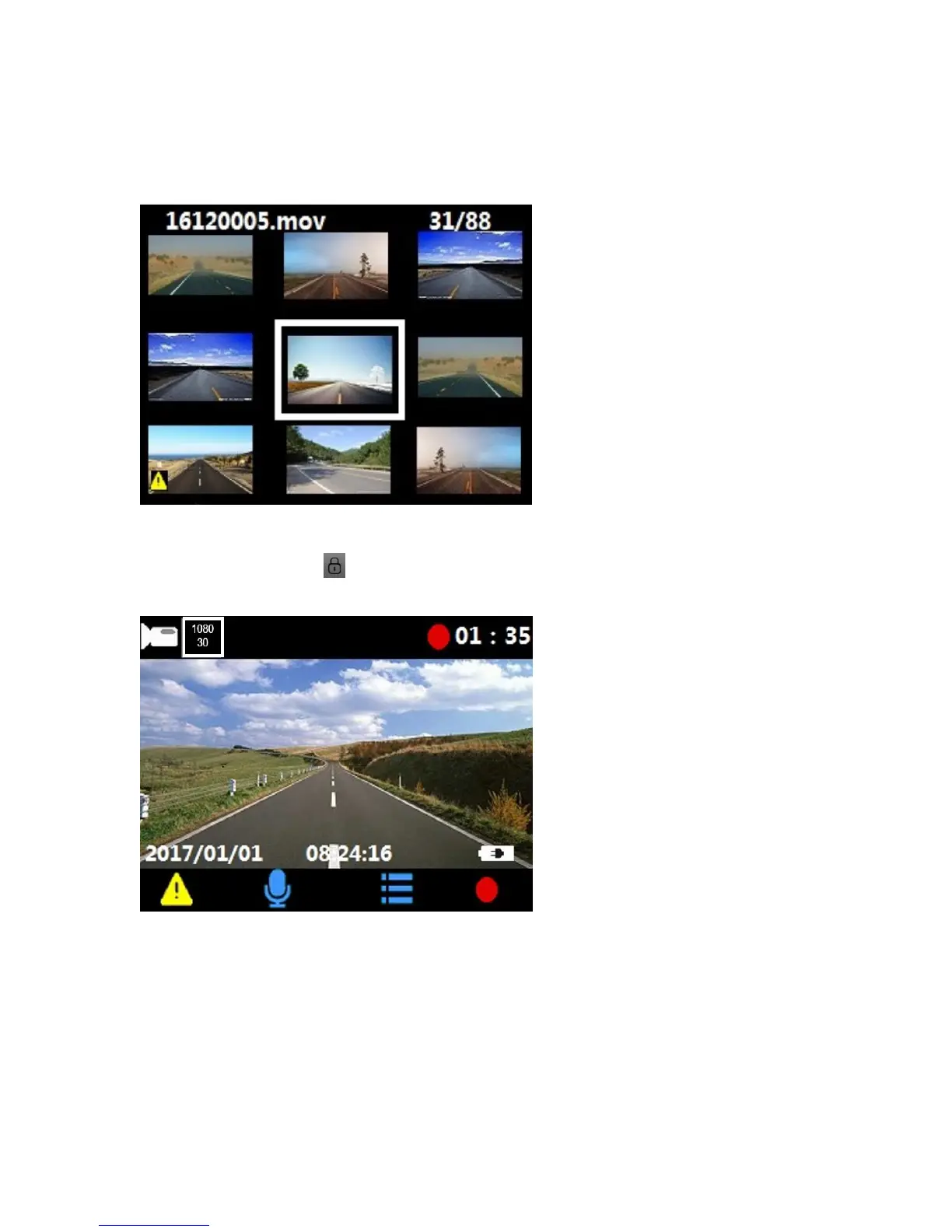
5.2.4 Enter video play mode
Press OK button stop recording, then press up button ▲ enter video play mode, user can press
up button ▲ or down button ▼ to select desired video to play.
5.2.5 Exit video play mode
Press emergency button 3 seconds then release the key, system will exit video play mode
to enter video recording mode.















 To Next Page